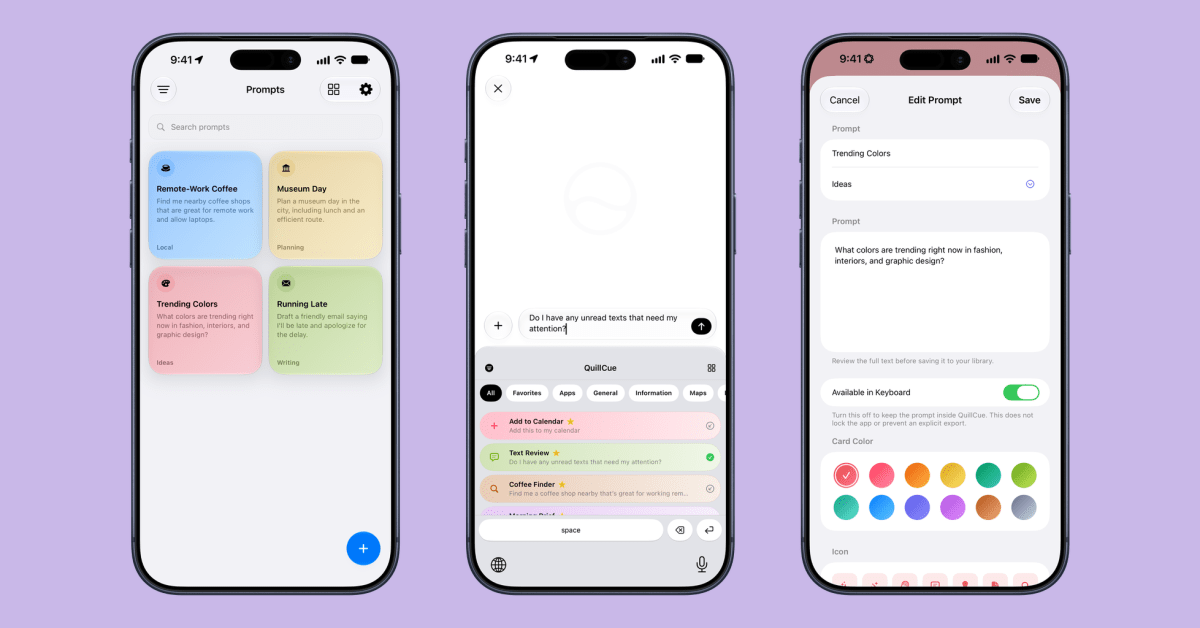
Welcome to Indie App Spotlight, a weekly 9to5Mac series showcasing the latest apps in the indie app world.
iOS 27 debuted to the public almost two weeks ago, with the flagship feature being Siri AI. While Siri AI was revolutionary compared to what existed prior, it still has some shortcomings. QuillCue aims to close one of the gaps by providing a custom keyboard that lets you save prompts for later.
Highlights
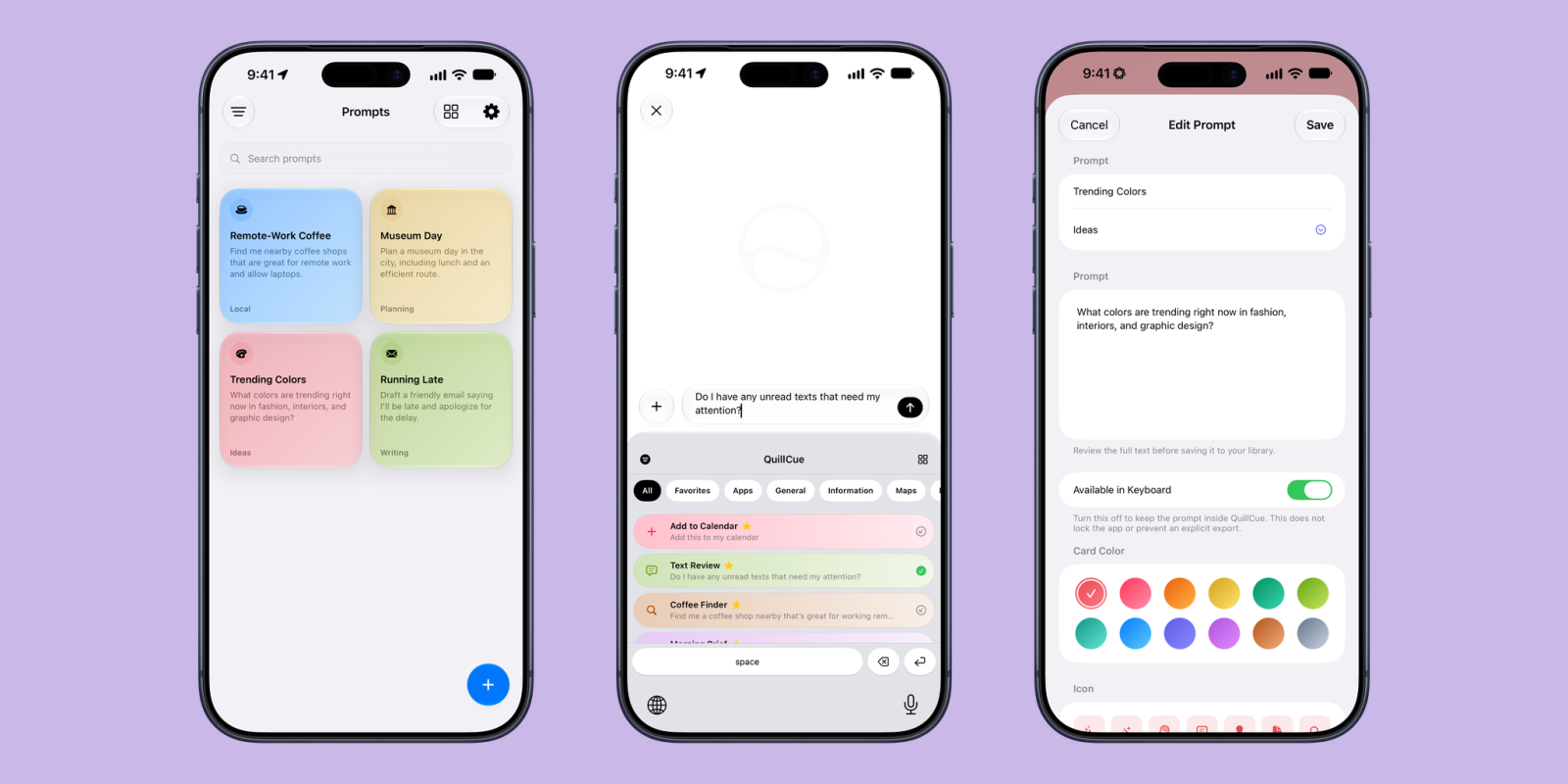
QuillCue is a rather great concept. Using custom keyboards on iOS, it allows you to insert fully prewritten prompts into Siri AI. Just swipe down from the top of your screen, switch over to the custom keyboard, select your prompt, and press enter.
It saves a lot of time if you have Siri questions you ask regularly but don’t want to type out every time. One of the default prompts is finding nearby coffee shops that allow laptops for remote work — since this is location-dependent, it’s always useful to fetch fresh results you might not have known about.
Of course, you can pre-write any prompt that Siri AI can handle. QuillCue just saves you the hassle of having to retype or respeak it every time, making Siri AI considerably easier to use.
If you tend to write lengthy prompts with multiple steps, QuillCue is especially useful, since Siri AI doesn’t currently have a concept of saved skills or the ability to learn from your usage patterns. The app also offers folders for organizing your prompts, and supports importing and exporting prompt libraries — making it easy to share prompts with others or transfer them between devices.
Download the App
QuillCue is available for free on the App Store with no ads and no in-app purchases. You can follow developer Parker Ortolani on X for updates. The app requires an iPhone running iOS 27.0 or later and is currently limited to users in the United States.