Windows 11 is not the most friendly option for an old PC these days, and many will recommend switching to Linux to extend the life of a laptop. But Linux distros aren’t all the same, and while Ubuntu is a popular pick, it’s not without its downsides.
System requirements for Ubuntu have risen a lot over the years, and that’s in big part thanks to the GNOME desktop environment it ships with. That, paired with some of the other problems with GNOME, pushed me to switch to another desktop to make things feel faster. But it wasn’t quite the upgrade I was expecting.
Ubuntu Has Become Bloated
GNOME Is Not Exactly Lightweight
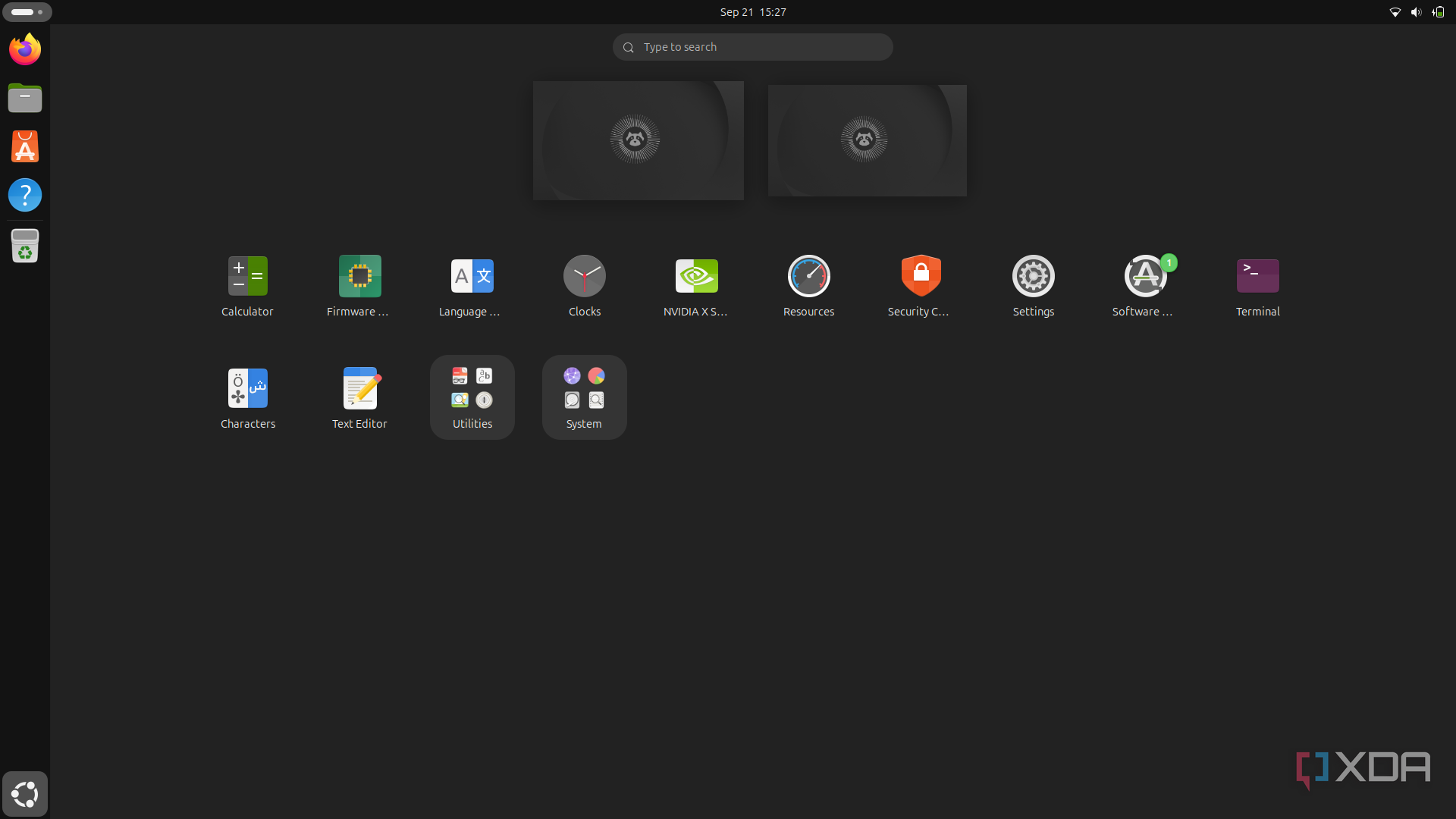
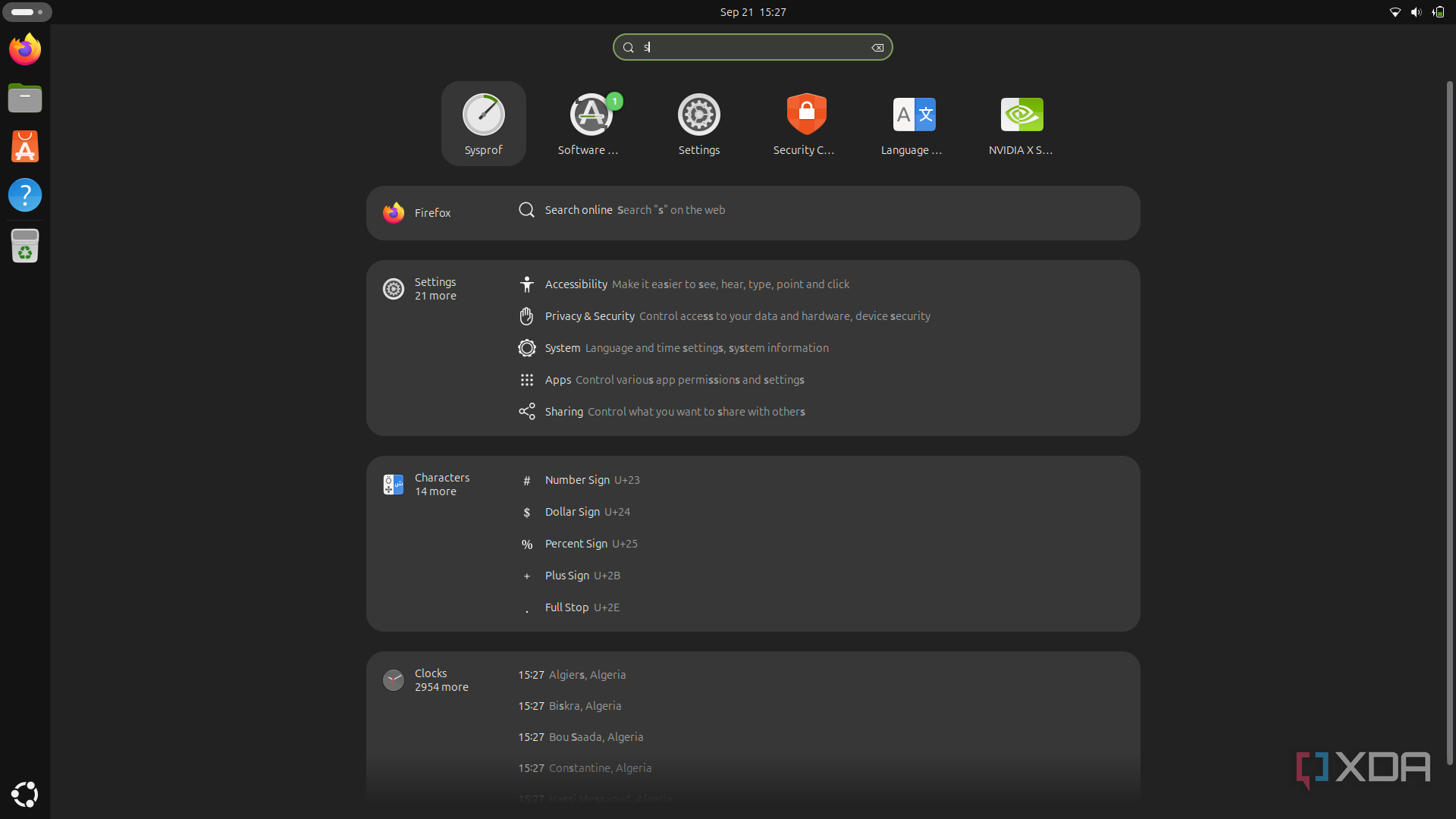
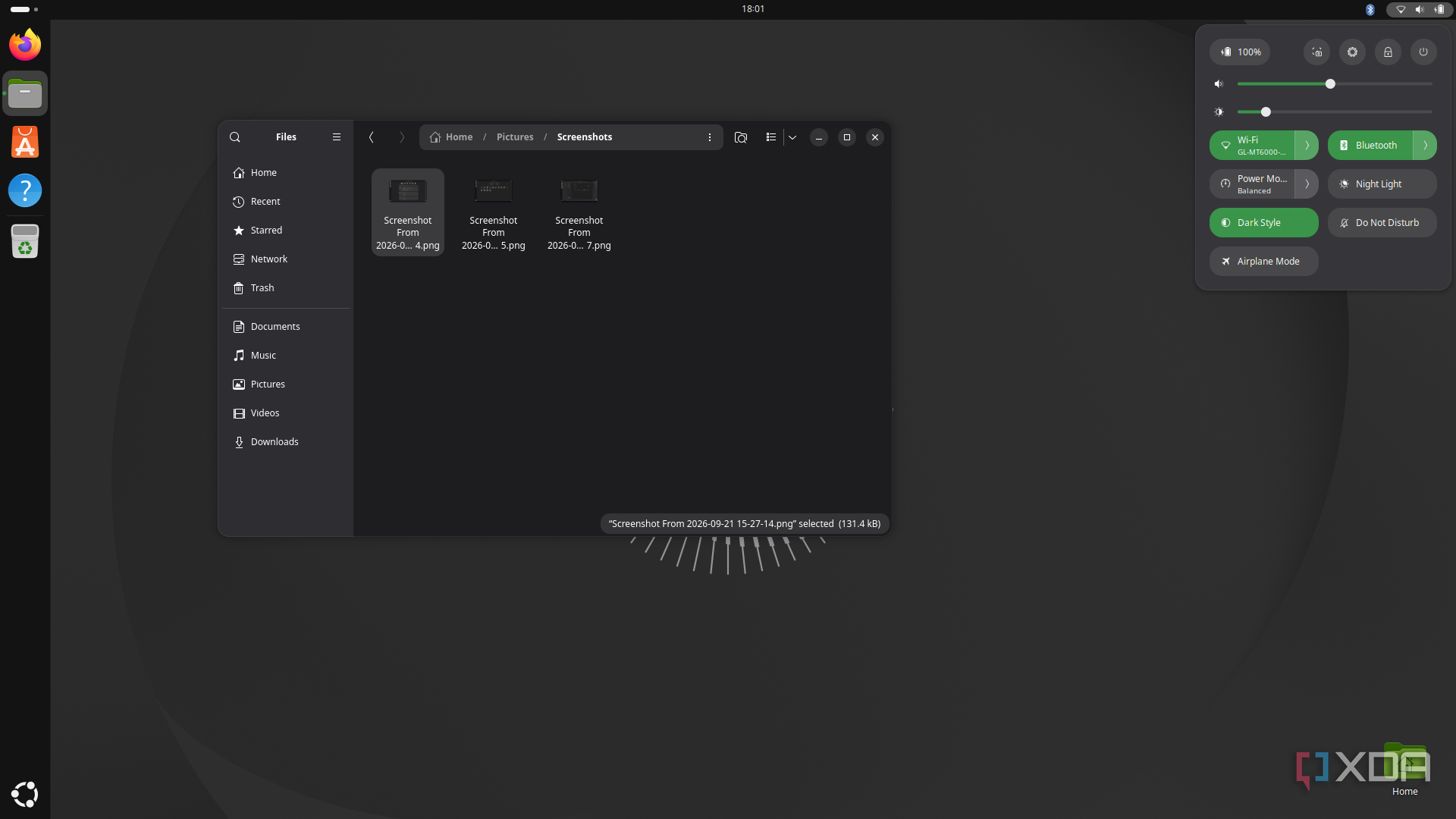
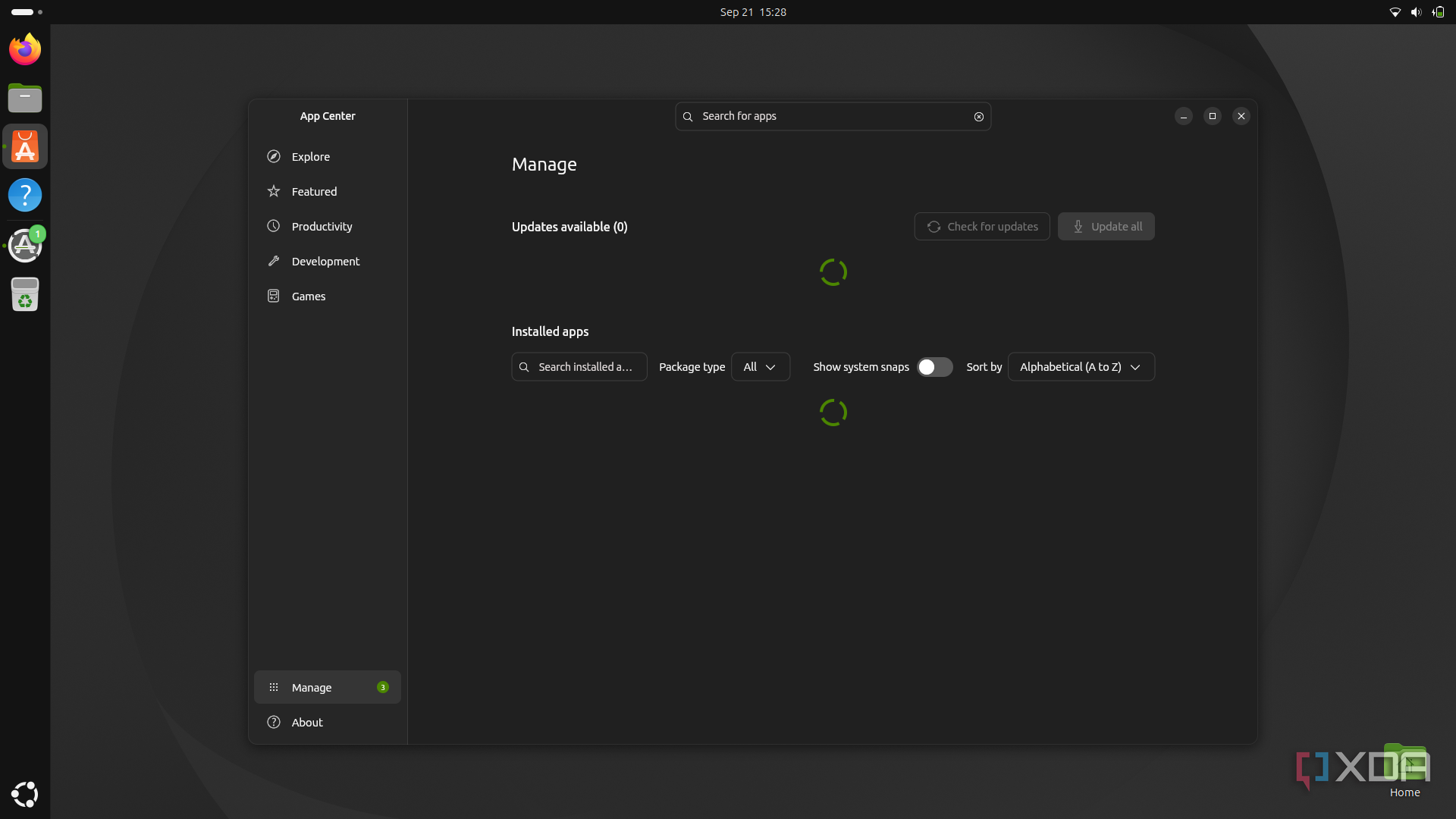
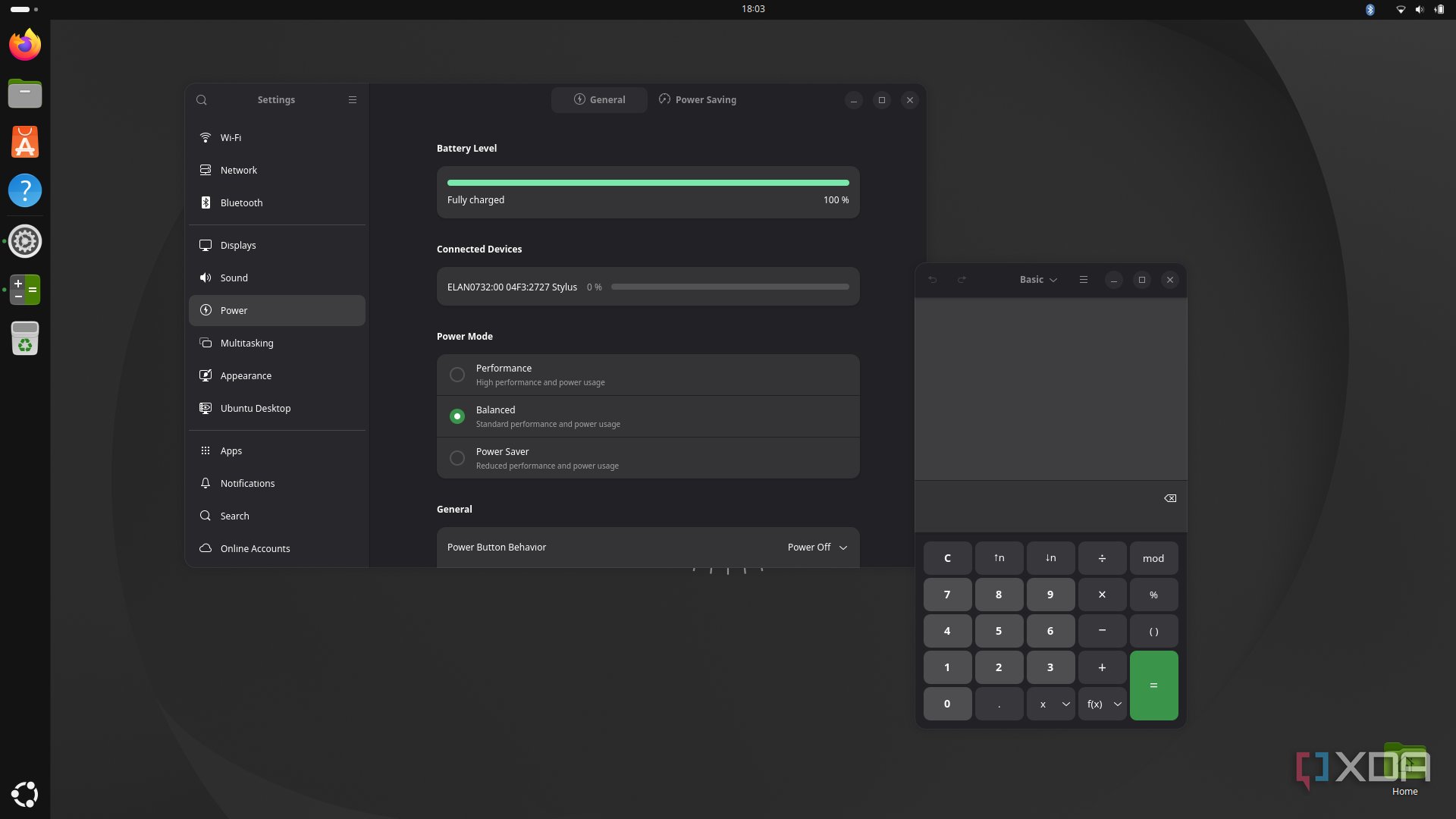
Ubuntu’s GNOME desktop is known primarily for its ease of use, and the fact that it makes it easier for a newcomer to get used to Linux. It has other benefits, of course, with extensive customization options enabled by GNOME extensions, and a generally robust set of software tools bundled in.
However, all of that has come at the cost of performance. Ubuntu now requires at least 6GB of RAM, and on an 8-year-old laptop, things do feel like they could be smoother. This is still a capable laptop with 16GB of RAM, and GNOME is not unusable by any means, but it could use a slight performance bump.
Plus, there are other aspects of GNOME that make things feel slower by nature of being more cumbersome. The full-screen app launcher and search UI feel unwieldy, the unified system menu makes it feel like it takes longer to change certain settings, and the reliance on GNOME extensions for customization is a problem since those extensions can cause stability issues when GNOME gets updated.
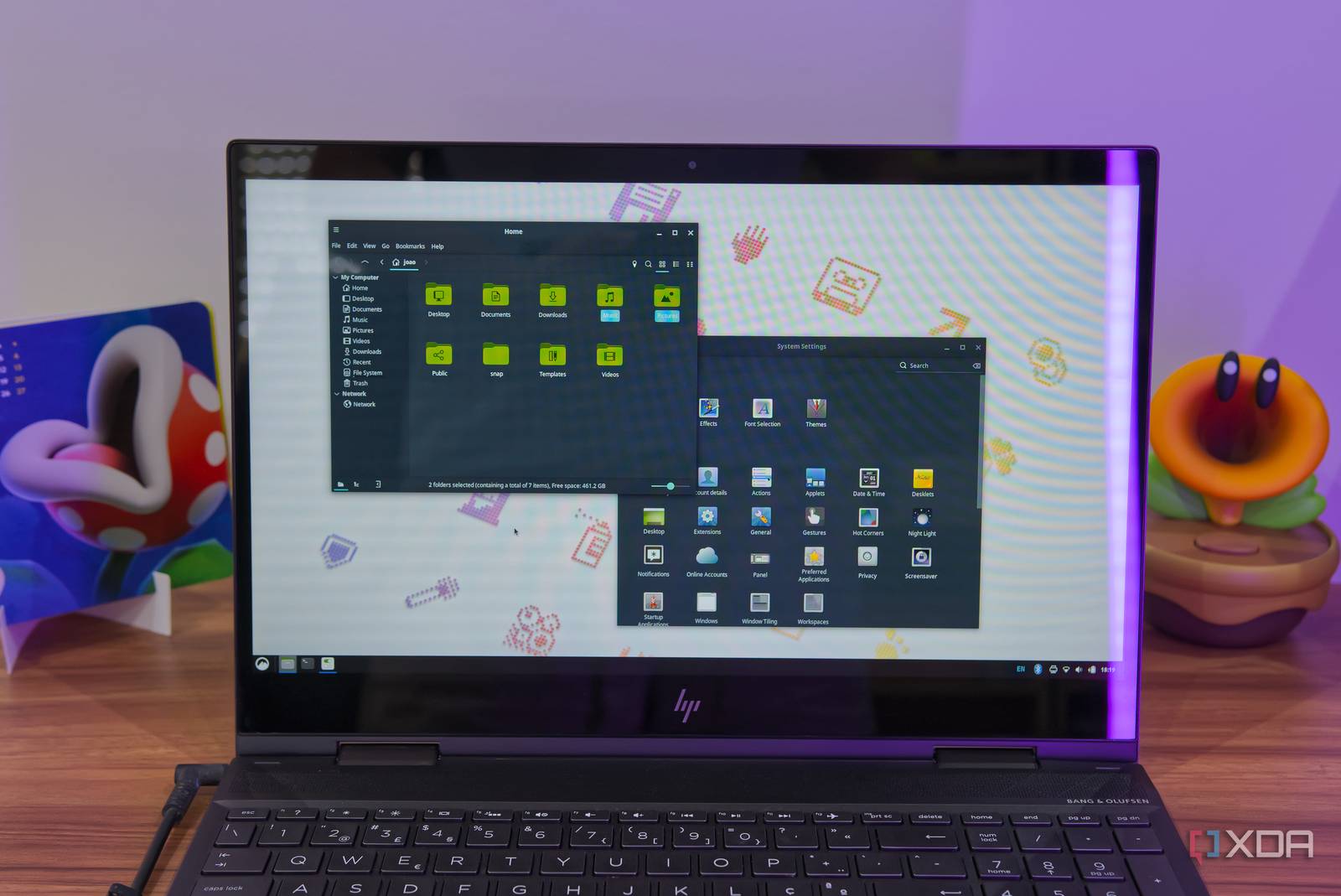
Thankfully, unlike Windows, Ubuntu lets you change your desktop entirely. On this hardware, there were a few options. More modern desktops like KDE Plasma or COSMIC could likely still run here, but for the sake of improving performance, a lighter option such as Cinnamon seemed like the best route to take.
But Speed Is Only a Small Part of It
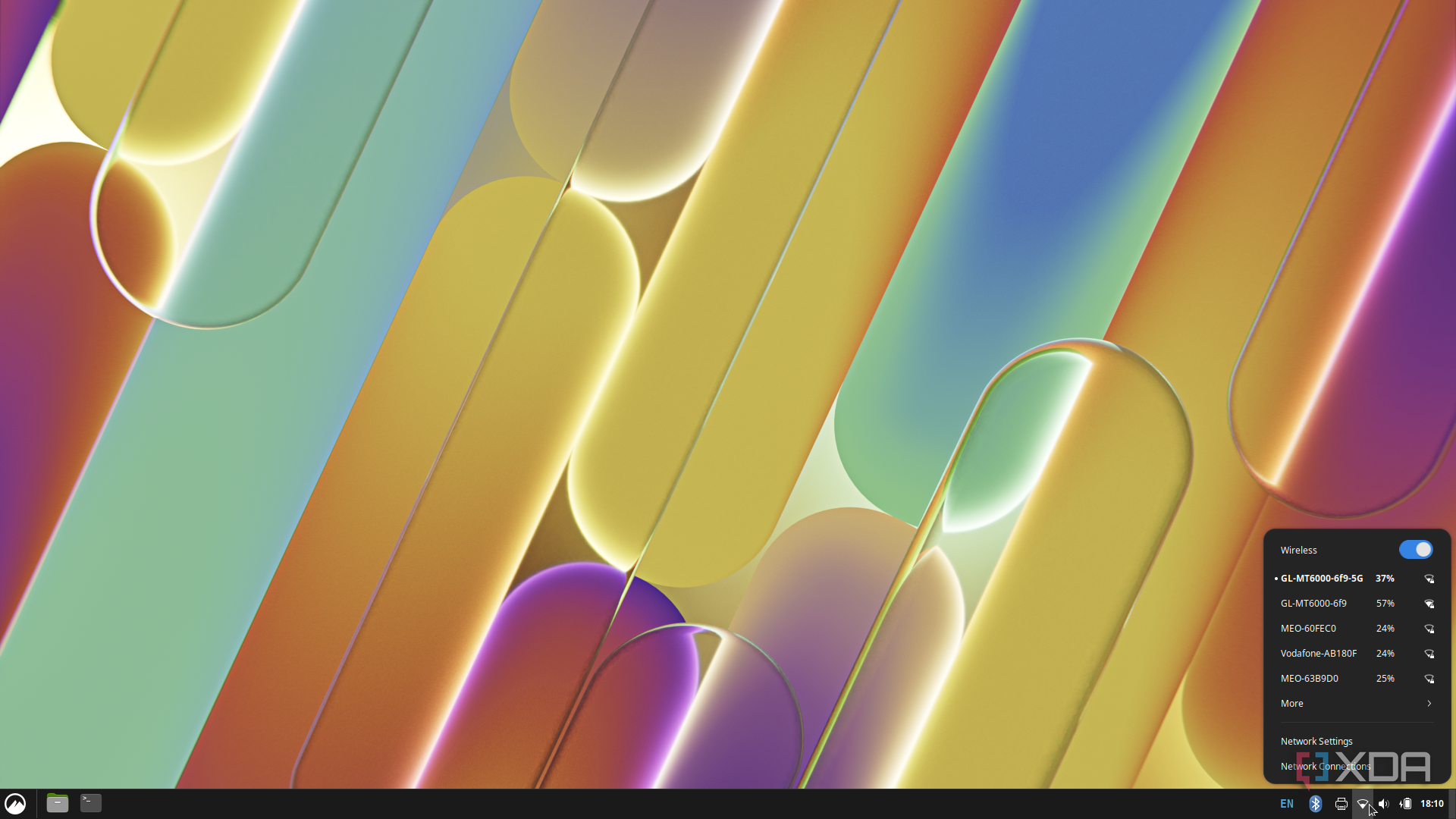
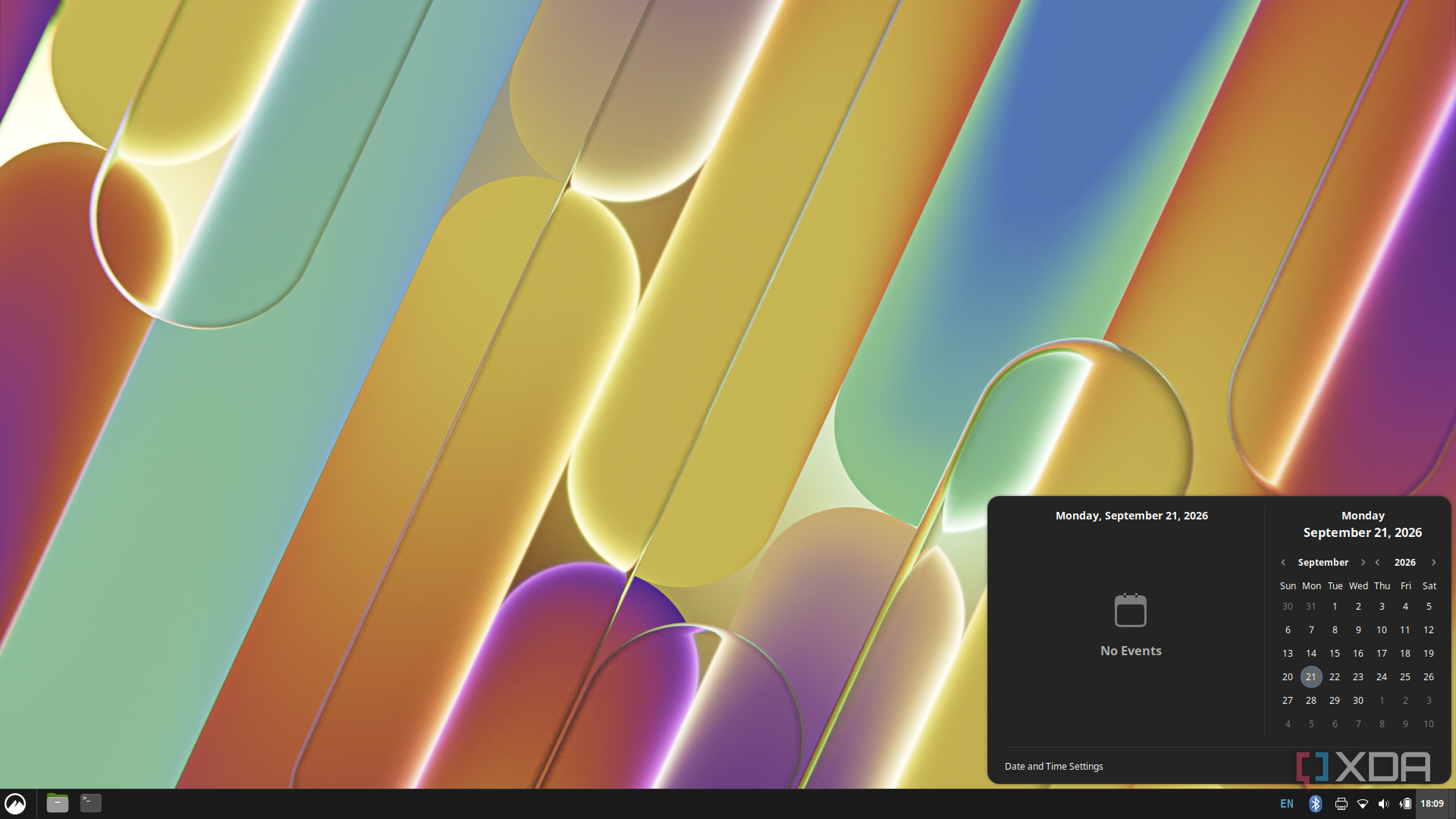
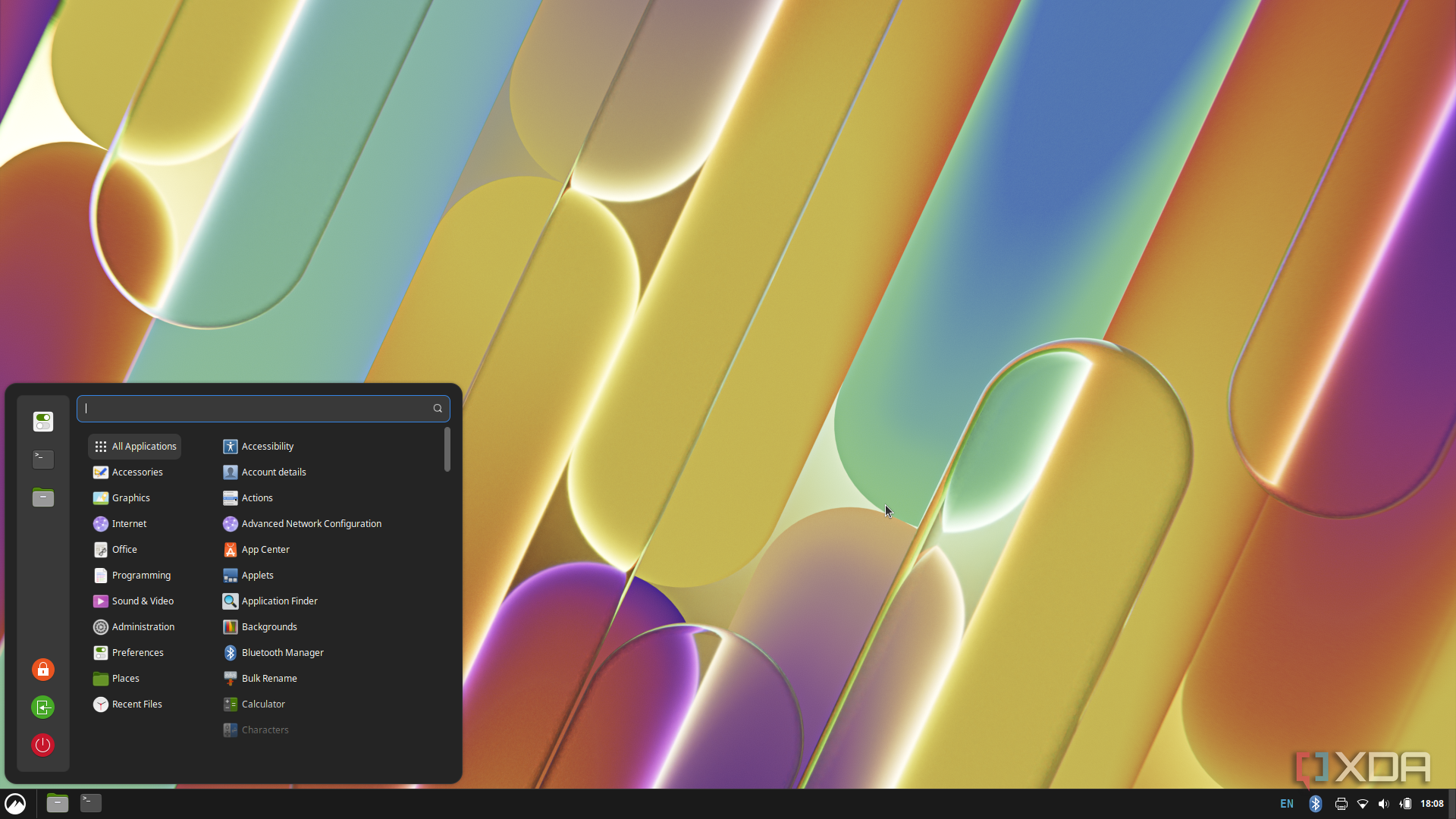
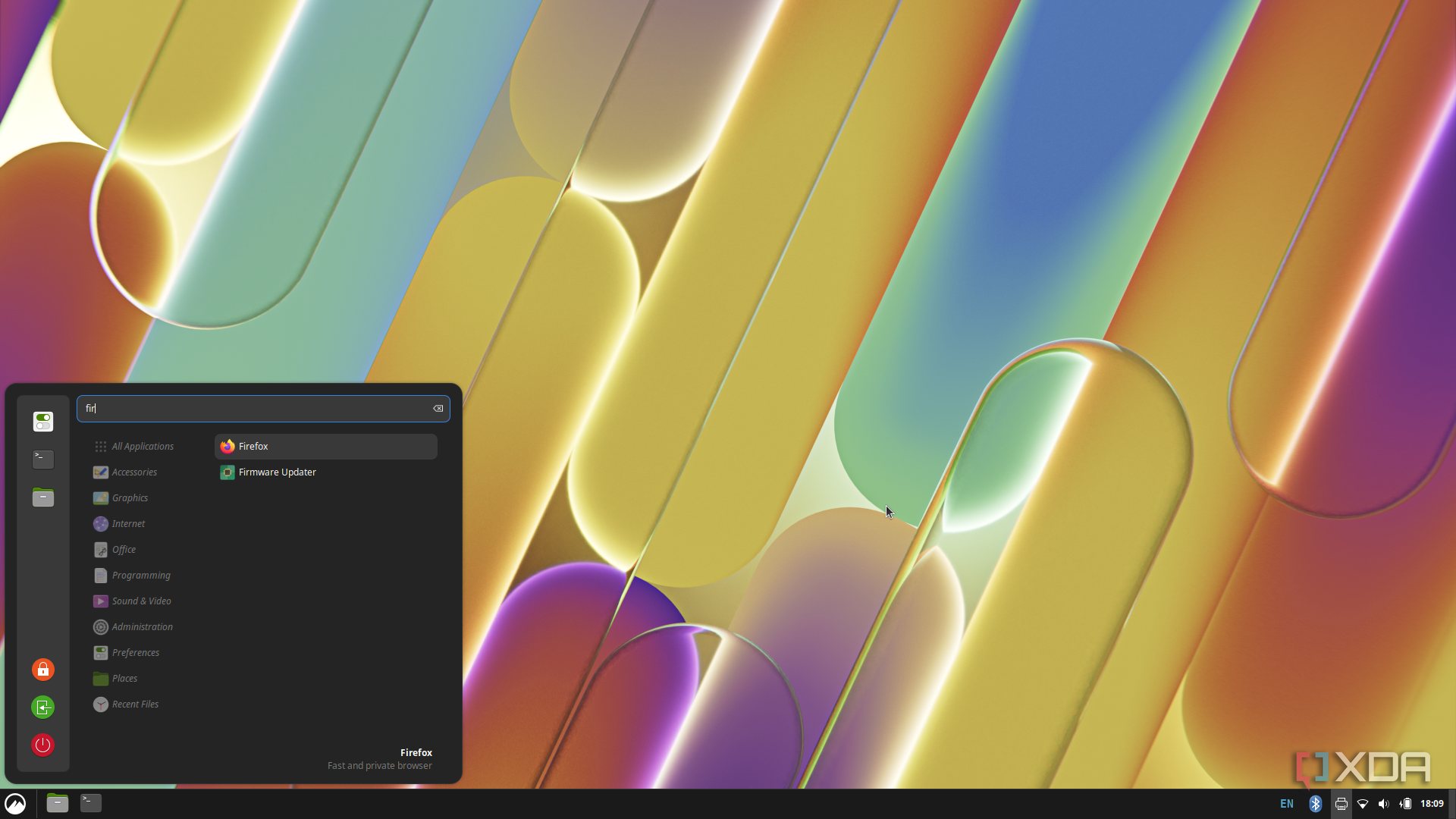
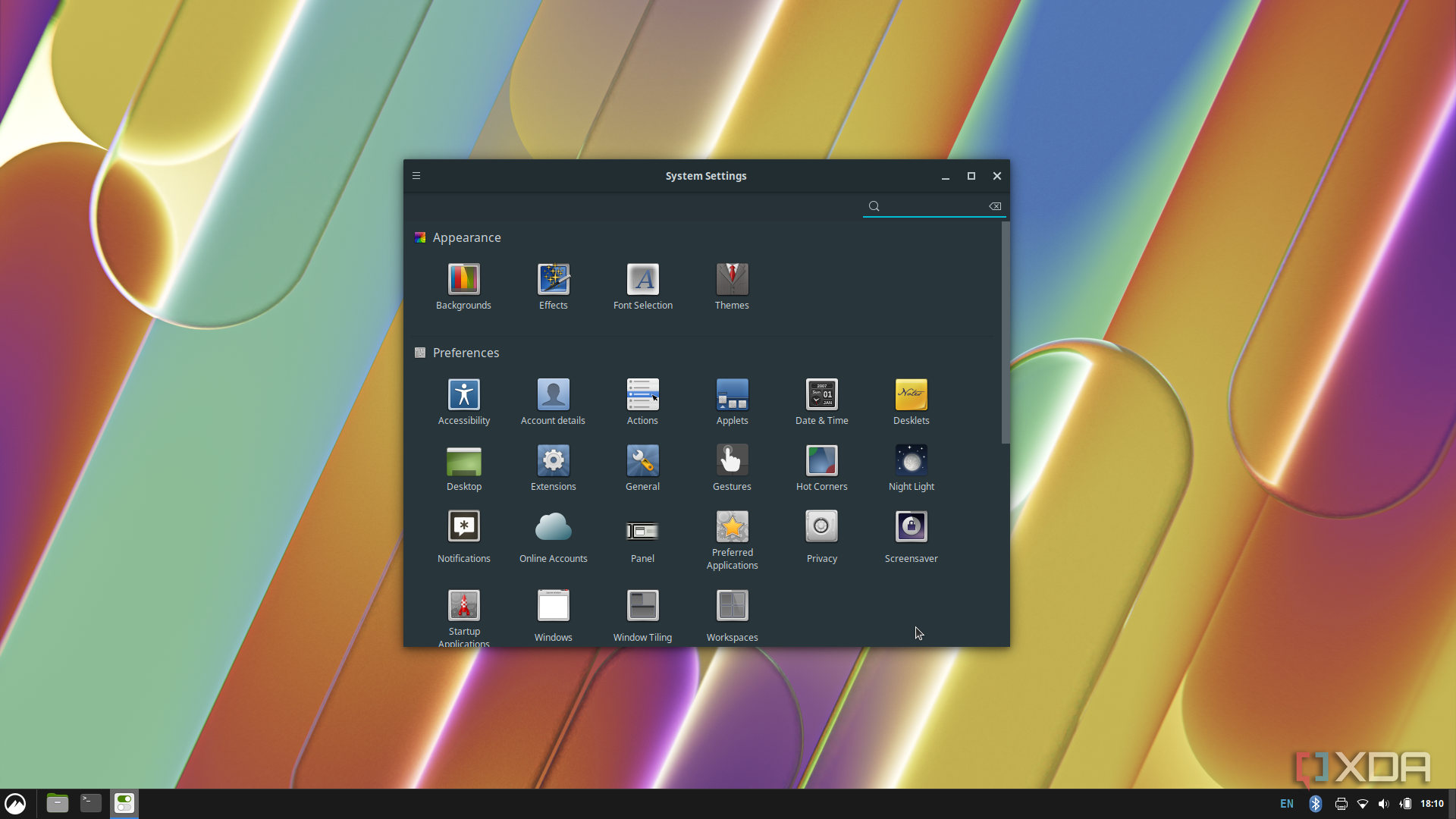
Booting into Cinnamon, things felt different, but not quite as expected. While Cinnamon still only offers experimental support for the Wayland compositor, things feel a little bit snappier overall. Apps may launch marginally faster, but the biggest difference in perceived speed comes from how much easier it is to do just about anything on this hardware. The desktop paradigm in Cinnamon feels more natural, and everyday tasks feel more accessible as a result — making the switch feel like a genuine, if not dramatic, upgrade for older machines.