TL;DR
- Google Messages has been getting ready to remove the ability to initiate a web session by scanning a QR code.
- Google now has a statement up claiming that QR code logins are no longer available for Messages users in the US.
- Despite this, the QR option is still visible both in the app and on the Messages web portal.
Android users have their pick from a lot of great keyboard options, but let’s face it: some of us are just never going to feel as comfortable with touch input as we are with a nice, full-sized physical keyboard. That’s one of the many reasons many people love the ability to respond to texts from the comfort of their PCs by taking advantage of the web interface for Google Messages. Earlier this year, Google began signaling that it would sunset an easy pairing option for Messages on the web. Now it looks like the other shoe is starting to drop — if it hasn’t already.
QR Code Pairing Officially Removed — On Paper
Google’s support documentation for Messages has recently been updated to deliver a very clear statement about QR code pairing for Messages on the web:
Important: This feature is no longer available in the US.
It’s unclear exactly when that change was made, but it was confirmed to have occurred sometime between the Wayback Machine’s May 9 capture and the time of writing.
The Option Still Appears in the App
While the new statement reads as unambiguous about the feature’s fate, it may be a bit premature. In version messages.android_20260714_00_RC00.phone_dynamic of Google Messages for Android in the US, the QR code pairing option is still visible:
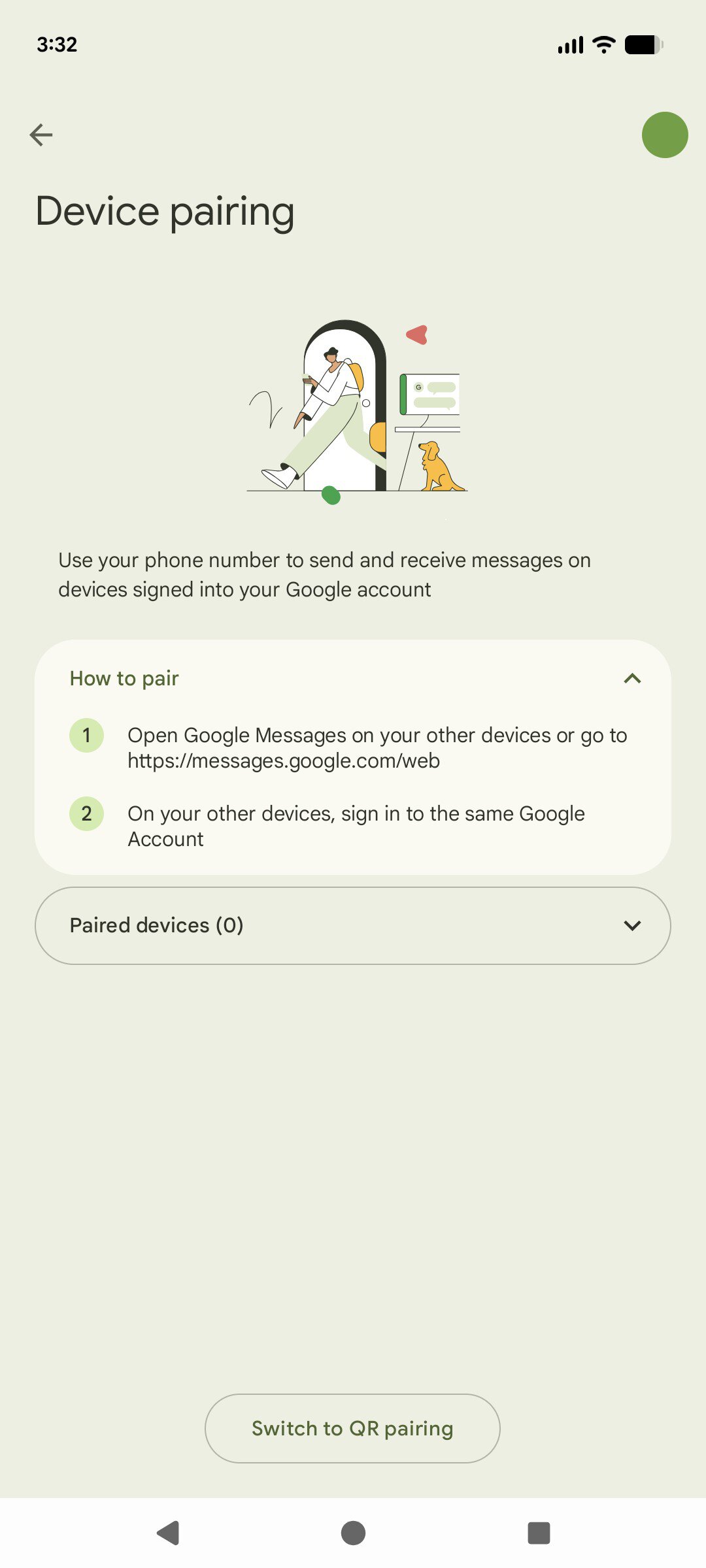
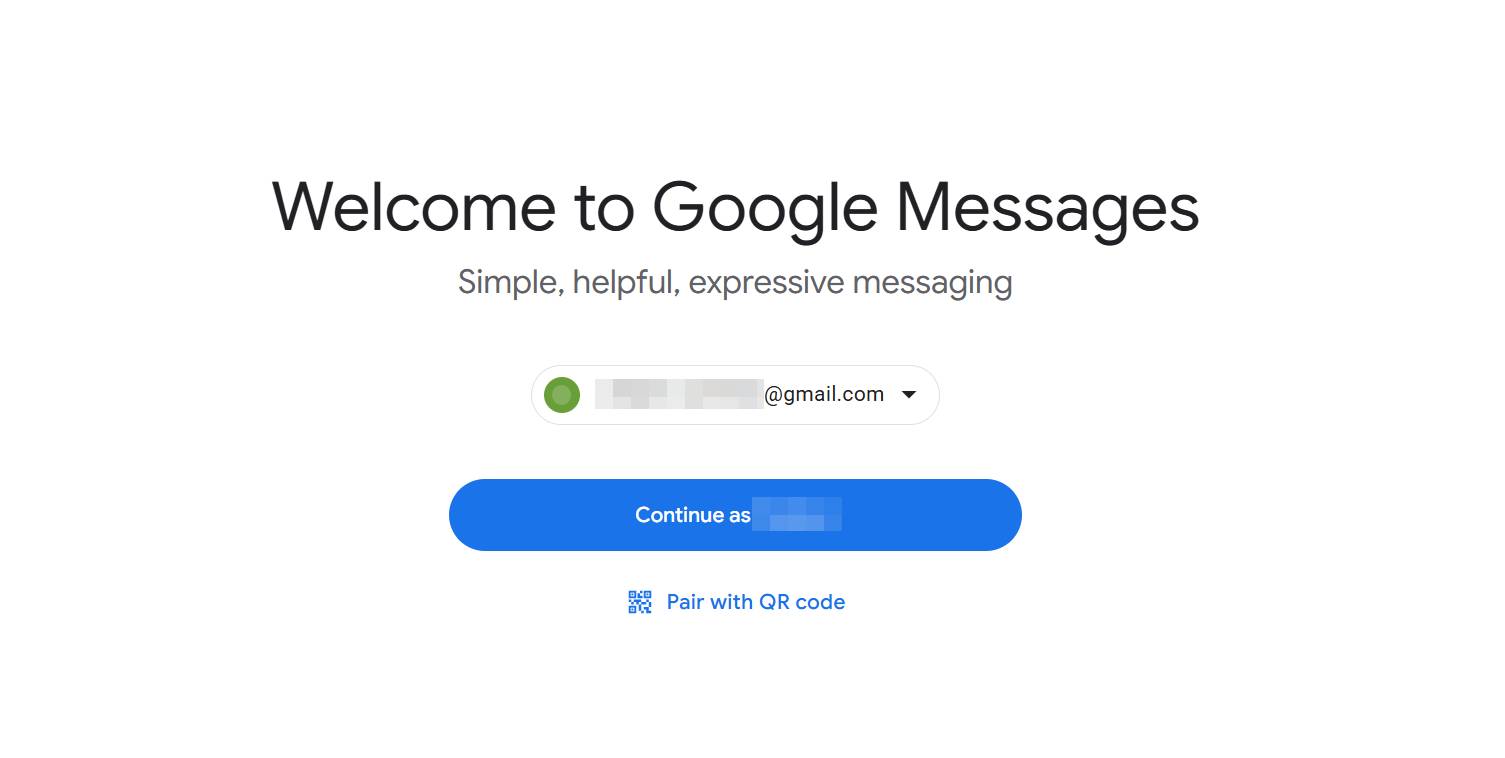
That’s a bit confusing, but it’s looking like Google is nearly ready to flip the off switch on this feature for good. Even after the QR option disappears, users can still continue using Messages on the web and set it up on new machines — they’ll just need to log in with their Google account instead.