The iOS 27 public beta is here, and while the headlining changes are Siri AI and the array of new Apple Intelligence features, the update also includes plenty of non-AI improvements worth highlighting.
Here are some standout iOS 27 features that have nothing to do with Siri or AI.
-
In the Music app, Apple has updated AutoMix with new transitions. The initial version of AutoMix launched in iOS 26, and the new transitions in iOS 27 are noticeably better and more immersive.
-
In the Photos app, iCloud Shared Albums now offer full-resolution sharing. This is a significant upgrade that makes it much easier to share photos and videos without compromising image quality.
-
You can now set an independent volume for alarms in the Clock app. The new option lives in Settings under “Sounds & Haptics,” meaning your alarms and timers no longer have to match your ringtone volume.
-
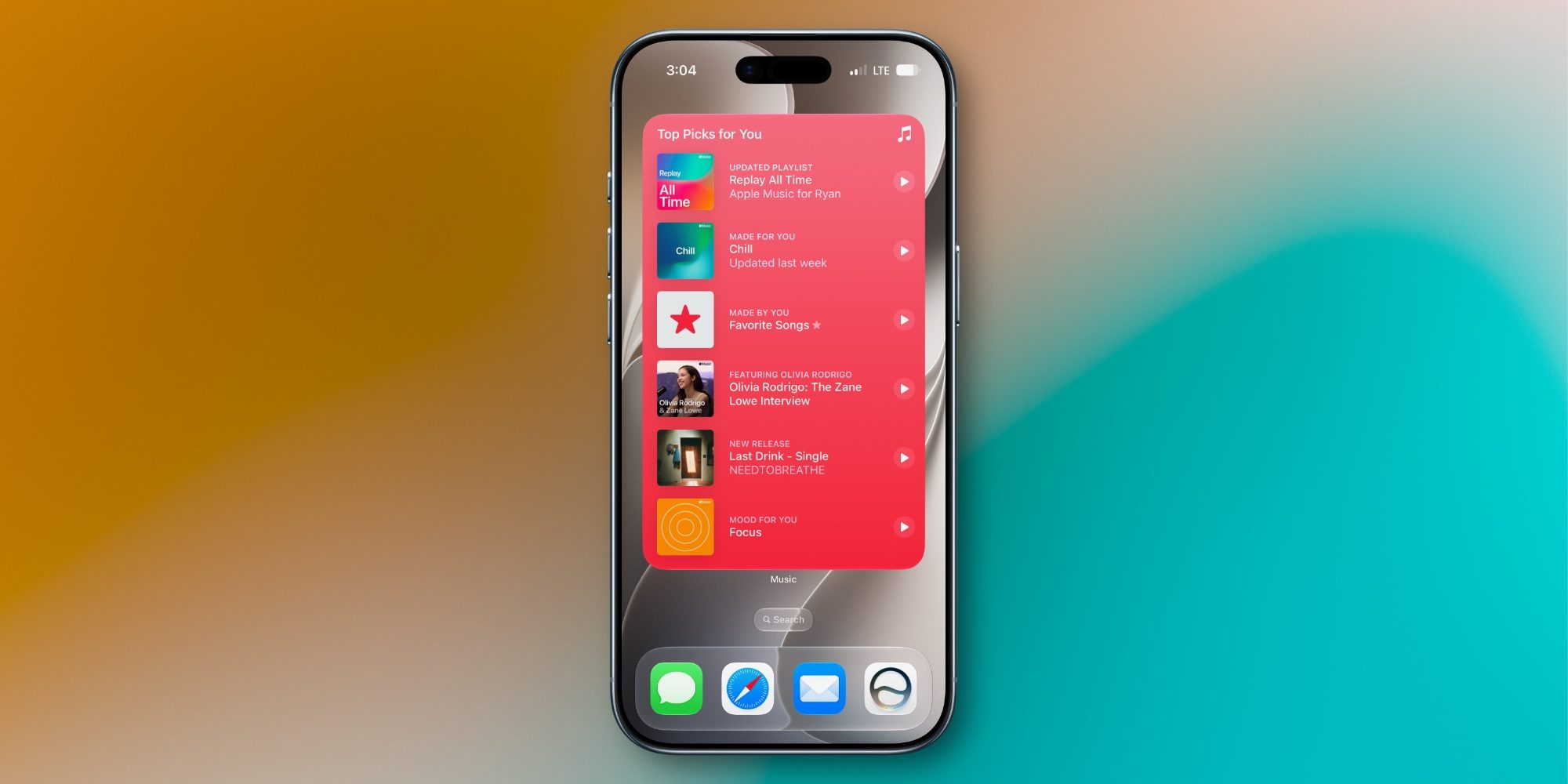
iOS 27 adds an all-new extra-large widget size for the Home Screen, including full-screen widgets for apps like Music, Photos, Weather, and Calendar.
-
You can now swipe away the Now Playing widget from the Lock Screen in iOS 27.
-
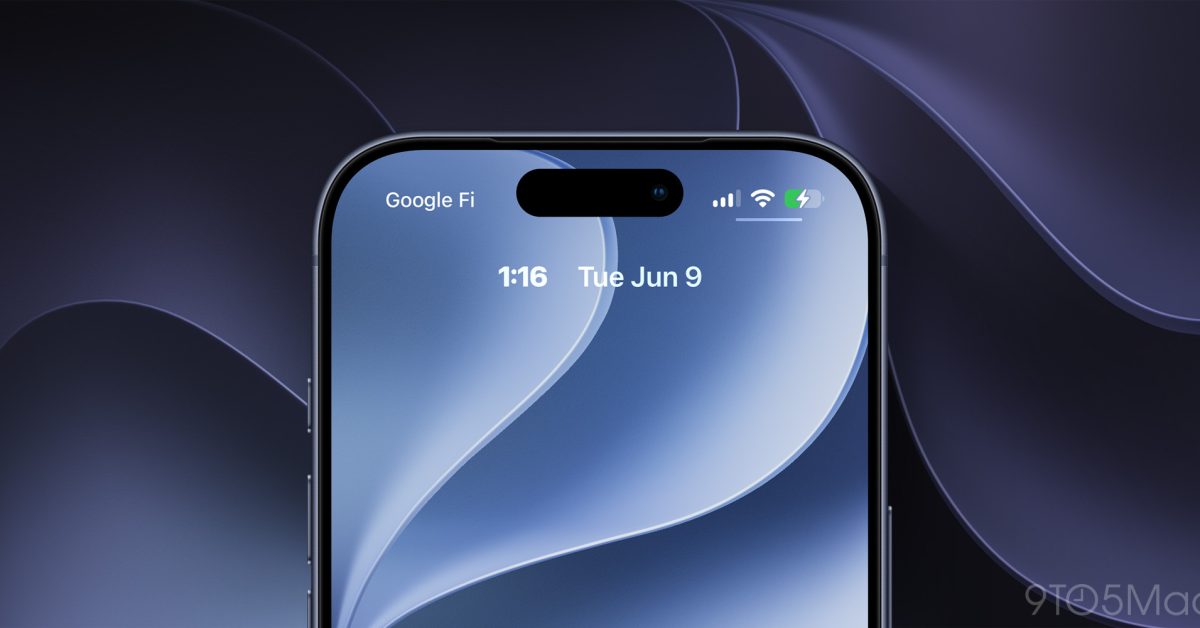
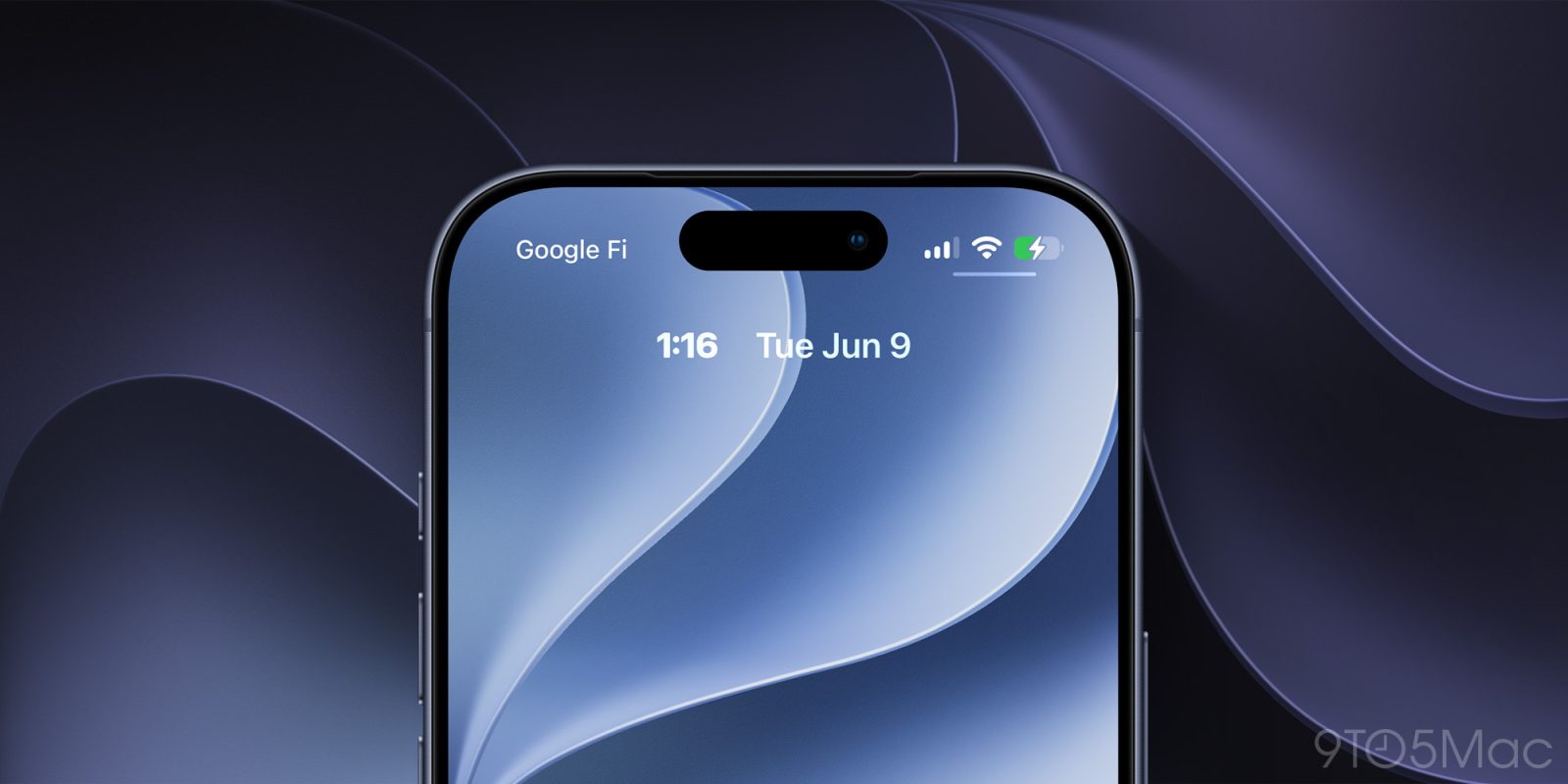
On the Lock Screen, you can now move the clock to the top widget row, so it no longer gets in the way of your wallpaper.
-
In the Photos app, you can now save a specific video frame as a photo, eliminating the need to manually screenshot a video to capture a single frame.

-
The Apple Pay checkout flow has been significantly overhauled, making it much easier to switch between payment cards.
-
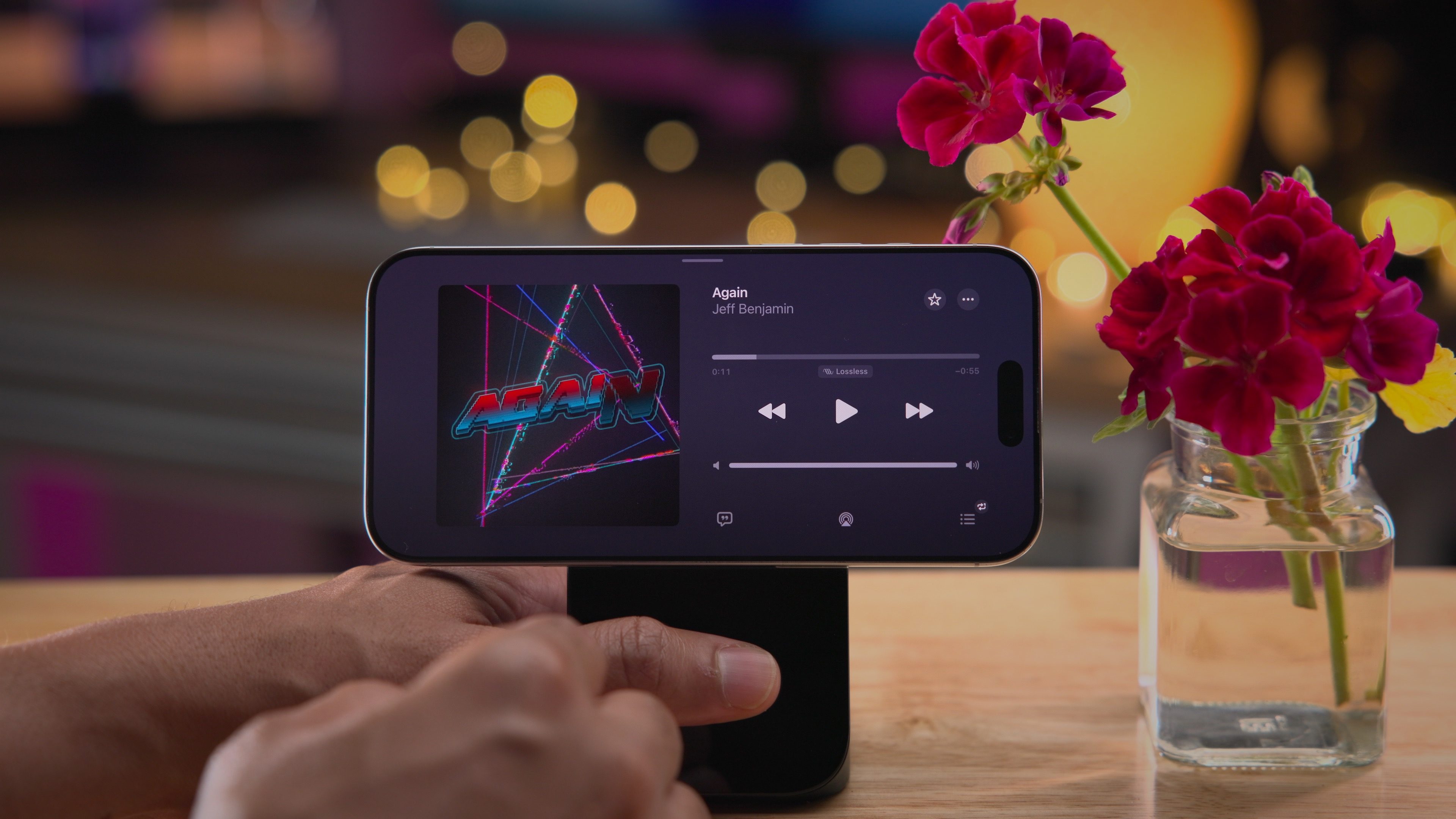
iOS 27 adds landscape support to more apps, including Music, Reminders, and Weather — a welcome change for anyone who keeps their iPhone docked at a desk.
-
The Find My app has a new design in iOS 27, along with more flexible location sharing options. The updated design surfaces more specific location information without requiring a tap on an individual contact.
-
When you copy something to your clipboard in iOS 27, a built-in paste shortcut appears above the keyboard the next time you enter a text field, making it faster to move text, links, and photos between apps.
-
In CarPlay, a new audio scrubber lets you skip to different parts of a song or podcast directly on your car’s display.
iOS 27 is shaping up to be a well-rounded update — even setting aside the AI features, there’s plenty here that improves everyday iPhone use.