I used to pride myself on wrapping up my workday before 6 pm, leaving me enough time for the gym and playing squash before dinner. That said, it was clear to me that I was still spending too much time on my phone during the workday. Whether it was checking something important or wasting time on Instagram and YouTube, I was killing precious time that could have been used better.
When I moved to Windows 11 recently, I rediscovered Phone Link, a built-in Windows app that allowed me to link my phone to my PC. This turned out to be just the thing to keep me off my phone for hours on end. Thanks to the control Phone Link offers, I could choose the distractions I wanted to allow. With my phone out of the picture and everything critical accessible on my PC, my work sessions have become more productive than ever.
Reducing my phone time wasn’t working out so well
I was my own worst enemy
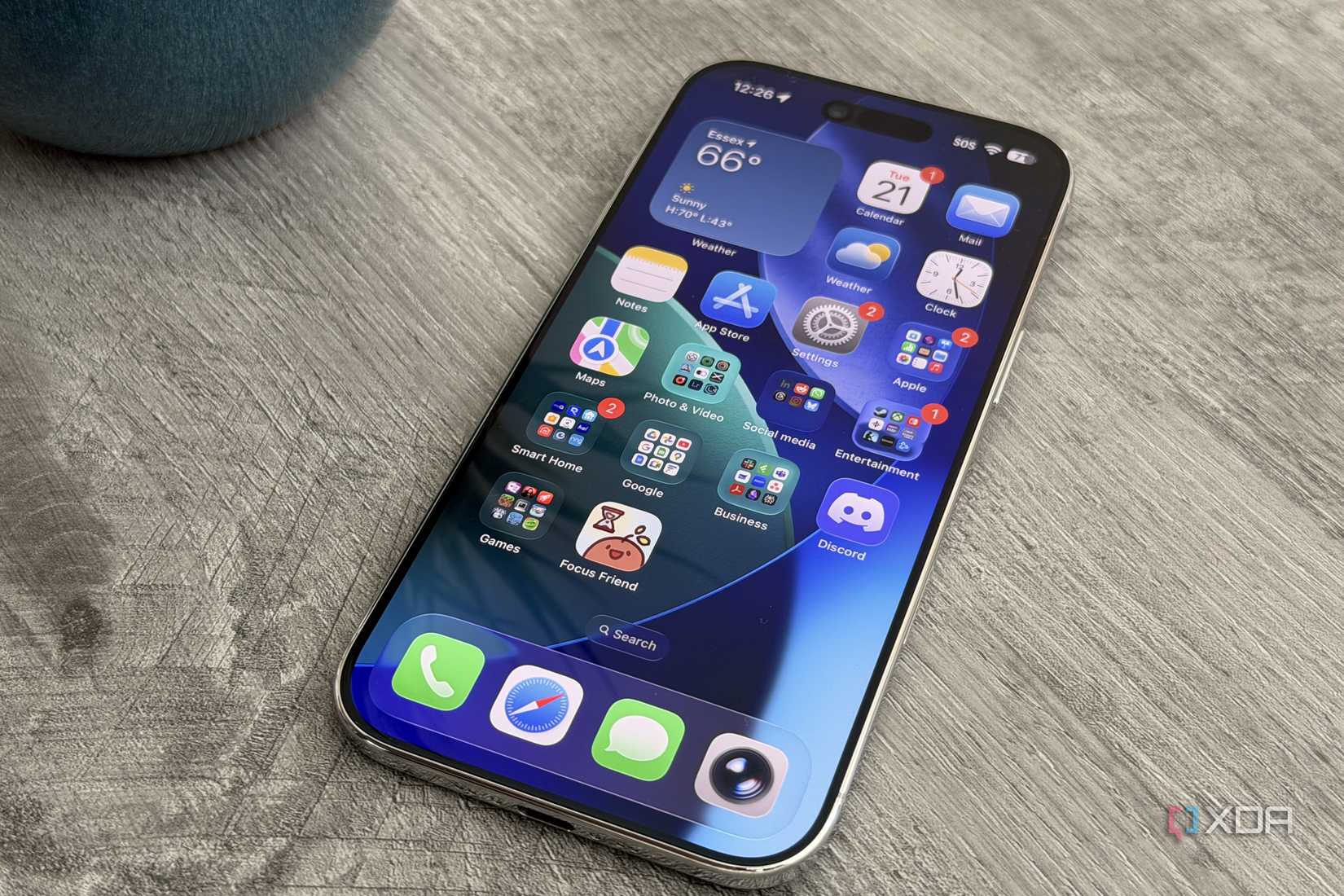
It’s not a mystery that staying off the phone helps you be more productive. Still, I had a bad habit of keeping my phone within reach while working, just so I wouldn’t miss any critical notifications. “Critical”, to me, meant anything from deliveries and important calls to WhatsApp messages that demanded timely replies. The urgency of these notifications is debatable, but the result was that I was always reaching for my phone while writing.
Even without any notifications prompting me to pick up the phone, I used to proactively glance at it once in a while. I kept it on the ringer, so I didn’t miss any calls. The problem was that despite these check-ins taking only a few seconds, the hit on my productivity was significant. I was constantly breaking my focus and doomscrolling on Instagram for 10–15 minutes after addressing a notification.
Even keeping the phone outside the room didn’t help, since I still felt compelled to get up and check the screen every half hour or so. This had less to do with my phone and more to do with my addiction. Still, I needed something to keep me off the phone.
Phone Link kept me off my phone
I didn’t have to miss important updates
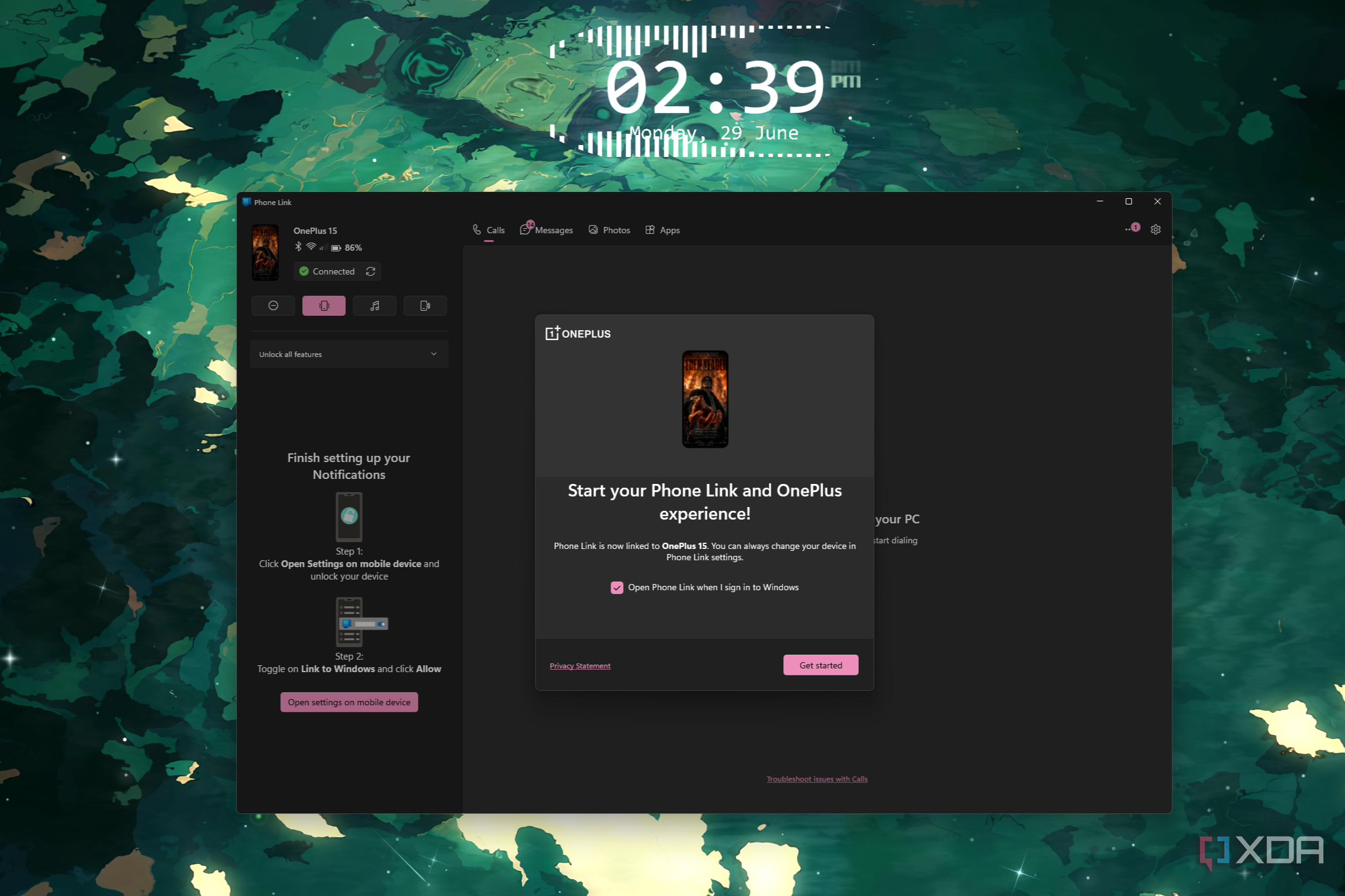
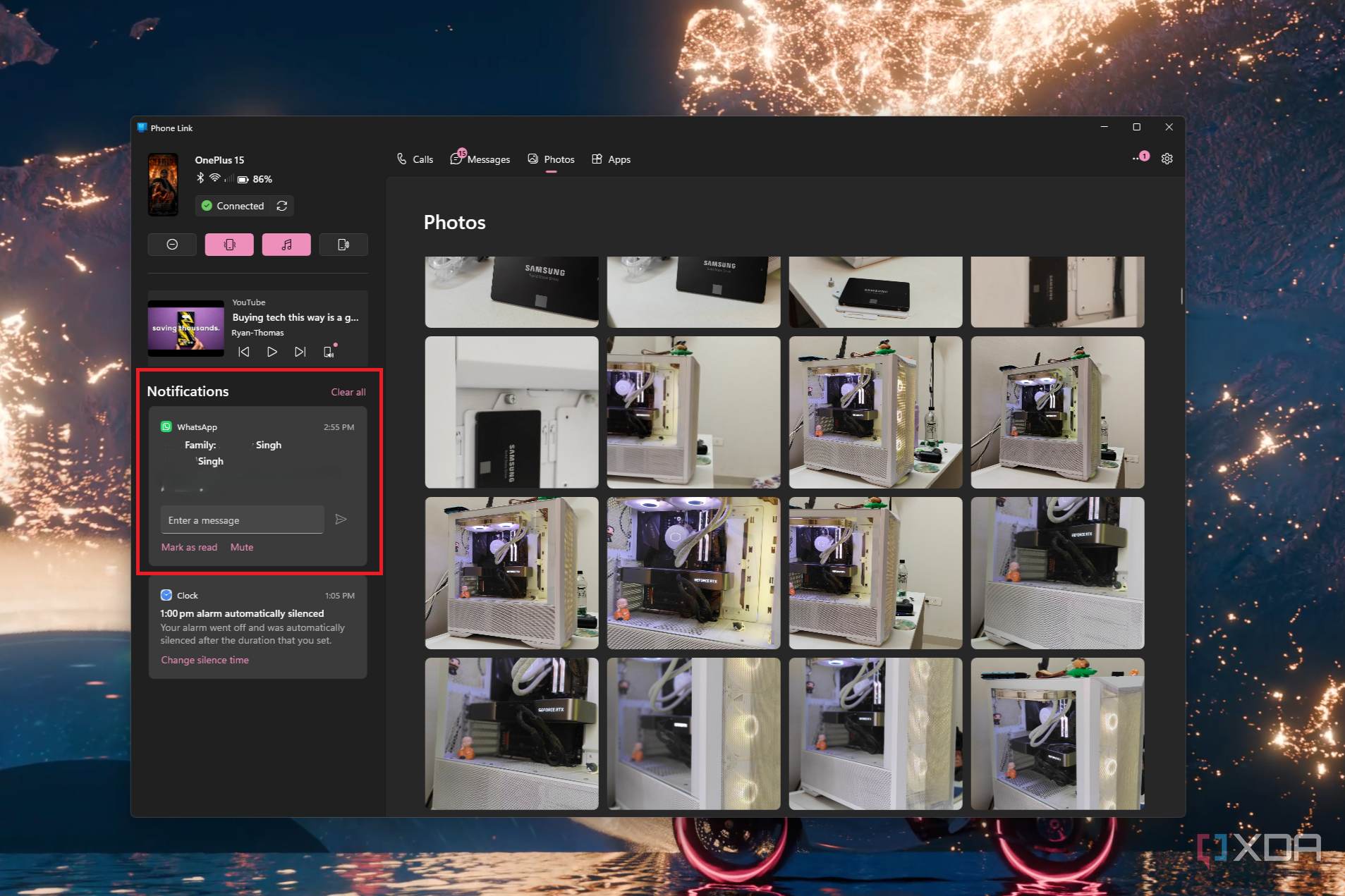
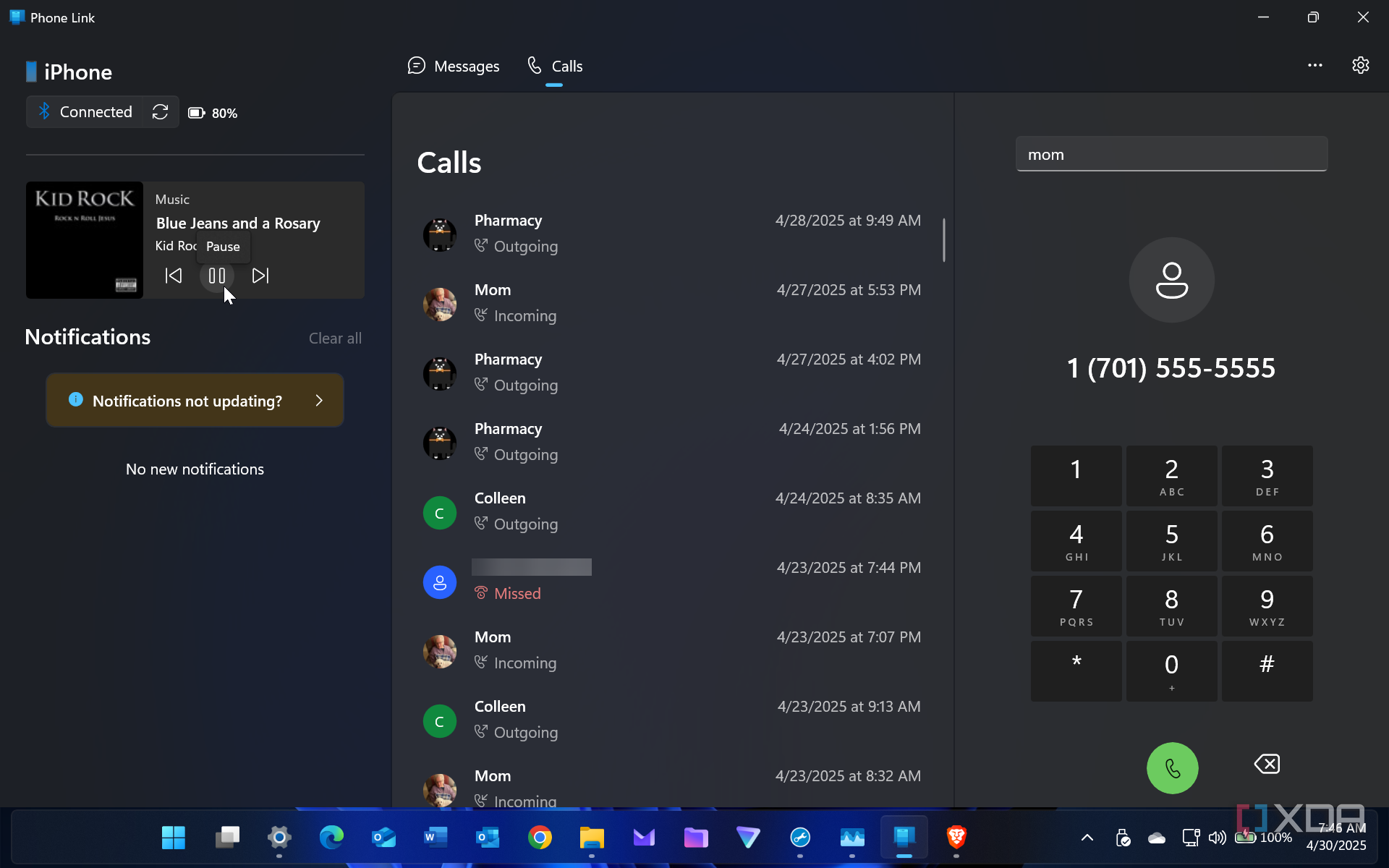
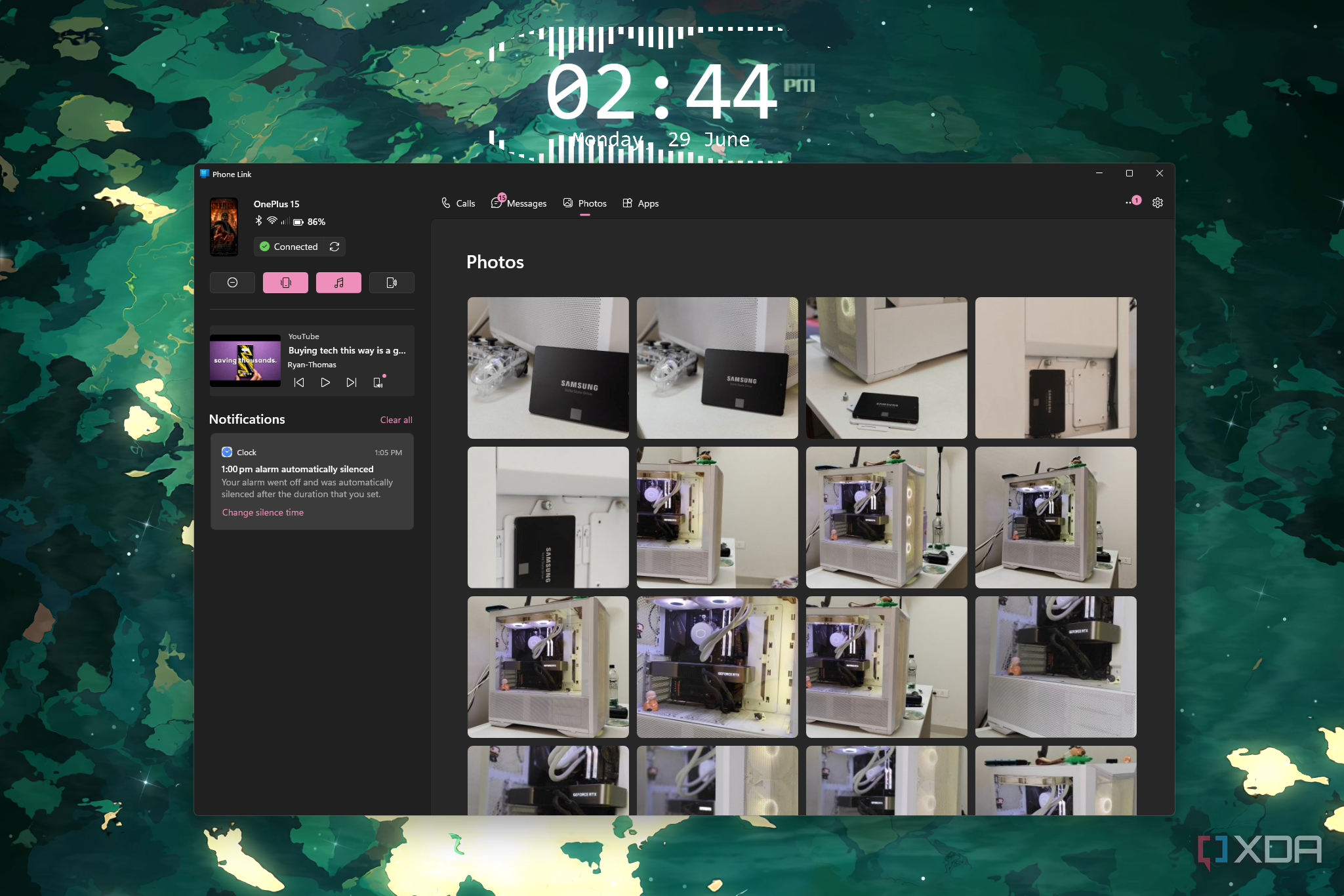
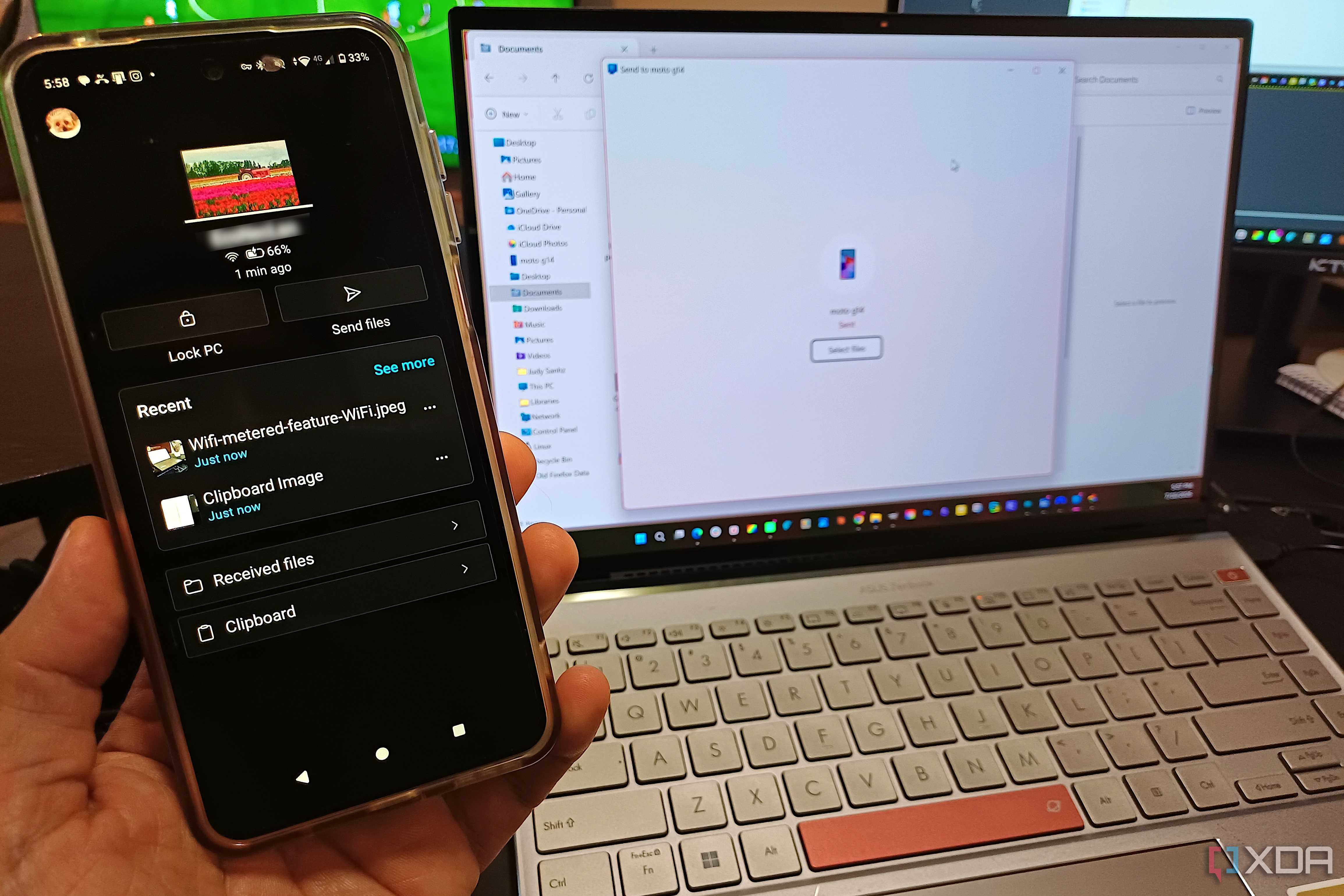
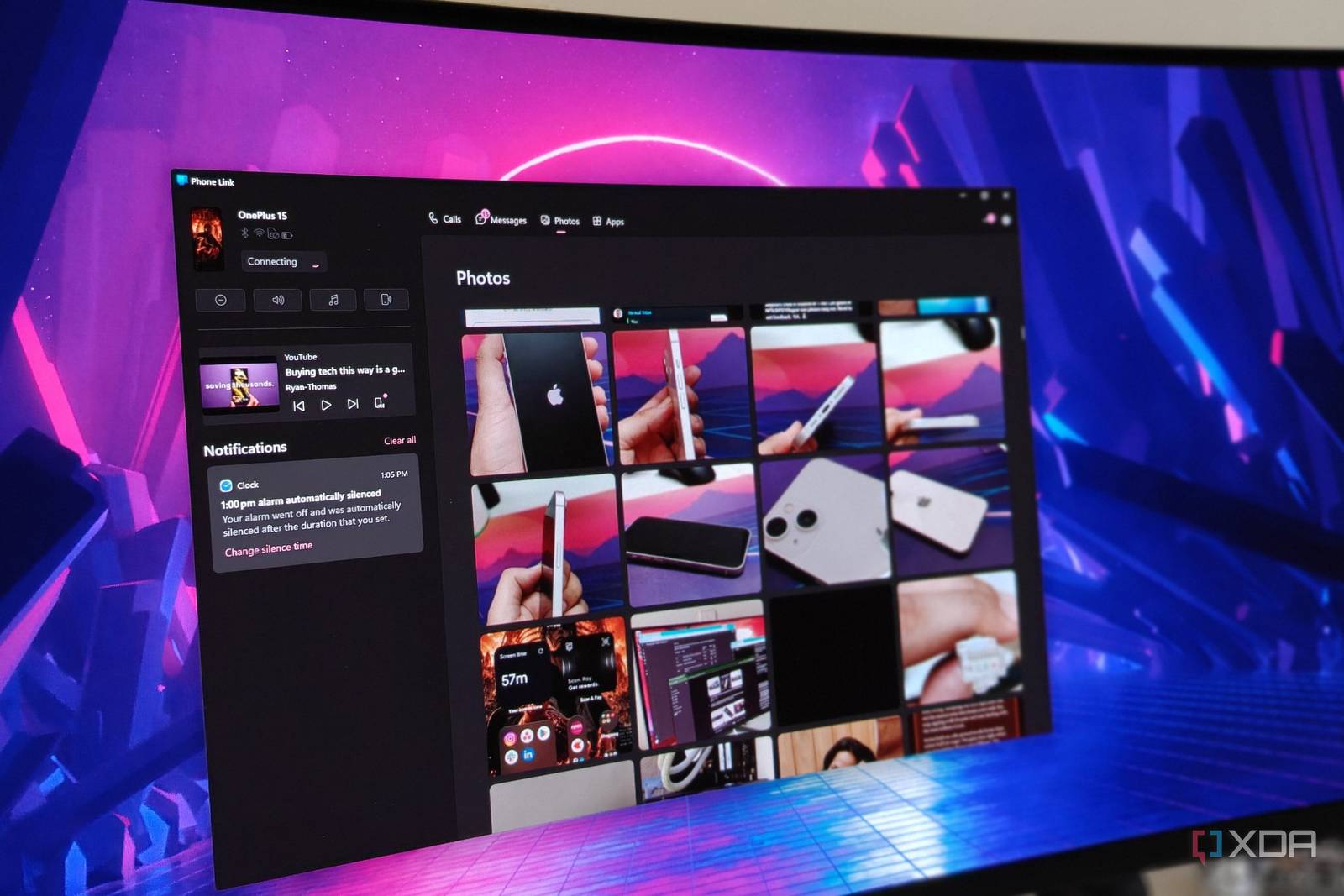
Phone Link isn’t a new addition to Windows 11, but I had never bothered to use it before. Moving to Windows 11 around two months ago, I thought about finally checking it out. Linking my OnePlus 15 to my Windows PC felt redundant at first, but I went ahead. The primary idea behind Phone Link is that you can see almost everything happening on your phone on your PC, depending on the phone model.
What I discovered, though, was that this allowed me to properly detach myself from my phone for the duration of the workday. There was friction at first, but gradually, I didn’t need my phone in my hand anymore. I could see all the notifications in the Phone Link app, receive and make calls, and even launch my phone’s apps on my PC screen.
Phone Link’s Android integration is better than iOS due to Apple’s ecosystem constraints, so the experience on my OnePlus 15 was seamless. As for the distractions simply moving from my phone to the PC screen, I could customize which apps were allowed to show notifications. This way, only the truly time-sensitive alerts are allowed to disturb my focus.
Now, even when my phone is away, I never feel pressured to reach for it, since Phone Link ensures I won’t miss any important text, call, or notification. The number of distractions has reduced, and what started as a simple experiment with a pre-installed Windows app has turned into one of the most effective productivity habits I’ve built in years.