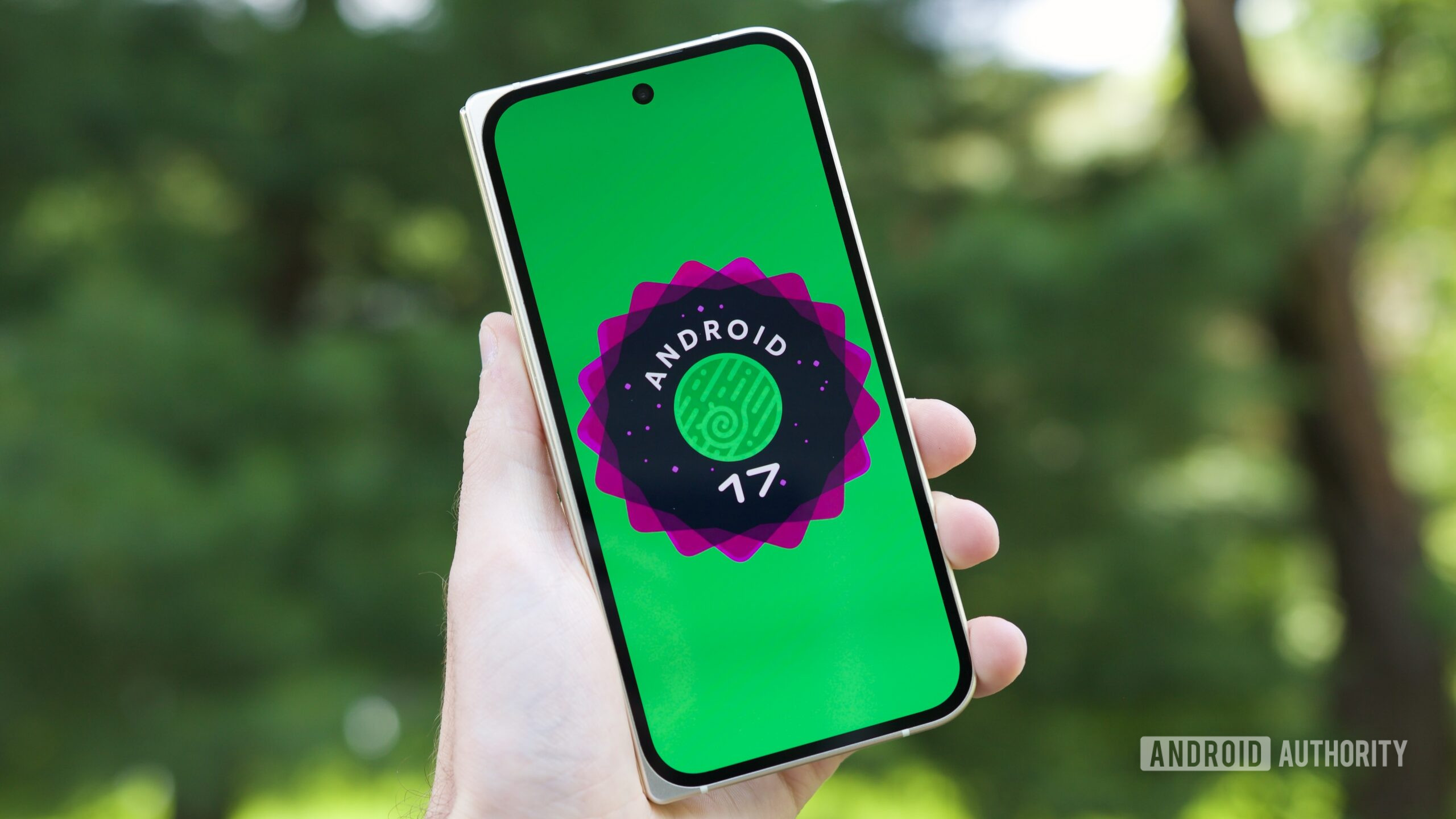
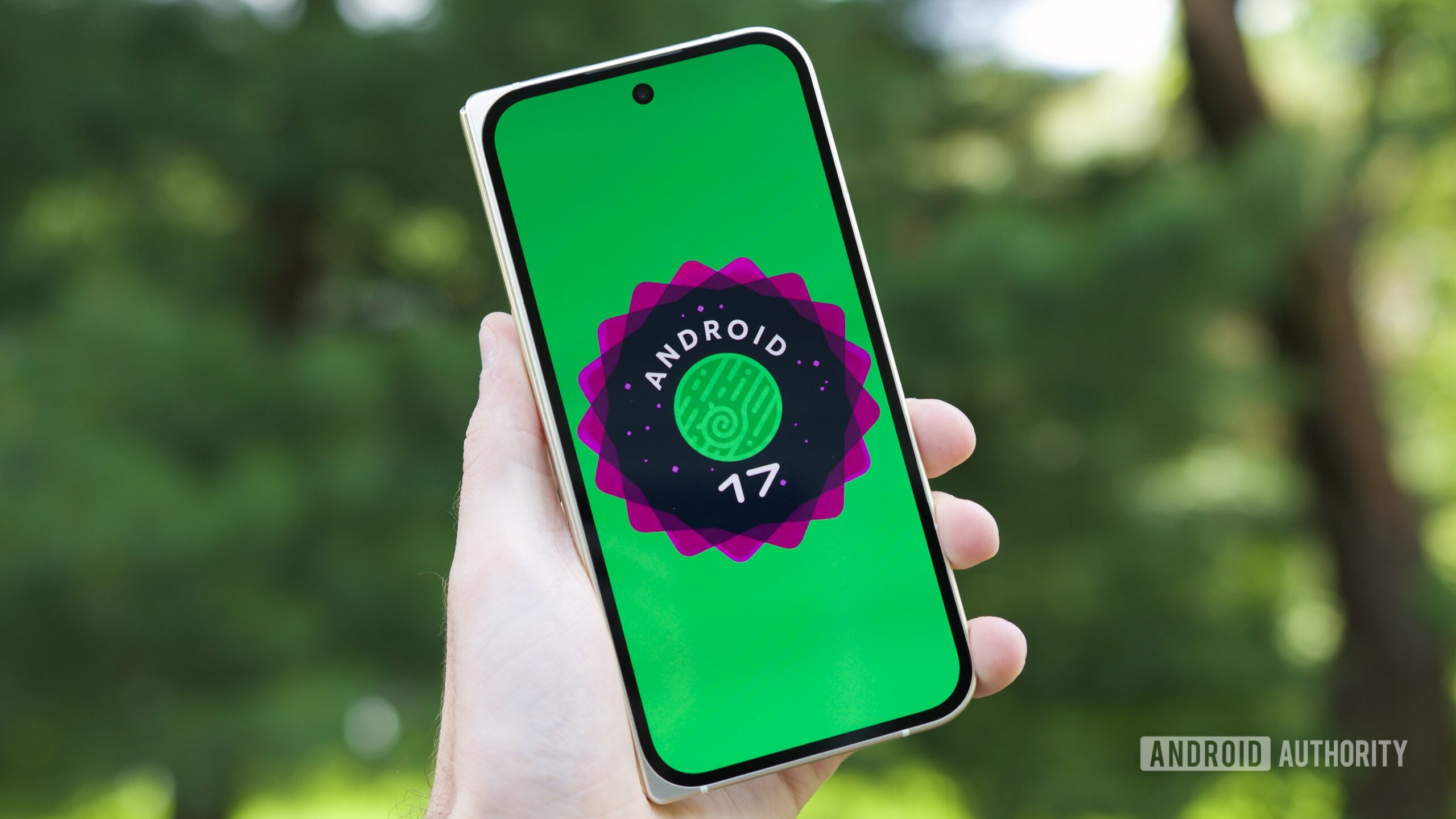
Joe Maring / Android Authority
TL;DR
- Two weeks following the release of Android 17 QPR1 Beta 4, Beta 5 is now available for testers.
- While Beta 4 skipped Pixel 6 and 6 Pro support, both devices are once again included.
- Google’s changelog largely consists of bug fixes.
Last week marked a major milestone for Android releases, with Android 17 finally hitting stable and starting to roll out to Pixel devices everywhere. As much as that release was anticipated, testers are already onto the next big update, with Google’s Android 17 QPR1 Betas giving them a taste of the changes set to land with the September Feature Drop. After QPR1 Beta 4 landed two weeks back, Google is now ready to move on to QPR1 Beta 5.
Google’s Mishaal Rahman shares the news on X, confirming that build CP31.260608.007 is incoming for testers on Pixel 6 and later devices. That’s notable because the Pixel 6 and 6 Pro were explicitly excluded from the previous beta — though Google had promised support for those older models would return with this release.
What’s Fixed in Beta 5
As you might expect from a Beta 5, Google is largely in cleanup mode, and that means a significant round of bug fixes. Here’s what’s addressed:
- An issue in the Game Dashboard where users were unable to stop screen recordings or save video files. (Issue #296368569, Issue #328539170)
- An issue where the camera app temporarily freezes or stutters shortly after being opened from an idle state. (Issue #330488811)
- An issue that caused the screen to freeze with a pixelated bottom bar when waking the device from Always-On Display. (Issue #515393542, Issue #515497396)
- A timeout issue where the Download Manager failed to complete downloads when excluded from an active VPN connection. (Issue #475985649)
- An issue causing inconsistent charging completion time estimates to display on the lock screen versus the charging screensaver. (Issue #489503595)
- An issue causing the Private Space UI to crash and locked private apps to improperly appear in launcher search results. (Issue #515631415)
- A system crash and device hang that occurred when downloading games. (Issue #515364954)
- An issue where a non-functional bubble option incorrectly appeared in the context menu of archived apps. (Issue #514585702)
- A system-level WebView rendering regression that caused Monopoly Go to freeze and crash when attempting to open mini-games. (Issue #516576731)
- Home screen widgets would disappear or become unavailable in the widget picker after a device reboot. (Issue #488125748, Issue #505117543, Issue #505671079, Issue #497140330, Issue #506685943, Issue #510967059)
New Feature: Mobile Data Toggle
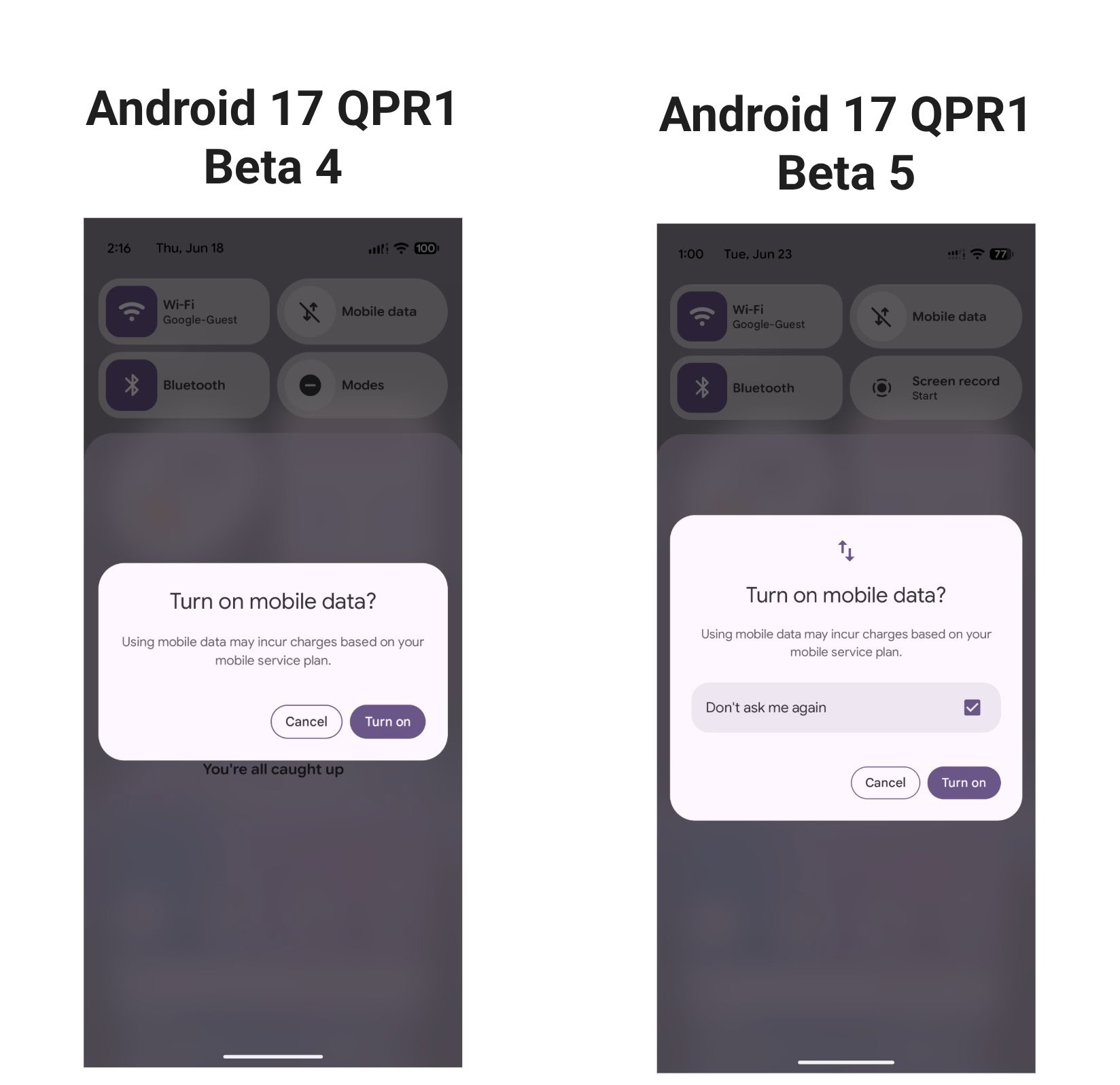
One notable addition Rahman confirms on X is a new “don’t ask me again” toggle when turning on mobile data.
How to Join or Leave the Beta
If you’re curious to try QPR1 for the first time, you can get started by registering your Pixel device in Google’s Android Beta Program.
If you’ve been testing the Android 17 Beta and would rather move to the stable release without wiping your device’s data, Google warns that you should not install QPR1 Beta 5 — instead, opt out of the beta program to receive the stable build.