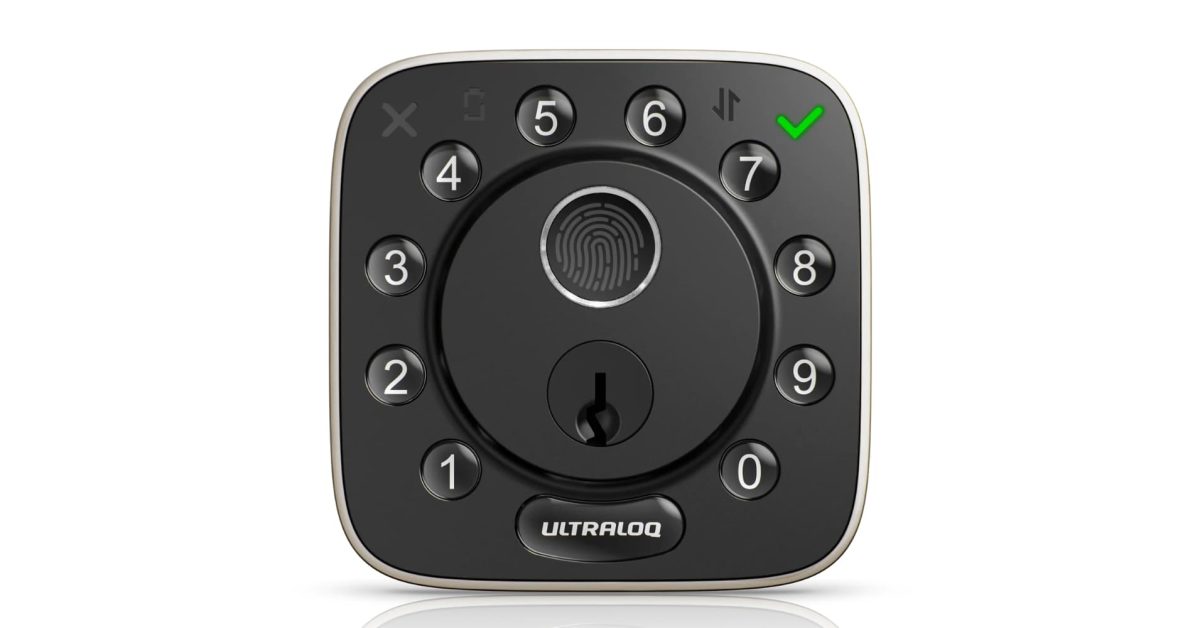
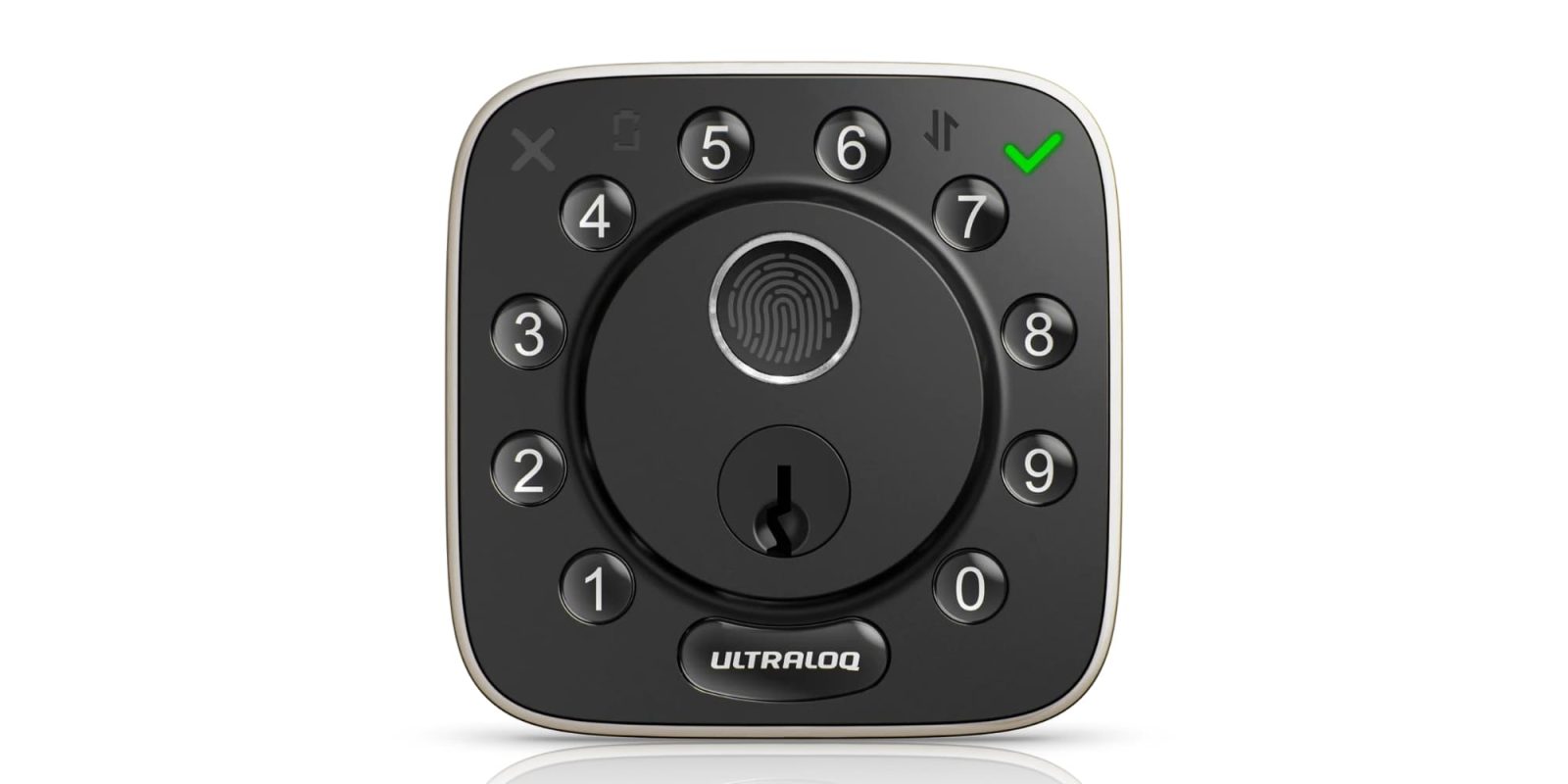
After 5–6 years of testing smart locks, the ULTRALOQ Bolt Fingerprint stands out as a strong option for almost anyone. It offers Apple Home integration, built-in Wi-Fi, and a wide range of ways to lock and unlock your door — from fingerprint ID to a simple PIN.
HomeKit Weekly is a series focused on smart home accessories, automation tips and tricks, and everything to do with Apple’s smart home framework.
Apple Home Support, But No Home Key
ULTRALOQ calls the Bolt Fingerprint its first smart lock fully integrated into Apple Home, and that integration is the major selling point. You can lock and unlock the door from the Home app or with Siri, and if you have a HomePod or Apple TV as a hub, it works in automations and remote control just like any other Apple Home accessory, with full scene and automation support.
That said, one feature is still missing: Home Key support. The ability to simply tap your iPhone or Apple Watch to unlock the door would elevate this lock considerably — it’s the only thing missing, though not a dealbreaker.
The lock also works with Amazon Alexa, Google Home, SmartThings, and IFTTT, giving you flexibility regardless of your preferred smart home platform. It runs on 2.4 GHz Wi-Fi rather than Bluetooth, so no separate bridge is needed for basic remote control through the app.
More Ways to Get In Than You’ll Ever Need
The Bolt Fingerprint offers a generous set of unlock options. The fingerprint sensor stores up to 50 fingers, and the lock supports up to 50 passcodes, app unlock from your phone, auto-unlock as you approach the door, and voice unlock through Siri, Alexa, or Google Assistant. Two physical keys are also included, so you’re never fully locked out if the batteries die.
You can create up to 50 custom passcodes and distribute one-time or scheduled codes to guests, cleaners, or anyone else who needs temporary access — a particularly useful feature for short-term rental hosts.
There’s also a Lockout Mode that temporarily disables every electronic unlock method, including passcodes and app access. It’s a useful option for anyone heading out of town who wants an added layer of security while the house sits empty.
Installation and Adding to Apple Home
Installation is straightforward if you’re replacing a modern deadbolt. No wiring or drilling is required — all you need is a Phillips head screwdriver, along with replacing the strike plate on your door. An experienced installer can expect to finish in around ten minutes.
Once the lock is added to your Apple Home environment and assigned to a room, you can control it from the Home app or incorporate it into automations and scenes — for example, having your lights turn on the moment the door unlocks.
Wrap-Up
The ULTRALOQ Bolt Fingerprint is an excellent choice for anyone who doesn’t require Home Key support. Fingerprint unlock is likely to become the go-to method for daily use, installation is easy, and the access management features — including activity tracking and guest codes — add genuine practical value. The only upgrade that would make this lock nearly perfect is Home Key, which hopefully arrives in a future model.
You can buy the ULTRALOQ Bolt Fingerprint from Amazon or directly from ULTRALOQ.