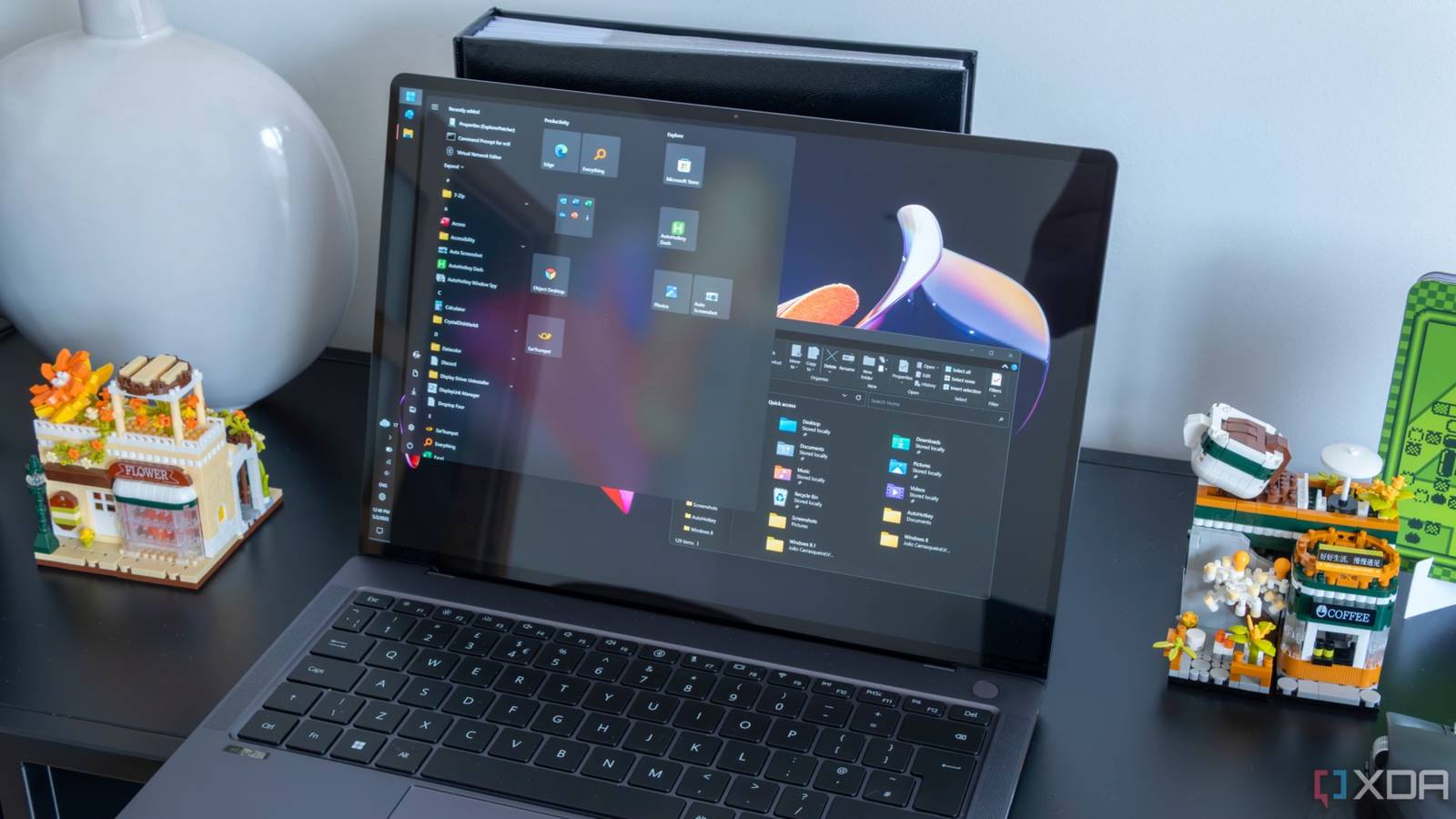
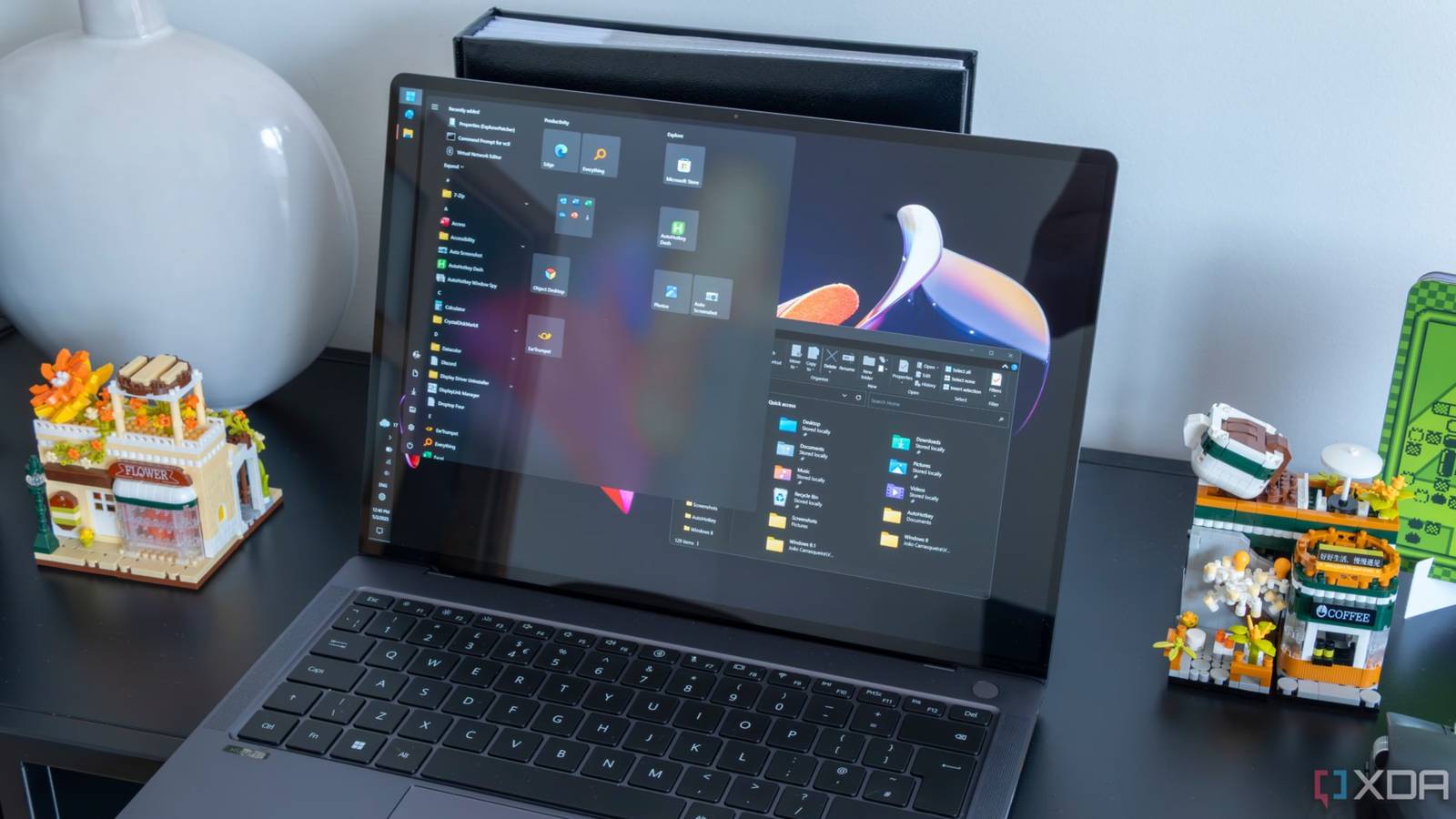
A newly discovered Windows 11 bug can silently uninstall your GPU drivers when your laptop is left in Eco mode. The issue has been surfacing in user reports, and it points to an unexpected interaction between Windows 11’s power management features and graphics driver installations.
What Is Eco Mode?
Eco mode in Windows 11 is a power-saving feature designed to reduce CPU and resource usage for background processes. It is accessible through Task Manager and is intended to help extend battery life on laptops by throttling processes that don’t need full system resources.
The GPU Driver Problem
Users have found that leaving their laptops in Eco mode can trigger the removal of GPU drivers. The behavior appears to occur without any user prompt or clear notification, leaving systems without the drivers needed to properly run graphics-dependent applications. After the drivers are wiped, users typically notice degraded display performance or missing graphics capabilities, and must manually reinstall their GPU drivers to restore normal functionality.
The root cause appears to be related to how Windows 11 manages and interacts with driver processes under Eco mode’s resource constraints, though Microsoft has not issued an official explanation or acknowledgment of the bug at the time of writing.
What You Should Do
If you use a Windows 11 laptop and rely on Eco mode, it is worth checking that your GPU drivers are still intact after extended use of the feature. You can verify driver status through Device Manager by looking under the Display Adapters section. If your GPU is missing or showing an error, you will need to download and reinstall the appropriate drivers from your GPU manufacturer — Nvidia, AMD, or Intel — depending on your hardware.
Until Microsoft addresses the issue, the safest approach is to avoid leaving your system in Eco mode for extended periods, particularly if you depend on consistent graphics performance for work or gaming.