If your wireless network feels fine all day, only to start acting up as the sun goes down, you’ve probably run into one of the most common Wi-Fi downsides. Being a shared medium, Wi-Fi performance depends heavily on your surroundings. In dense urban neighborhoods, your neighbors’ Wi-Fi activity directly affects your own — and this congestion usually reaches its peak in the evenings.
Instead of blaming your ISP for sluggish Wi-Fi every night, you can try reducing the interference between your neighbors’ network and your own. That said, Wi-Fi performance can only be improved so much. For maximum performance and reliability, use Ethernet wherever possible, such as on your PC, streaming box, game console, and mesh nodes.
It’s Not Your Imagination
With peak congestion comes peak slowdown
Let’s get one thing out of the way: peak time congestion is a well-documented phenomenon affecting wireless networks around the world. Your router cannot transmit if a neighboring router happens to be transmitting on the same slice of the spectrum at that moment. Your network waits its turn, and this shows up as a slight delay on your device.
During evening and night hours, this limitation reaches its peak as Wi-Fi activity surges all around you. Everyone is back home, and streaming, gaming, and smart home activity are at their maximum. And it’s not just what’s happening around you — your own Wi-Fi is being stressed more by your family members. Automated backups are probably running at this time, and heavy downloads are hoarding bandwidth in the background.
Whether it’s the crowded 2.4 GHz band being dragged down by your smart home or the faster bands facing additional load, it can feel like your Wi-Fi has slowed to a crawl. It might seem like blaming your ISP or paying more for a faster plan are your only options, but that’s usually not true.
It’s Not Your ISP Throttling Your Connection Either
Use a wired connection wherever possible
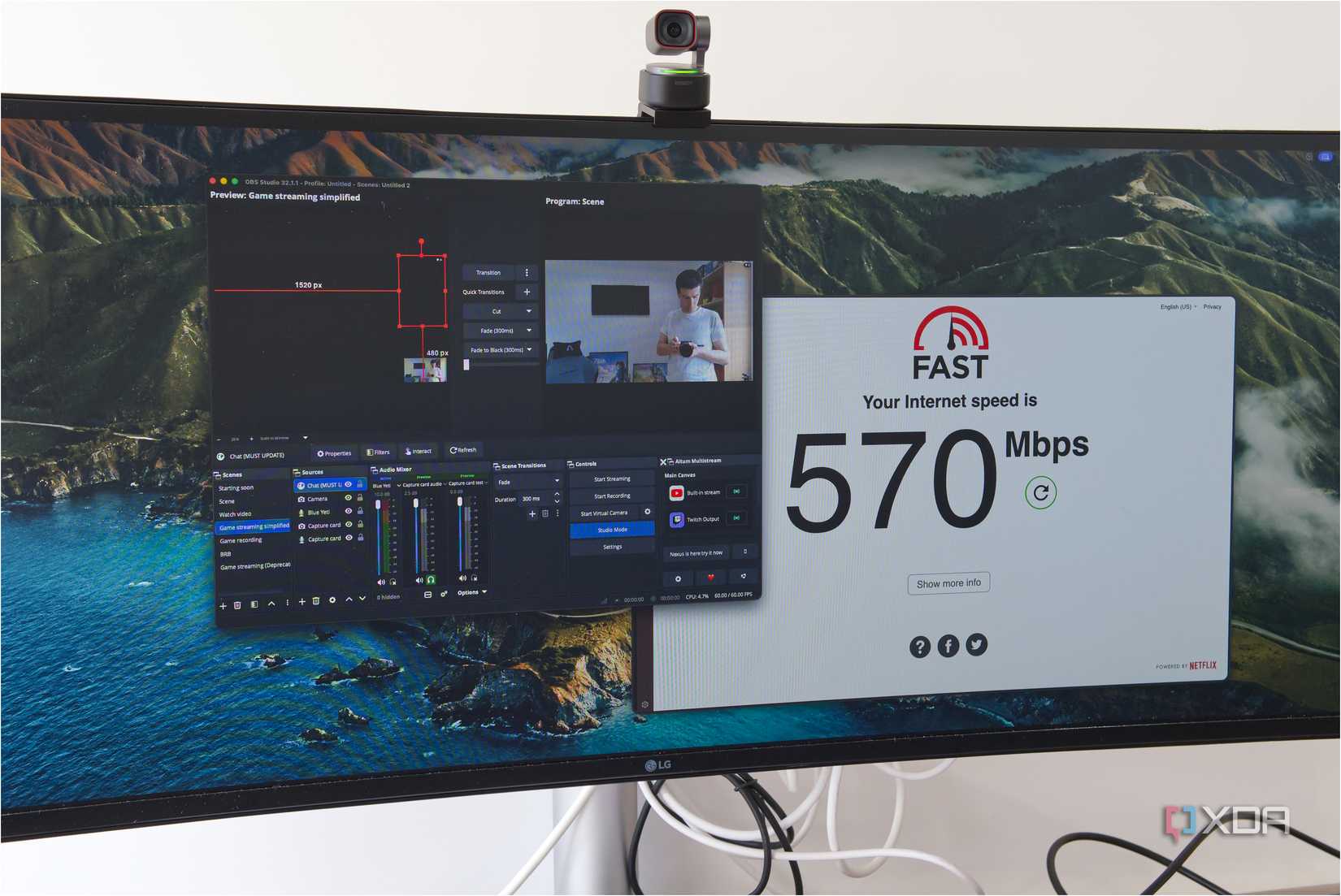
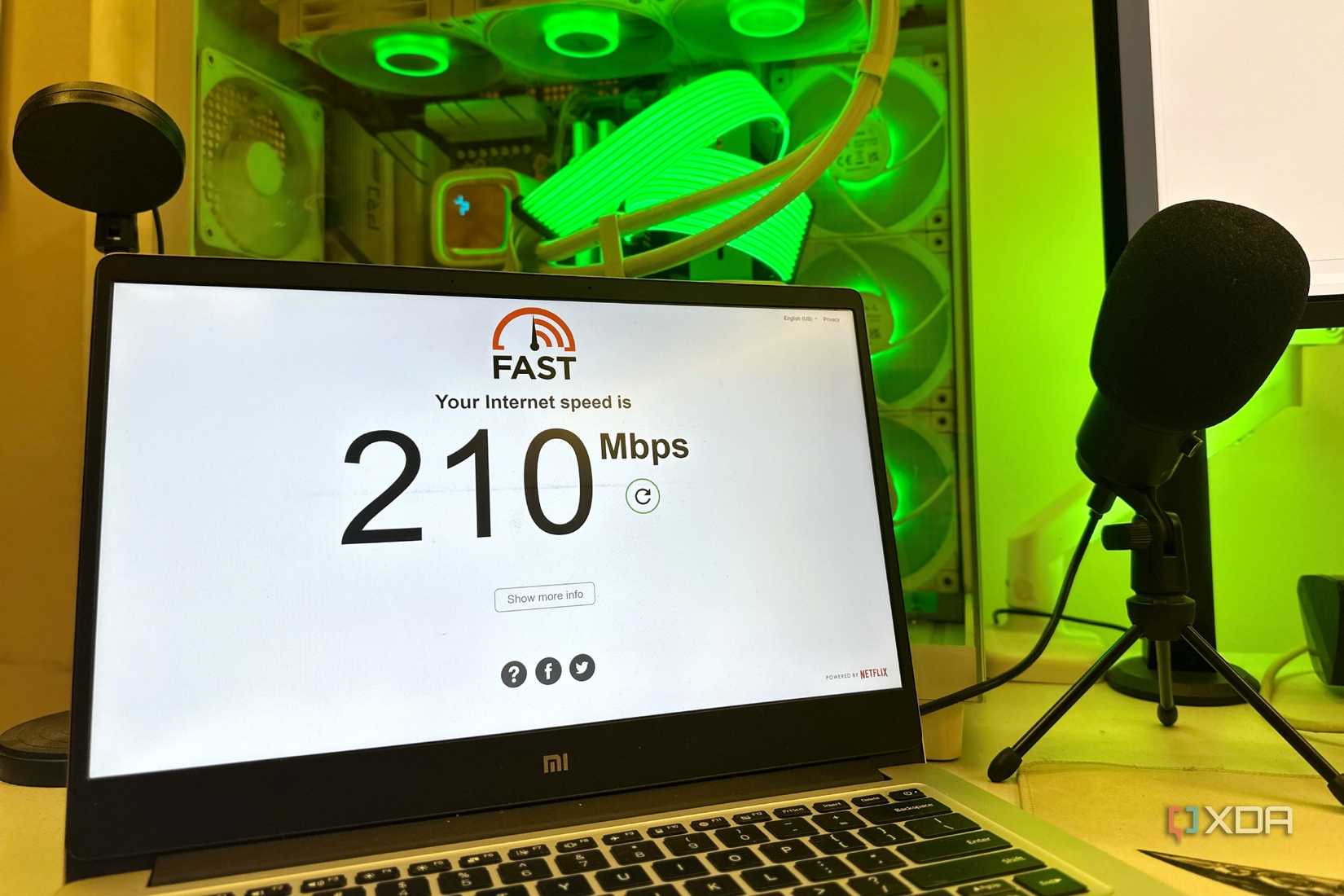
It’s easy to assume that your ISP regularly throttles your bandwidth at night, but that may not be what’s happening. To verify this, check your internet speed and general latency on Ethernet and Wi-Fi, preferably on the same device if possible. If the wired connection is drastically faster than your Wi-Fi, then your ISP is not at fault.
Ethernet is not subject to the same spectrum limitations that your Wi-Fi connection is forced to contend with. That’s exactly why people still swear by a wired connection in the age of Wi-Fi 7 — and, soon, Wi-Fi 8. It gives your devices a direct line to the router, maximizing both speed and reliability. So, if it’s doable, connect your gaming PC, console, and TV to your router with a Cat 6a cable to enjoy smooth online gaming and streaming.
However, not everything can be hardwired, which is why a poor Wi-Fi connection during half the day is still a major concern. Thankfully, there are steps you can take to improve the situation.
Your Router Might Be Using the Worst Possible Channel
Don’t trust automatic channel selection
Routers set to automatic channel selection don’t always pick the least congested option — they often just stick with whatever channel they chose at startup. In a busy apartment building or dense neighborhood, that channel may be shared by a dozen other networks. Manually selecting a less congested Wi-Fi channel using a tool like Wi-Fi Analyzer can make a noticeable difference, especially during peak evening hours when interference is at its worst.