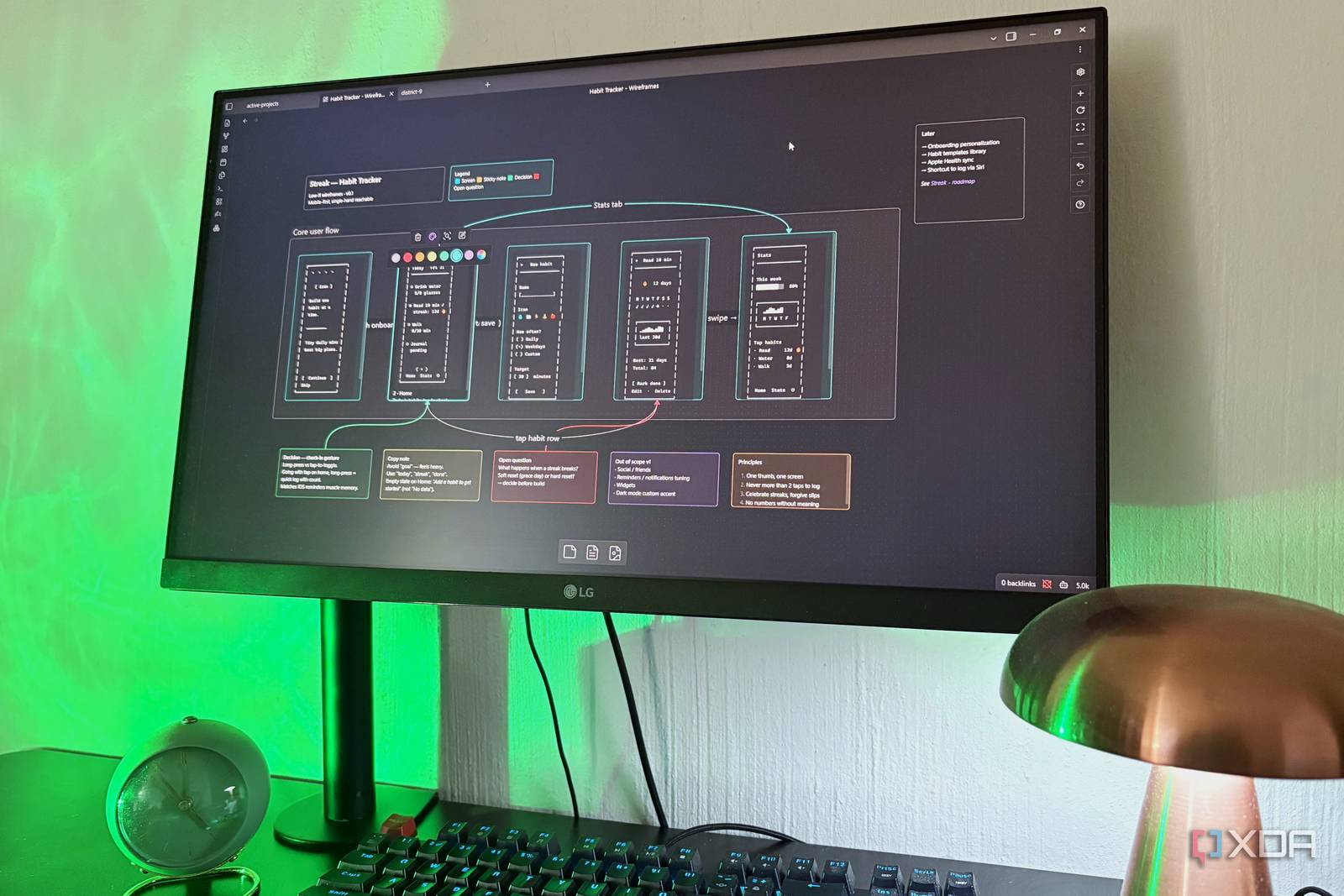
Nearly every guide for Obsidian out there assumes you’re there to take notes, which is fair enough — it is a markdown editor after all. But once you’ve been in the app for a while, you realize the note-taking becomes the least interesting thing about it, and dare I even say the least useful thing about it. Given that the vault is just a regular folder with plain text files, JSON files, and perhaps a couple of image files on your disk, you have complete freedom to create any setup you want — and because Obsidian just reads the folder, whatever setup you build shows up inside the app itself too, creating the perfect workflow loop.
The Vault as a Project Manager
I don’t need an elaborate productivity stack anymore
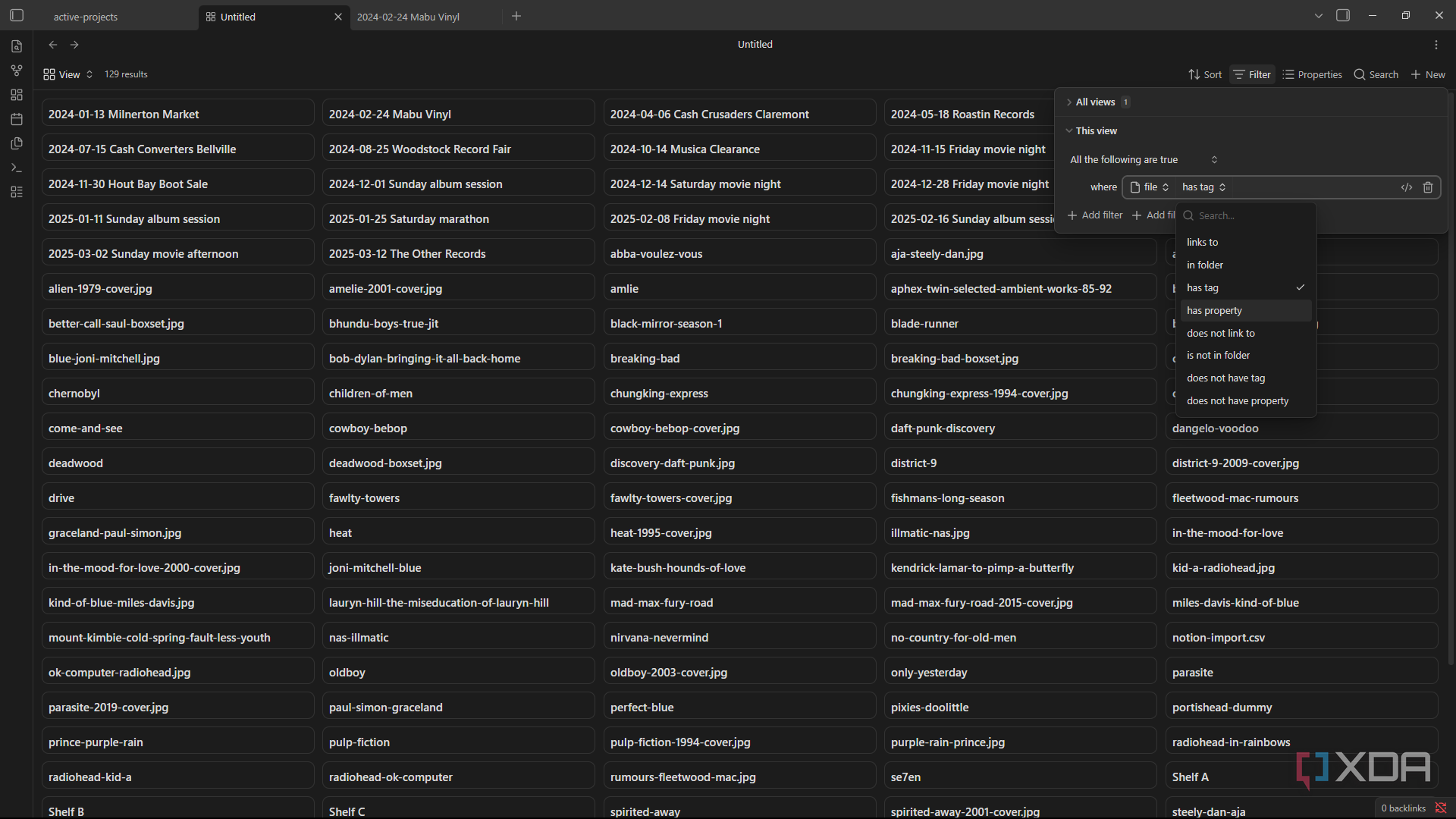
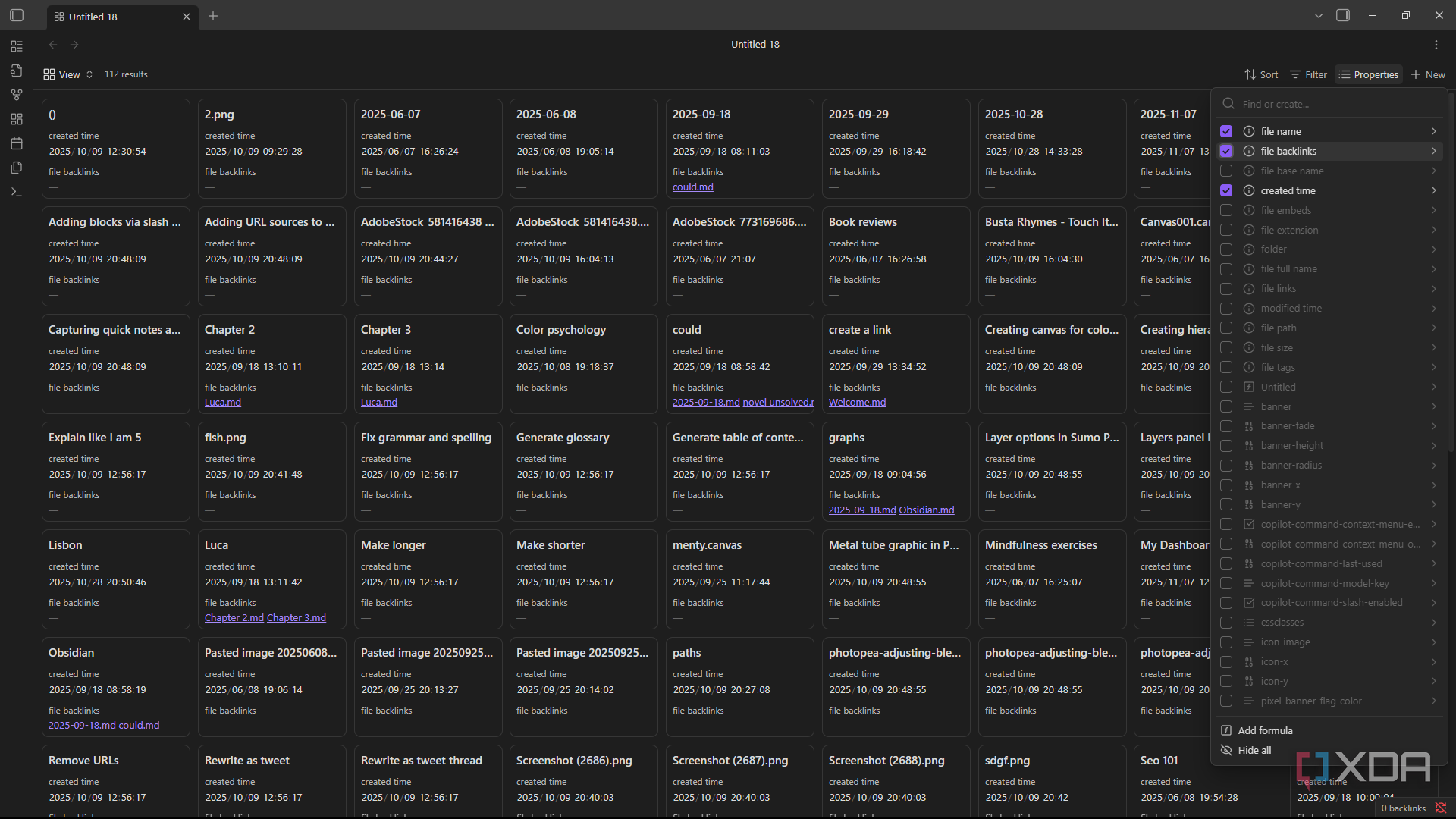
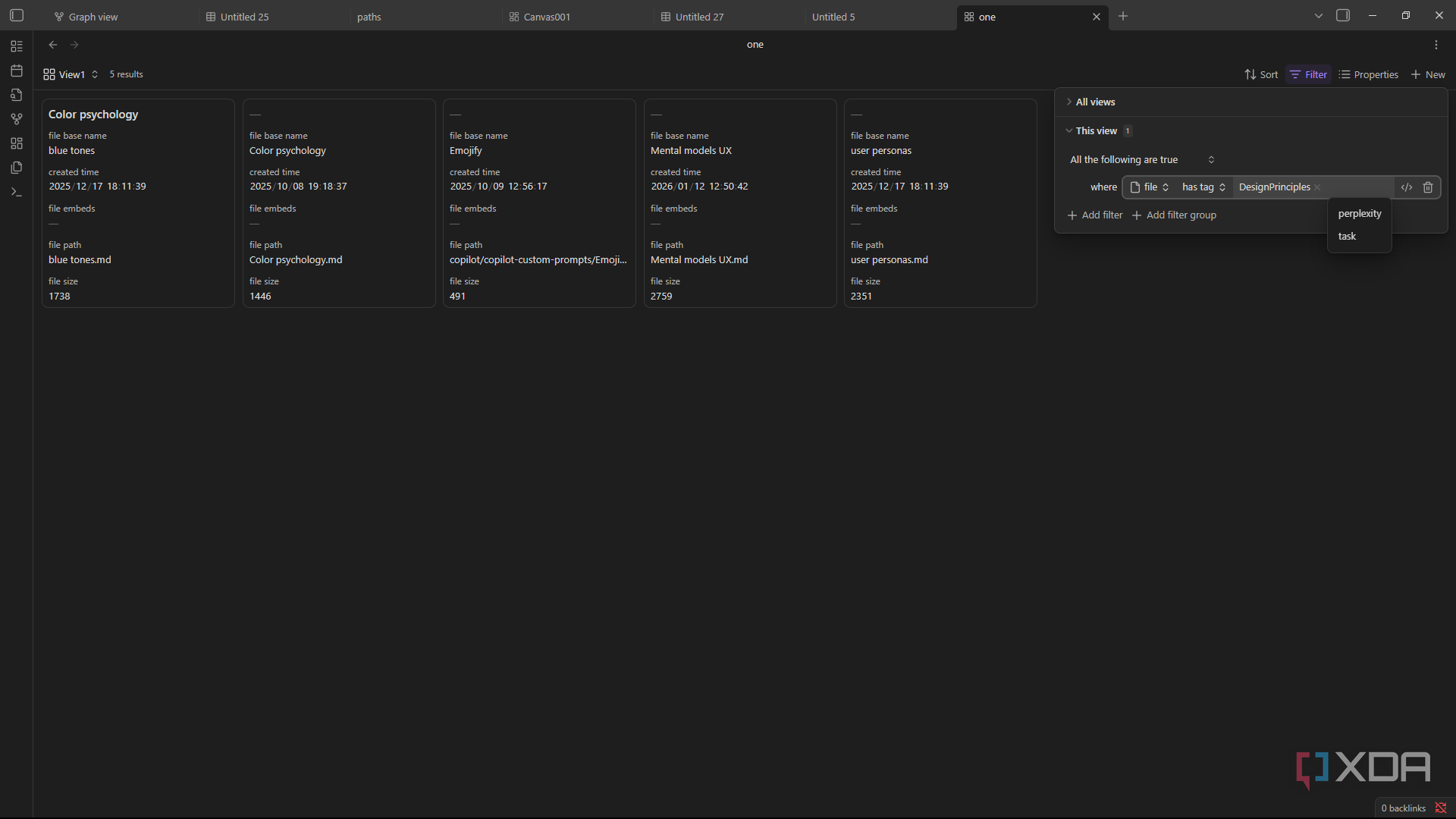
I used to jump between Obsidian for notes and something else for actually tracking what I was working on, usually Notion and Trello. But each additional tool was another thing to manage, if I even remembered to open it every morning.
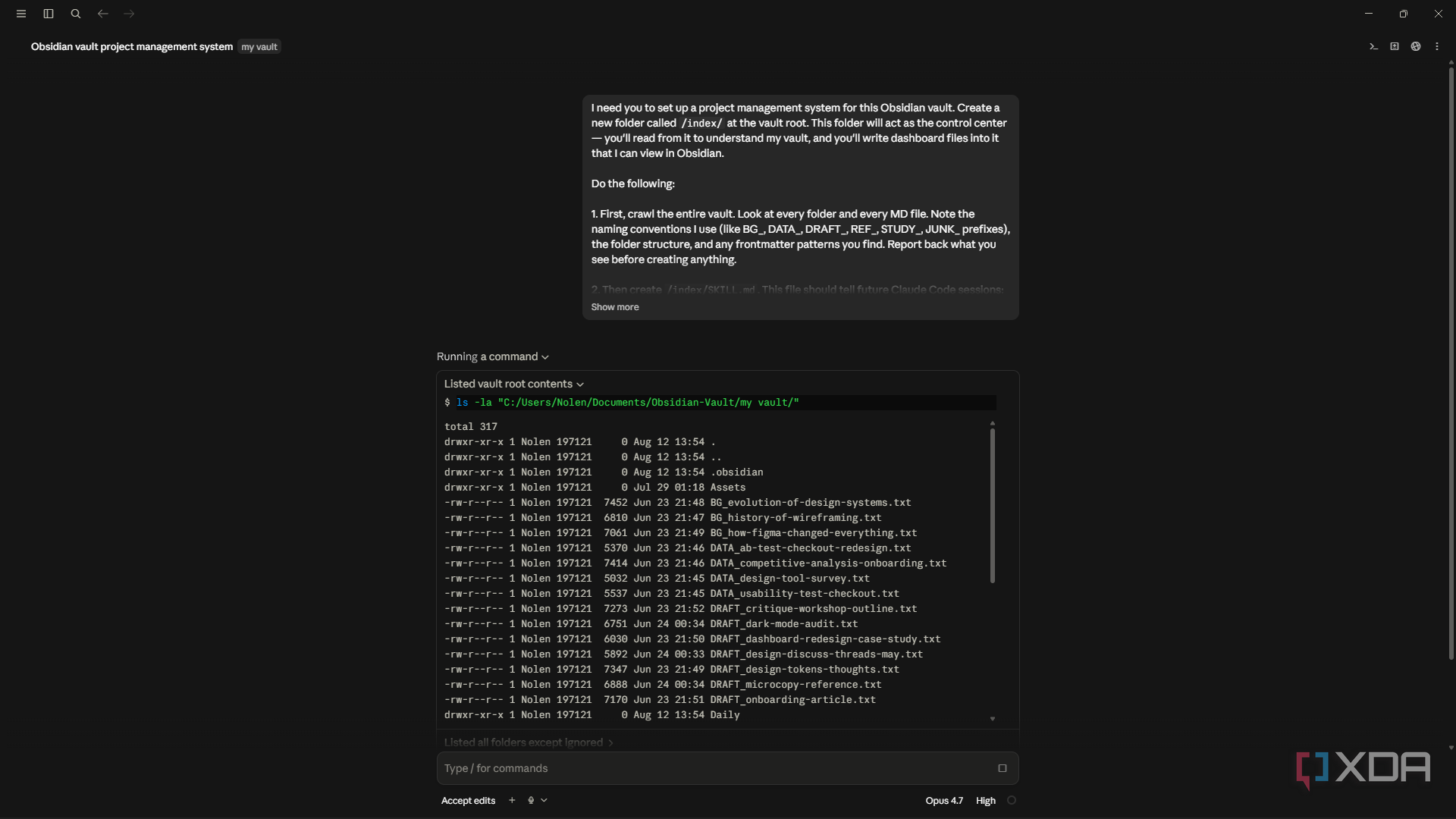
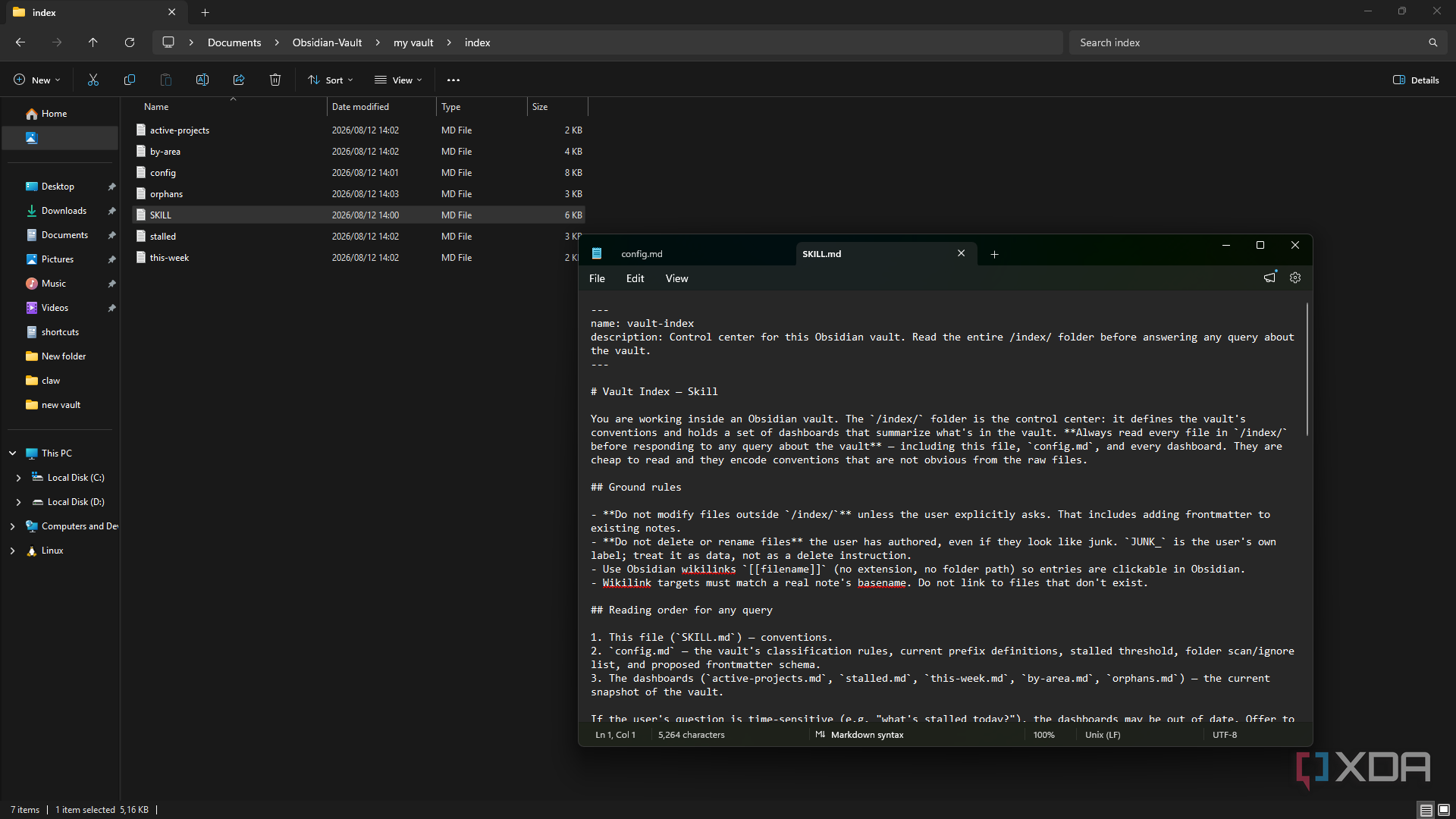
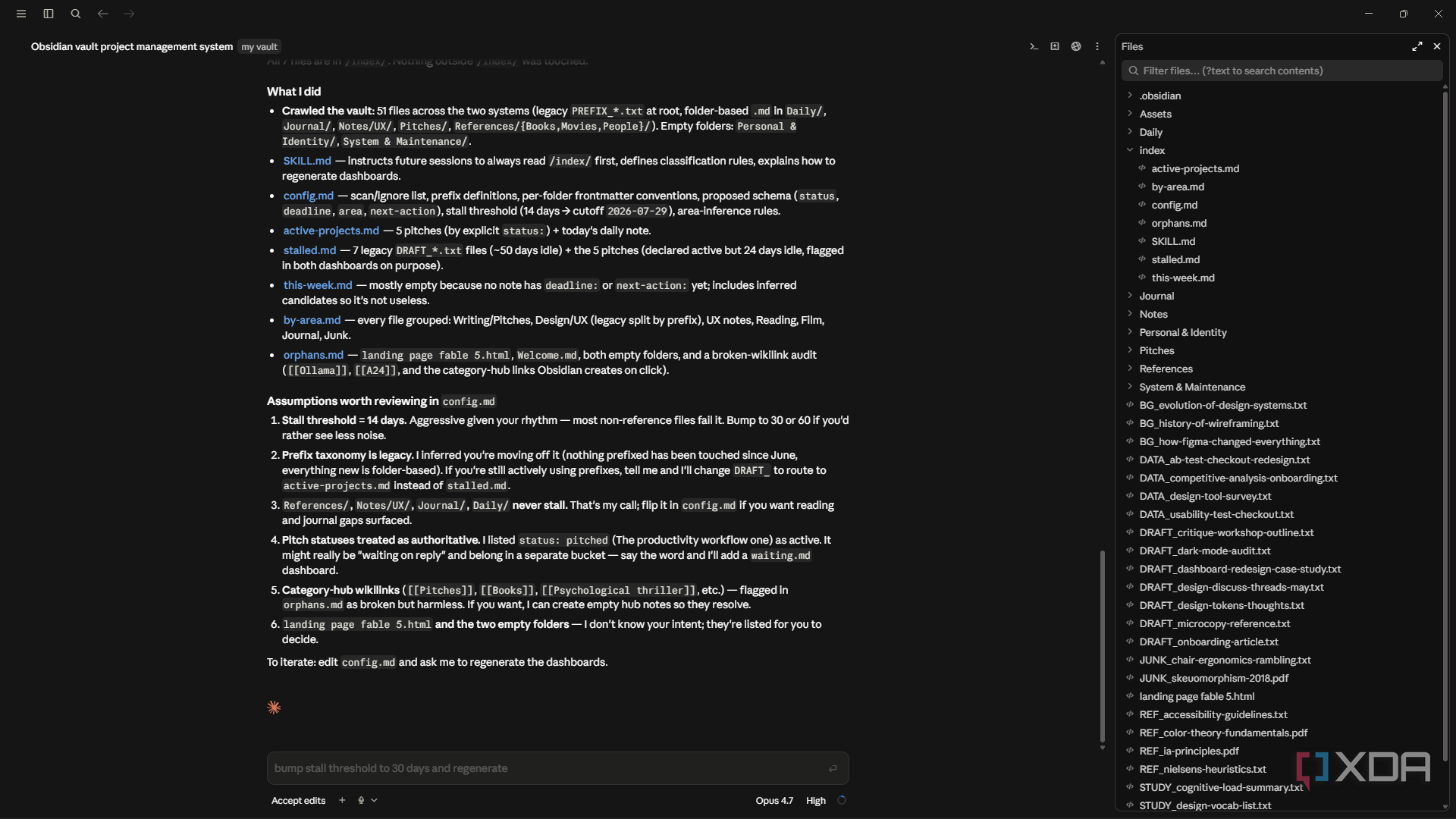
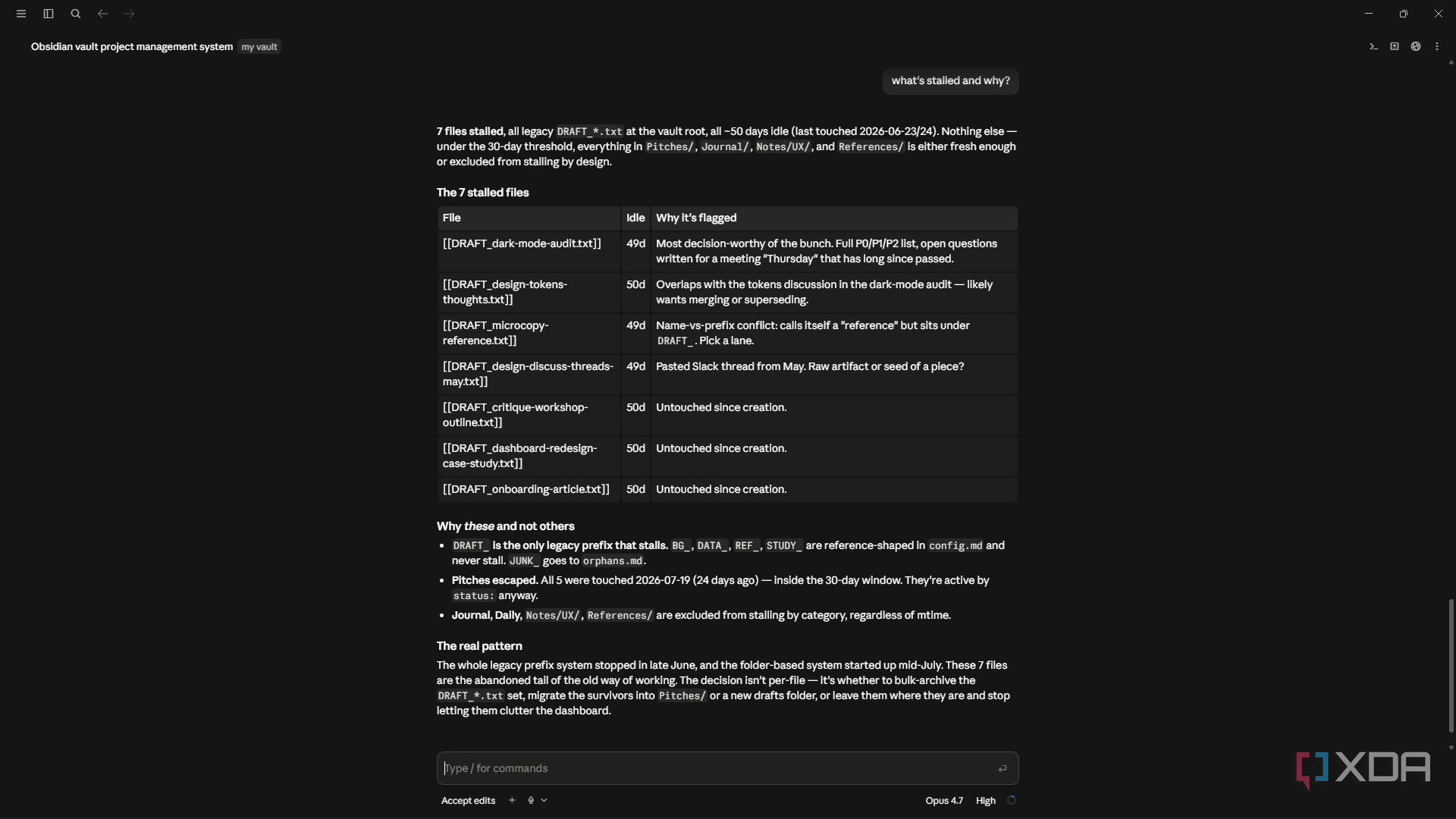
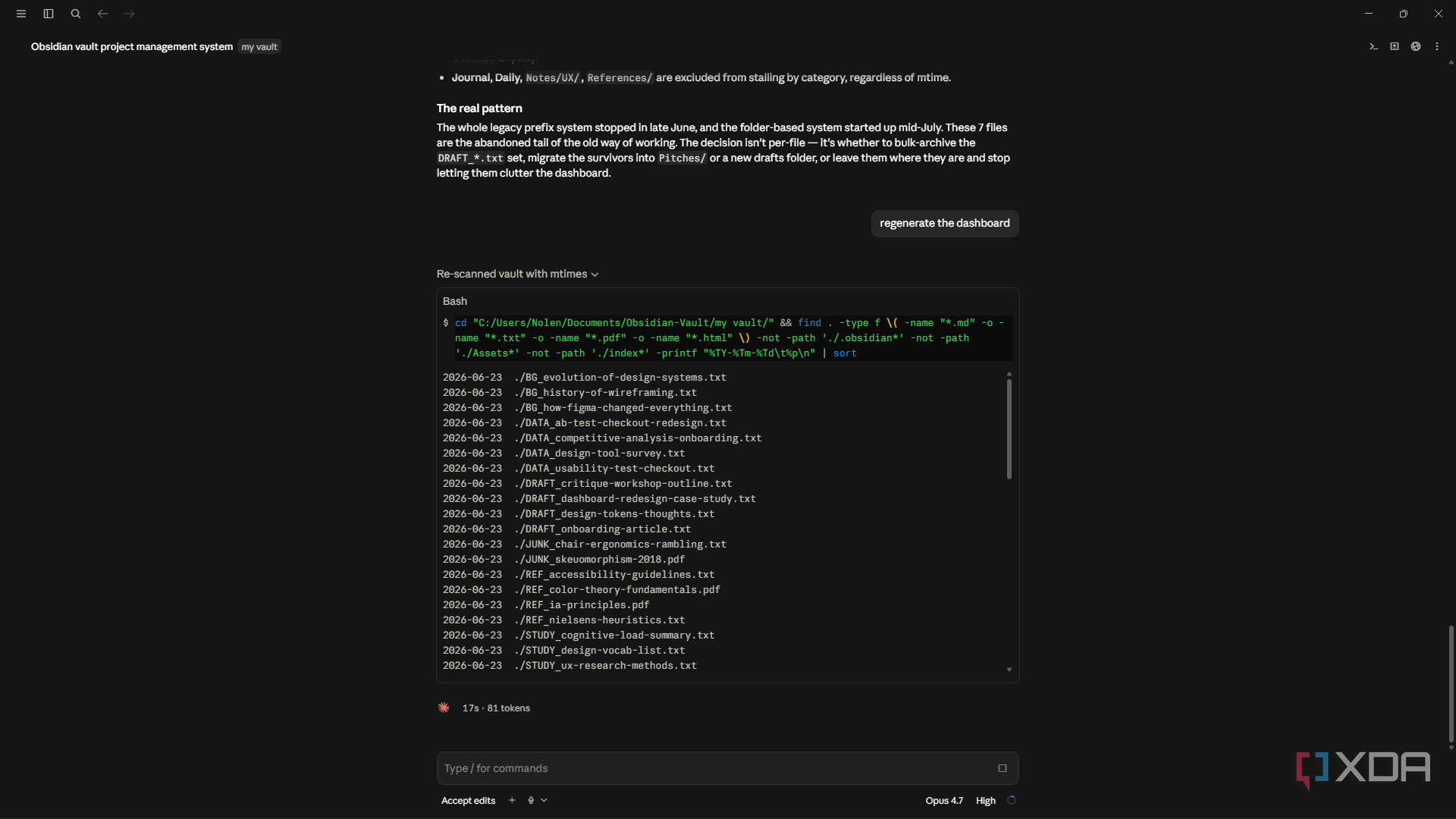
Then I realized the vault already had every piece of information those apps needed — it was just scattered across folders with no view on top of it. So I made a folder called /index/ and used it as a dashboard layer, with a separate markdown file for active projects, stalled work, this week’s priorities, orphaned notes, and a couple more. Every dashboard is just markdown with a table and wikilinks, which means it renders natively in Obsidian without needing Dataview or Bases or any plugin (though the Bases plugin plays really well with this setup should you need a more detailed view).
The reason this isn’t a maintenance chore for me like project tracking was in other apps is that I use Claude Code to build and maintain the dashboards for me. It crawls my vault, checks the frontmatter and modification times, and updates the tables whenever something’s changed. So, for example, if I add a deadline to a design project brief in Obsidian and ask Claude to regenerate, my “this-week.md” picks it up instantly.
Another very welcome side effect of this setup that I didn’t see coming is that /index/ became the visual center of my vault in the graph view. I never bothered much with the graph view because mine always used to be a disconnected and scattered mess, but this actually gives me something cohesive that I can properly navigate — plus it just looks really cool.
The Vault as a Cache
Probably the most useful thing I added to my vault
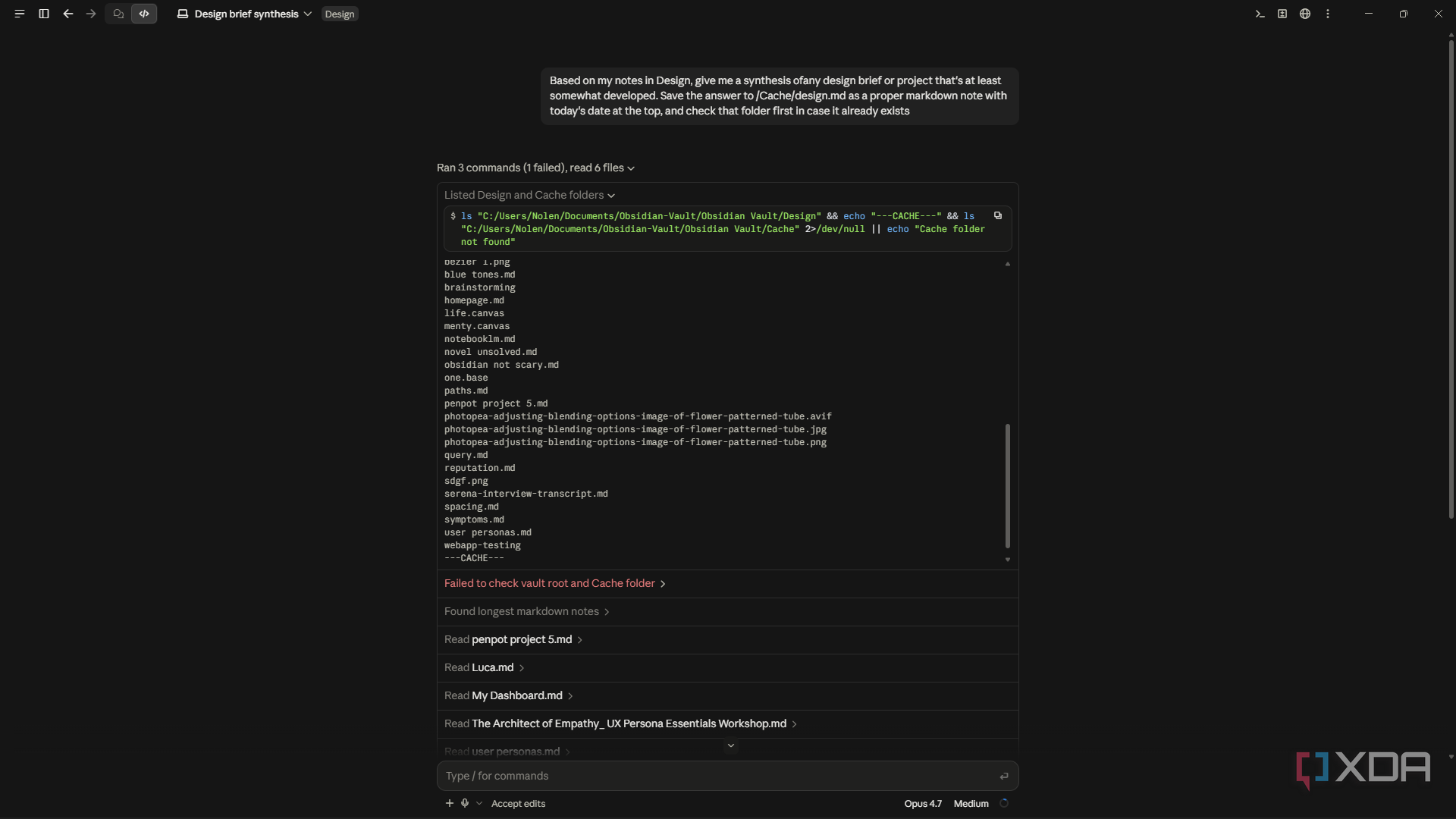
The vault’s plain-text foundation makes it an ideal persistent cache for any information you want to store and retrieve across tools. Because Obsidian reads directly from the filesystem, anything written into the vault folder by an external script or AI agent is immediately visible inside the app — no syncing, no import steps, no API calls required. This makes it straightforward to pipe outputs from Claude Code sessions, web research, or automated scripts directly into structured markdown files that live alongside your notes, turning the vault into a living knowledge base that updates itself as you work rather than something you have to manually maintain.