 Dhruv Bhutani / Android Authority
I’ve had Immich running on my home server for the past three years. It’s a self-hosting essential for me as I try to offload as much of my backups and services from the cloud as possible. It’s where I keep the photos from my SLR, where my phone backs up photos automatically, and where I can search through years of images without handing everything over to Google. For a self-hosted alternative to Google Photos, there’s little doubt that Immich is the go-to for most.
But as good as Immich is, as an enthusiast, I was bound to run into limitations. Immich is great at managing individual photo libraries, but it isn’t always great at managing a family’s photo library. If you’re trying to share a portion of your library, Immich makes it extremely hard. And you can absolutely forget about sharing certain aspects of the library, like metadata.
Switching from Immich is surprisingly easy
 Dhruv Bhutani / Android Authority
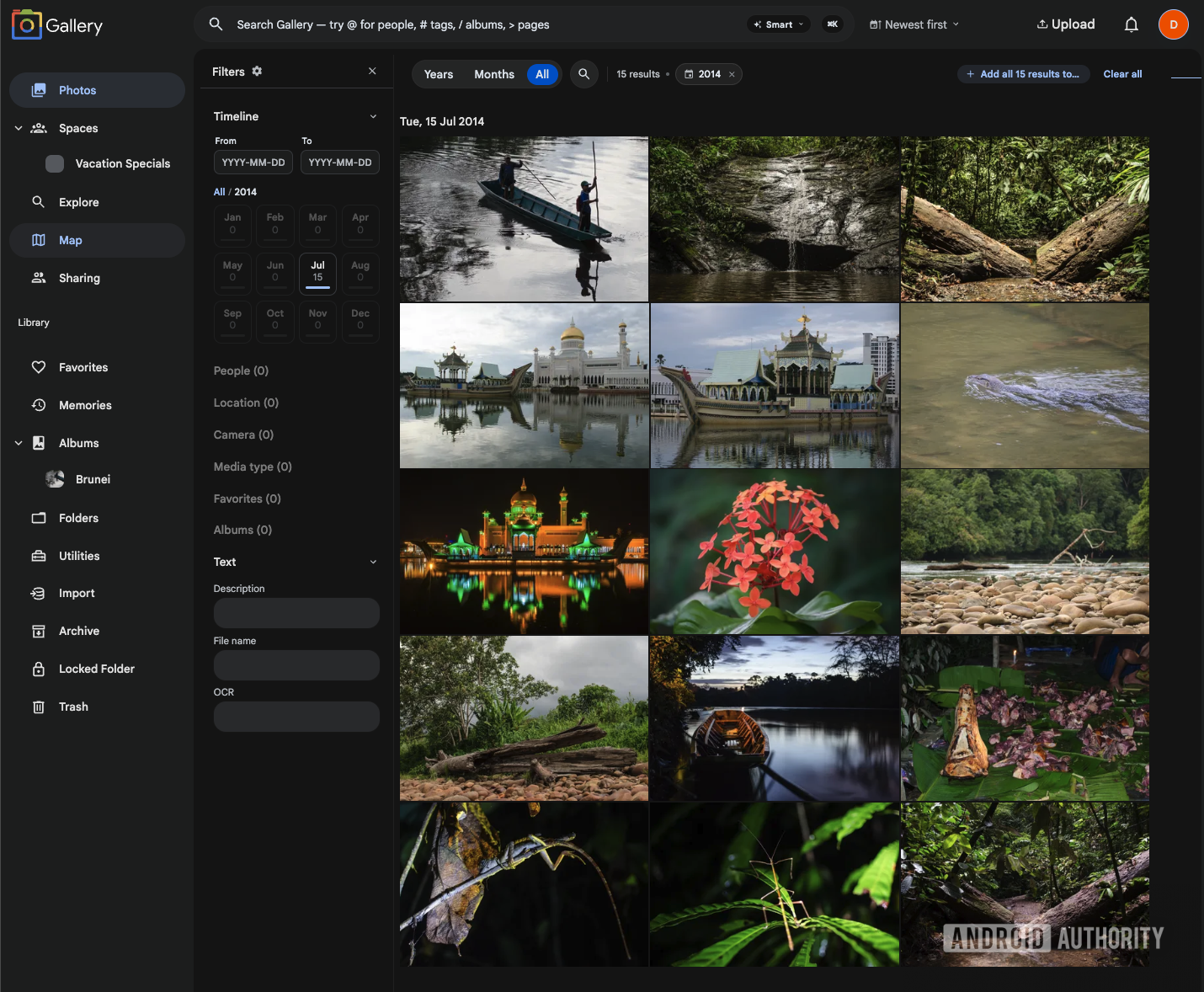
Noodle Gallery is an open-source fork built on top of Immich. It keeps the things I already like about Immich while adding a bunch of features aimed at families and people who actually share their photo libraries. I’ve been running it for the past month, and it has quickly become my preferred way to manage photos at home.
The biggest reason I was willing to try Noodle Gallery was that I didn’t have to start over. If you’ve already got Immich running, Noodle Gallery is designed as a drop-in replacement. You can change the container images in your Docker Compose file, keep the same database, and bring your existing photos, albums, and other data along with you. The project even provides a way to switch back to Immich if you change your mind.
Noodle Gallery lets you experiment without tossing out your existing Immich library.
This makes experimentation very easy, and, more importantly, quick. Since Noodle Gallery reads the image processing database created by Immich, you are basically ready to go from the get-go.
And once you log in, Noodle Gallery feels very familiar. The timeline, mobile experience, and general layout are all recognizably Immich. Even the mobile apps are effectively a fork of Immich, so you don’t have to teach your family an entirely new photo app just because you’ve changed what’s running on the server.
Shared Spaces are the killer feature
 Dhruv Bhutani / Android Authority
As the custodian of my family’s photo archive, the monumental task of sorting, segregating, and sharing family vacations with the rest of my family falls on me. This basically means that I have to manage a multi-terabyte image archive and create sets of photos of family vacations, festivals, or just shared moments with all these individuals. Immich doesn’t support anything beyond shared albums. In fact, you can’t even search shared albums, nor do you have any facial recognition sharing. Calling it basic would be an understatement.
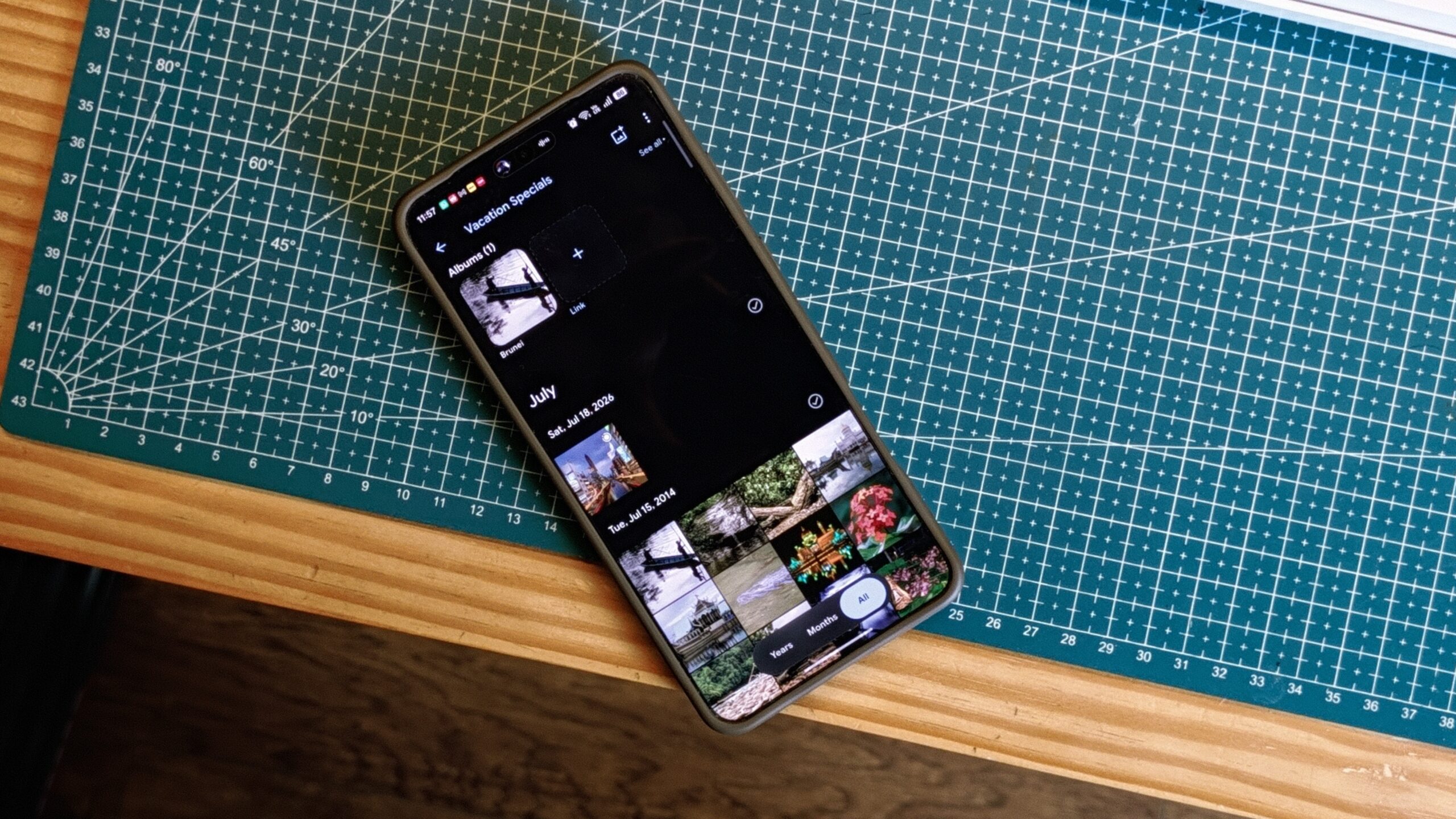
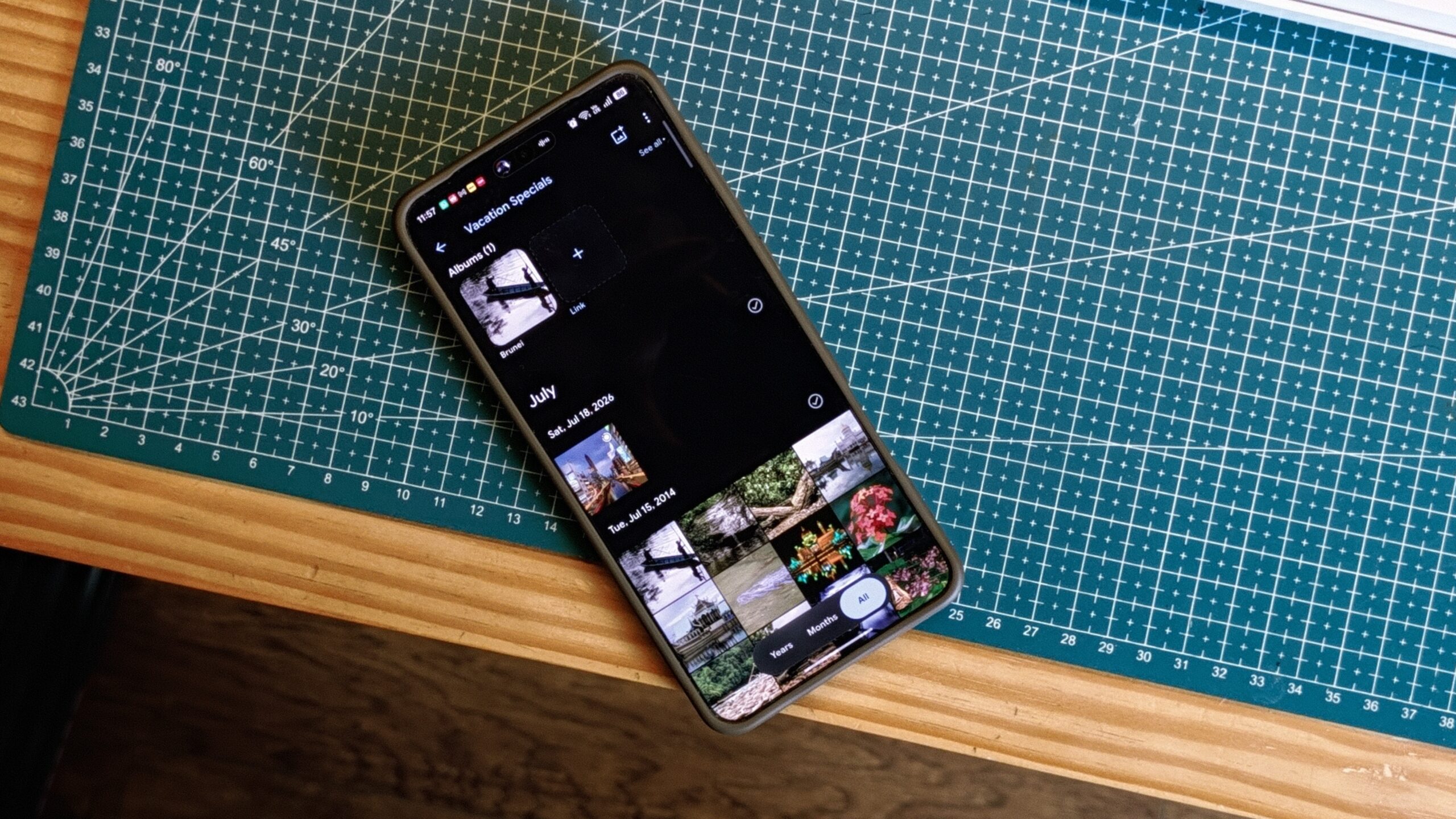
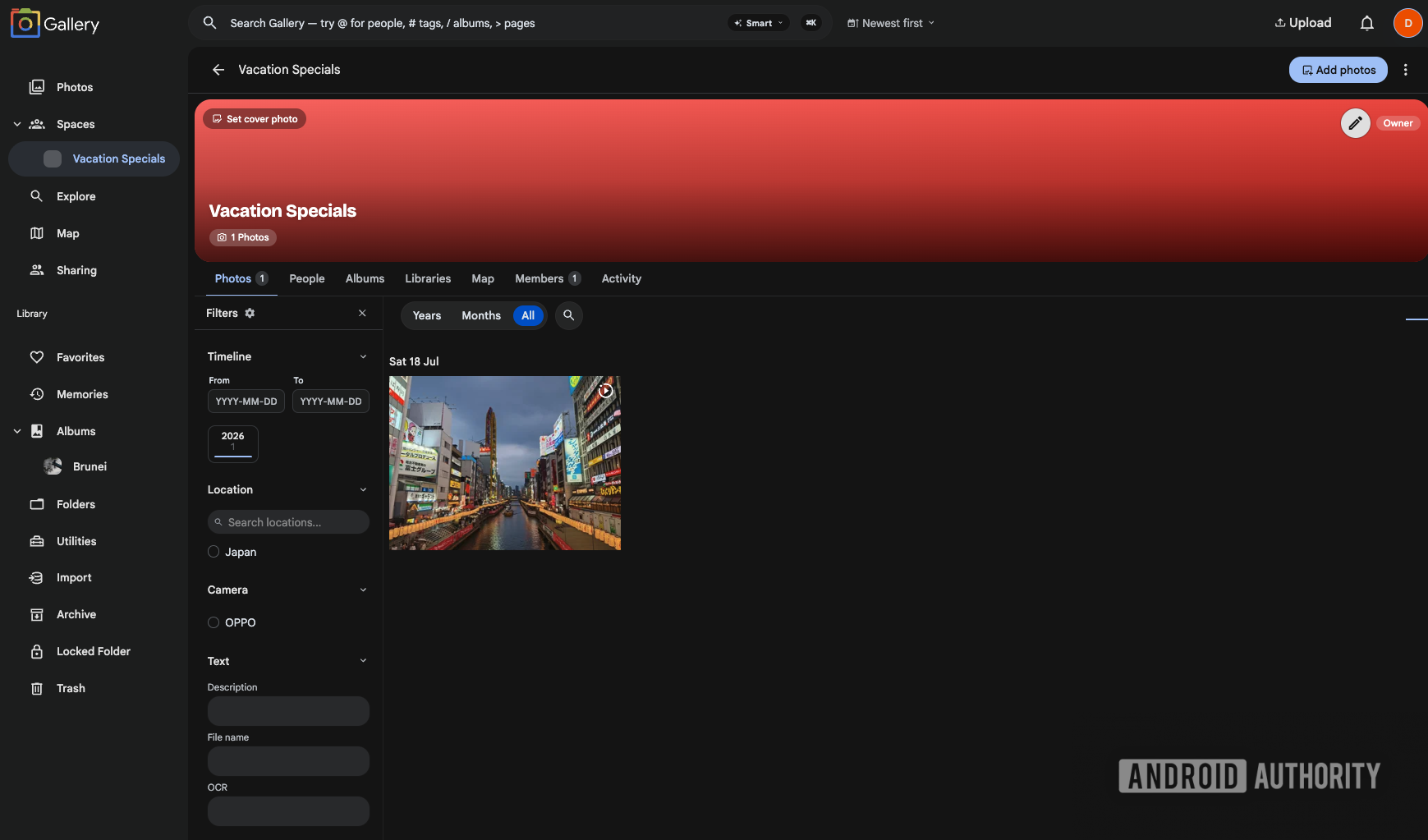
Shared Spaces is the feature that convinced me to keep Noodle Gallery around. You can create a shared timeline for a trip, wedding, birthday, or any other event. Everyone can contribute their photos while still keeping their own personal library. The result is a single timeline containing everyone’s photos, without forcing everyone to give up control of their own library.
Shared Spaces turns a family photo library from a collection of isolated albums into one shared timeline.
That sounds like a big difference compared to a shared album, but it changes how you actually use a self-hosted photo server.
Instead of constantly asking someone to send you photos, or manually adding pictures to an album so that you can then make sure those photos show up for everyone, everyone can simply contribute individual photos or full albums to the same Space. For a family server, that’s a huge improvement in efficiency as it creates a single unified timeline of events for shared occasions.
Global People makes facial recognition much more useful
 Dhruv Bhutani / Android Authority
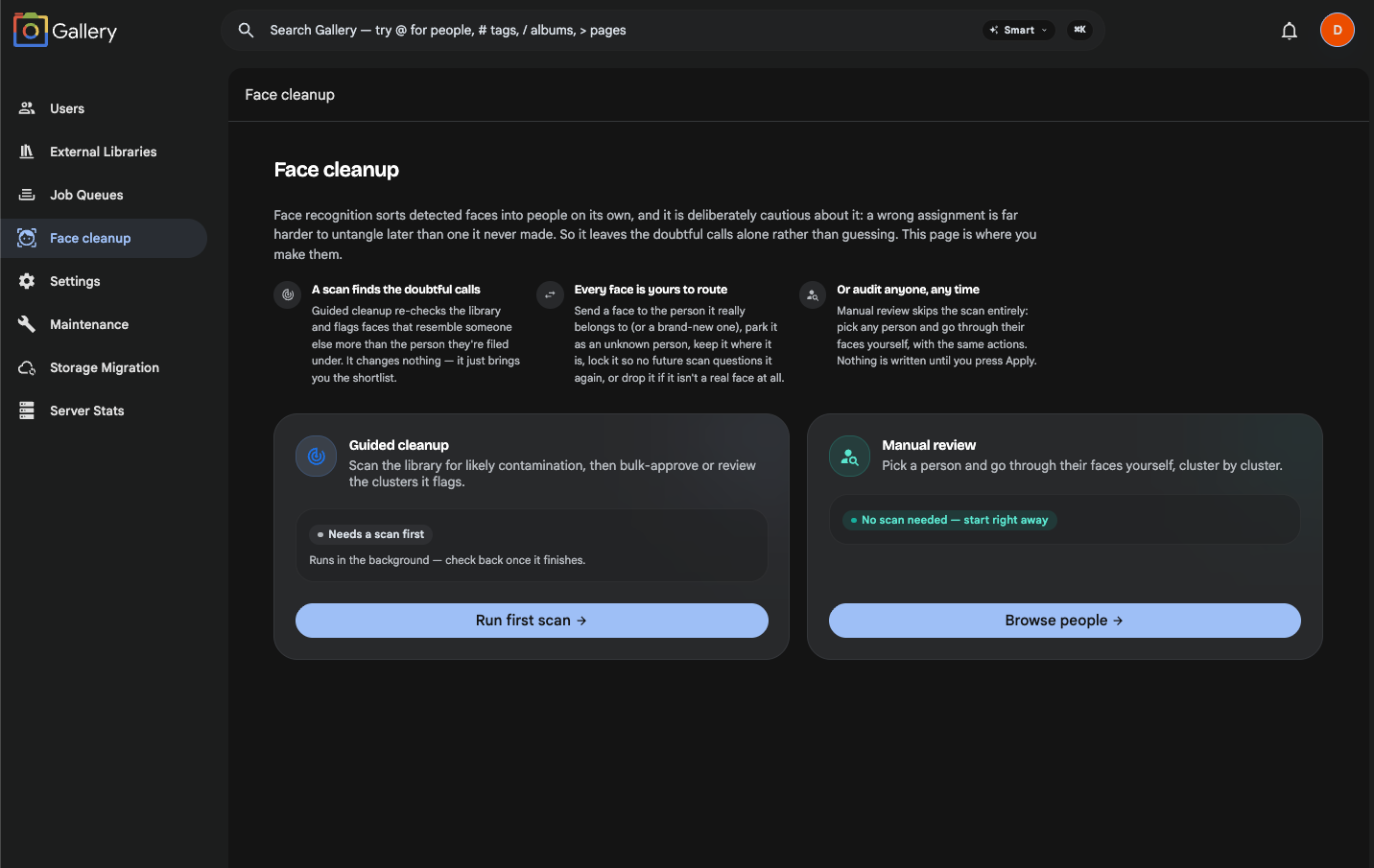
In Immich, facial recognition is siloed to each individual user’s library. If your spouse has photos of the same people, their facial recognition data doesn’t cross over to your library. Global People in Noodle Gallery changes that by allowing face recognition data to be shared across users on the same server. This means that once one user trains the system to recognize a family member, that recognition can apply across the entire server, making it far easier to search for photos of a specific person regardless of who originally uploaded them. For a family photo archive spanning multiple users and many years, that’s a genuinely useful upgrade over what Immich offers out of the box.