Dhruv Bhutani / Android Authority
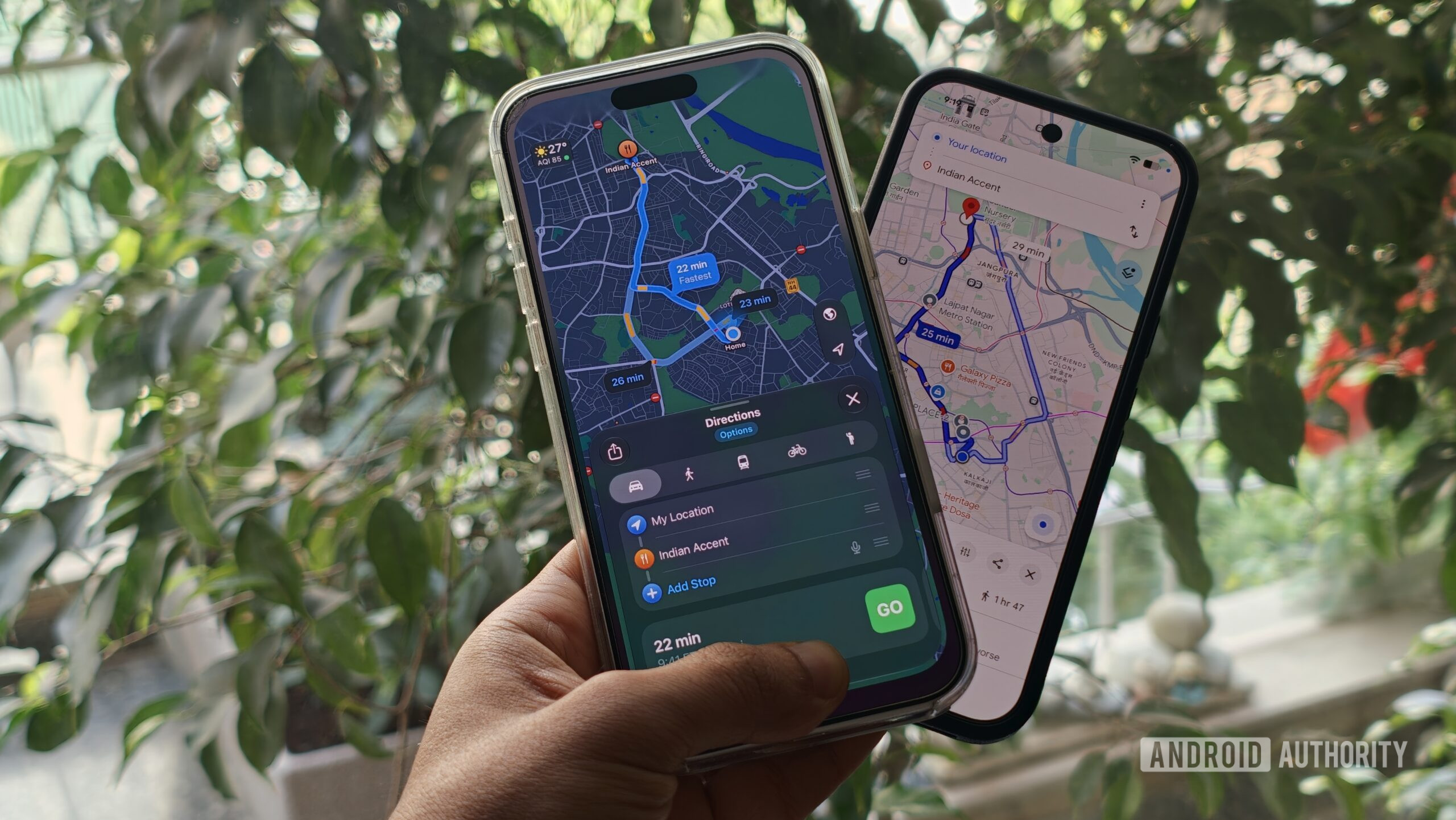
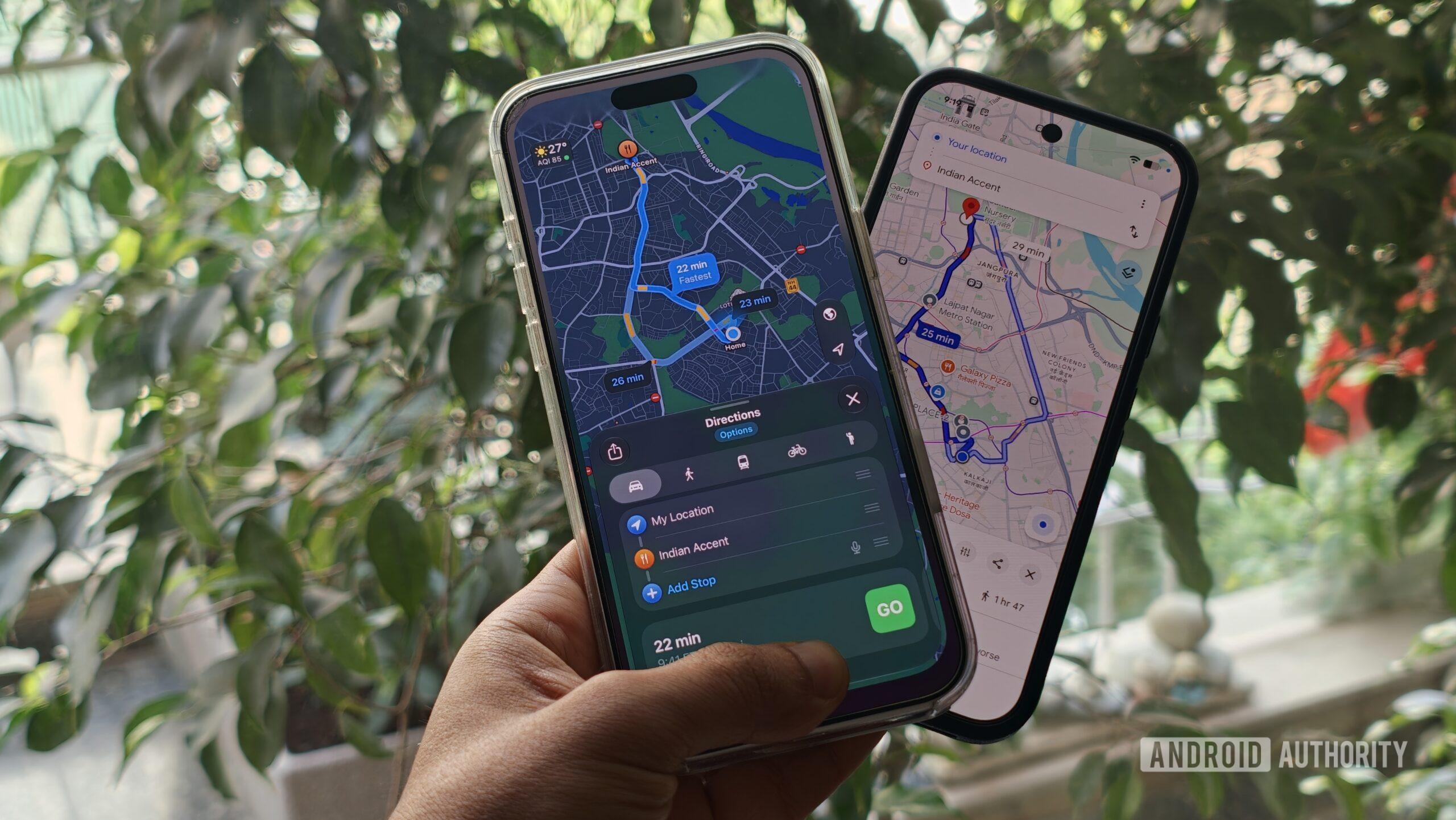
Be it a daily morning commute or a long road trip, most of us spend a surprising amount of time looking at Google Maps even without realizing it. Beyond the usual in-car navigation, it is a go-to when looking for a new coffee shop or just checking transit schedules in a new country. And yet, Apple Maps has been making a stronger case for itself lately.
Apple has spent the last decade rebuilding Maps into a surprisingly capable navigation app. It might not beat Google Maps just yet — Google still has the edge when it comes to local search and the sheer amount of information available. However, Apple has a few areas where its approach is simply better. Here are the things that stand out about Apple Maps and that Google Maps should consider copying.
A Cleaner, Less Cluttered Interface
Dhruv Bhutani / Android Authority
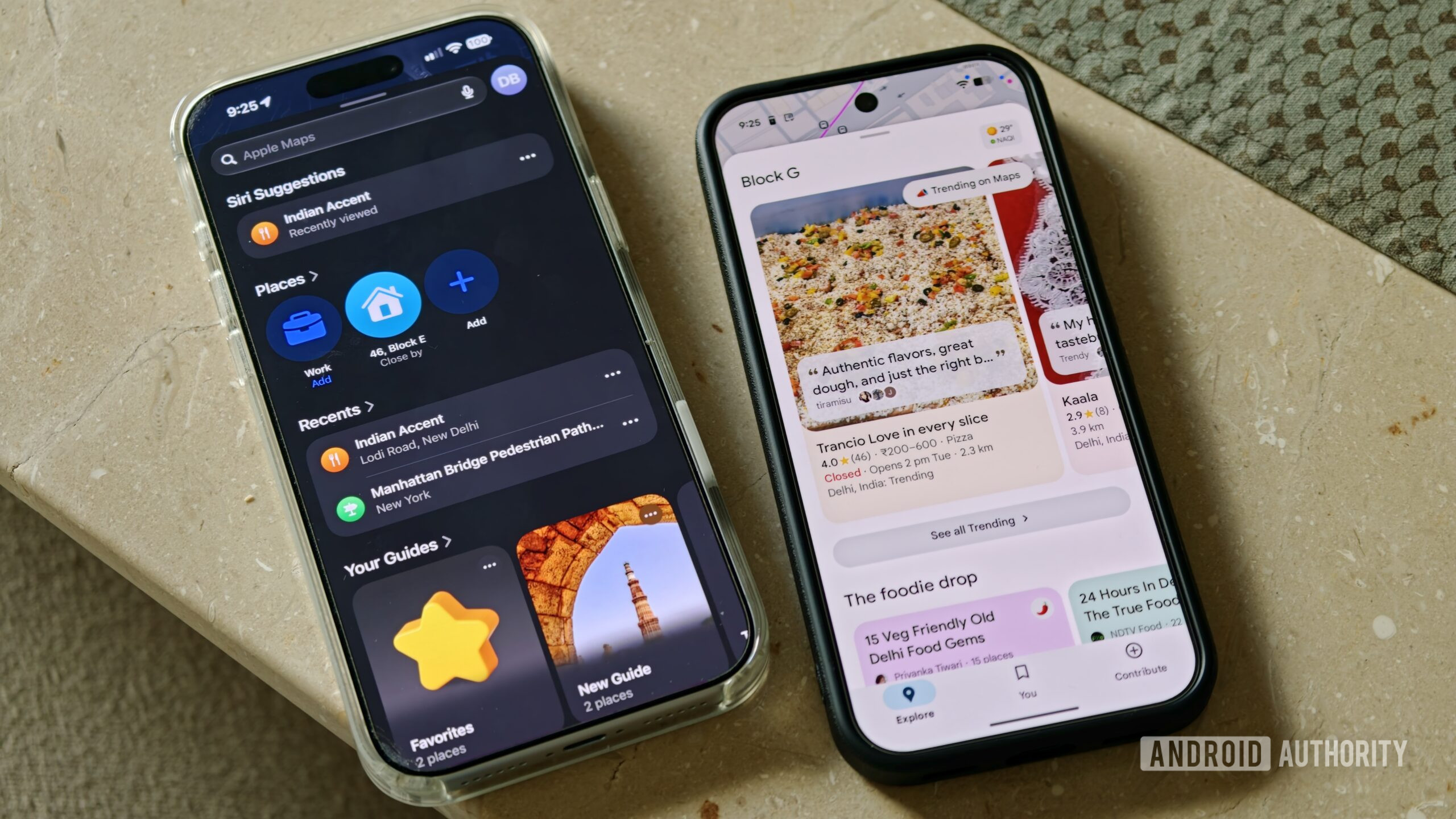
The first thing you’ll notice when you switch over to Apple Maps is just how clean it feels. Compared to Google Maps’ increasingly kitchen-sink style, Apple Maps feels like a breath of fresh air.
The map is the focus. Streets, traffic, and navigation directions are easy to see without a plethora of information nuggets fighting for attention. When driving, that’s exactly what you want.
Google Maps, meanwhile, has become increasingly tied to Google’s core advertising business. Ads can show up while you’re browsing, searching, getting directions, or navigating. Promoted businesses can also appear as sponsored pins on the map. That’s understandable for a free service — and in fact, Apple Maps has started rolling out ads in some markets as well.
But when trying to find a place to eat in an unfamiliar part of town, the last thing you want is to spend time figuring out which businesses are being promoted to the top. Apple Maps, for now, does a better job of staying out of the way.
Better Hiking and Custom Route Tools
Ryan Haines / Android Authority
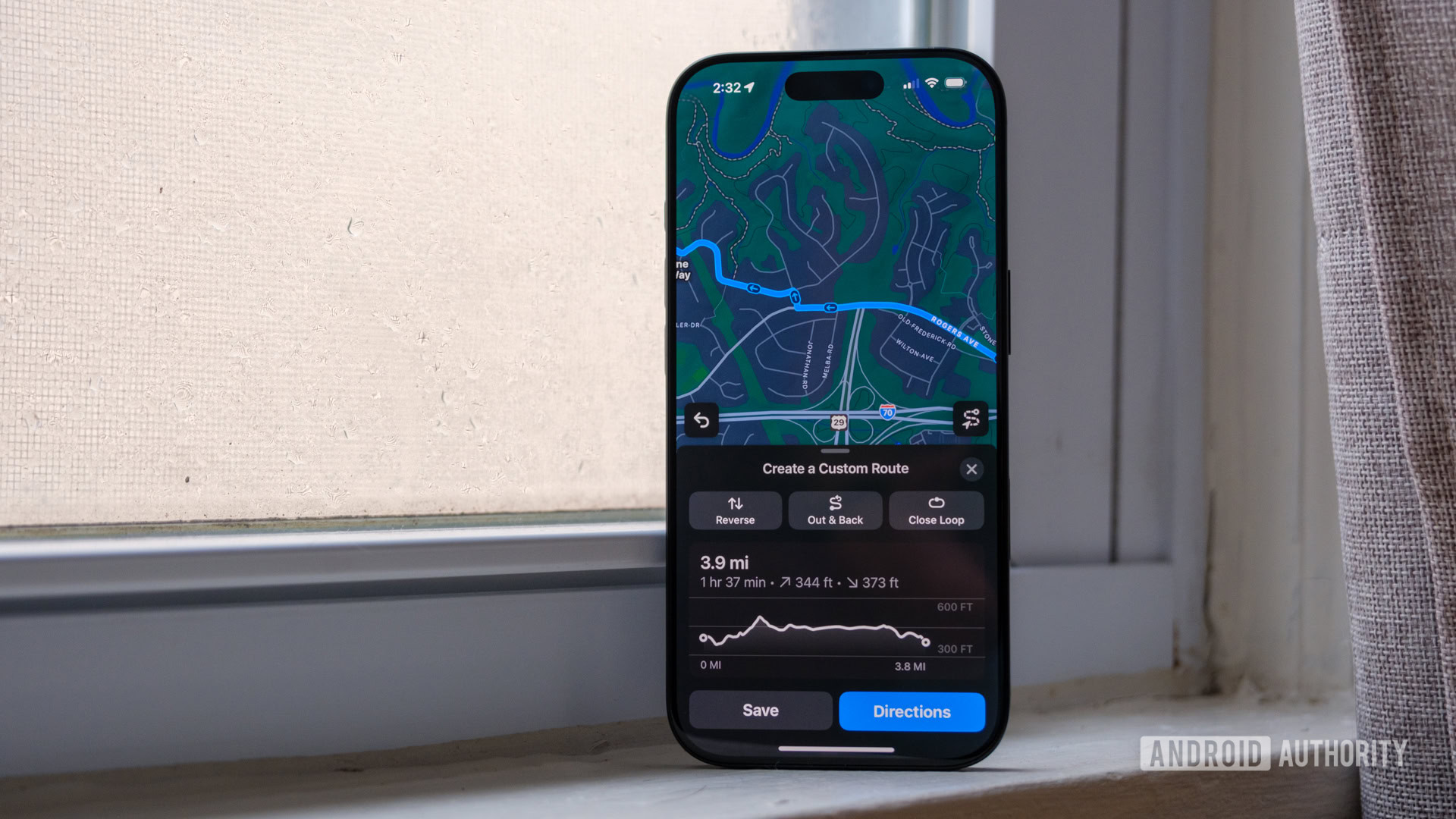
Apple Maps has also become a surprisingly capable hiking companion. Apple’s topographic maps show contour lines and trail details, while the app lets you create your own walking and hiking routes. You can drop points along a path, create a loop or an out-and-back route, and save it for later. Apple also provides elevation information and lets you access saved routes offline.
Google Maps isn’t completely lacking here. Its Terrain layer also shows contour lines and elevation information. The difference is in how these features come together. Google’s implementation is cumbersome, with elevation data that can be difficult to read and terrain lines that aren’t particularly actionable.
On Apple Maps, instead of using the map simply to find a trail, you can plan the route, see the elevation, save it, and use it without a connection. Apple also supports thousands of curated hikes in US national parks, with information about their length, elevation, and route type.
That said, there is a catch. Many of Apple’s hiking and topographic features are limited by region. This isn’t something every Apple Maps user will have access to everywhere — for example, these features are not currently available in India and are most useful when traveling internationally.
Still, when the features are available, the experience holds up well against dedicated hiking apps.
Apple Watch Navigation Is Genuinely Useful
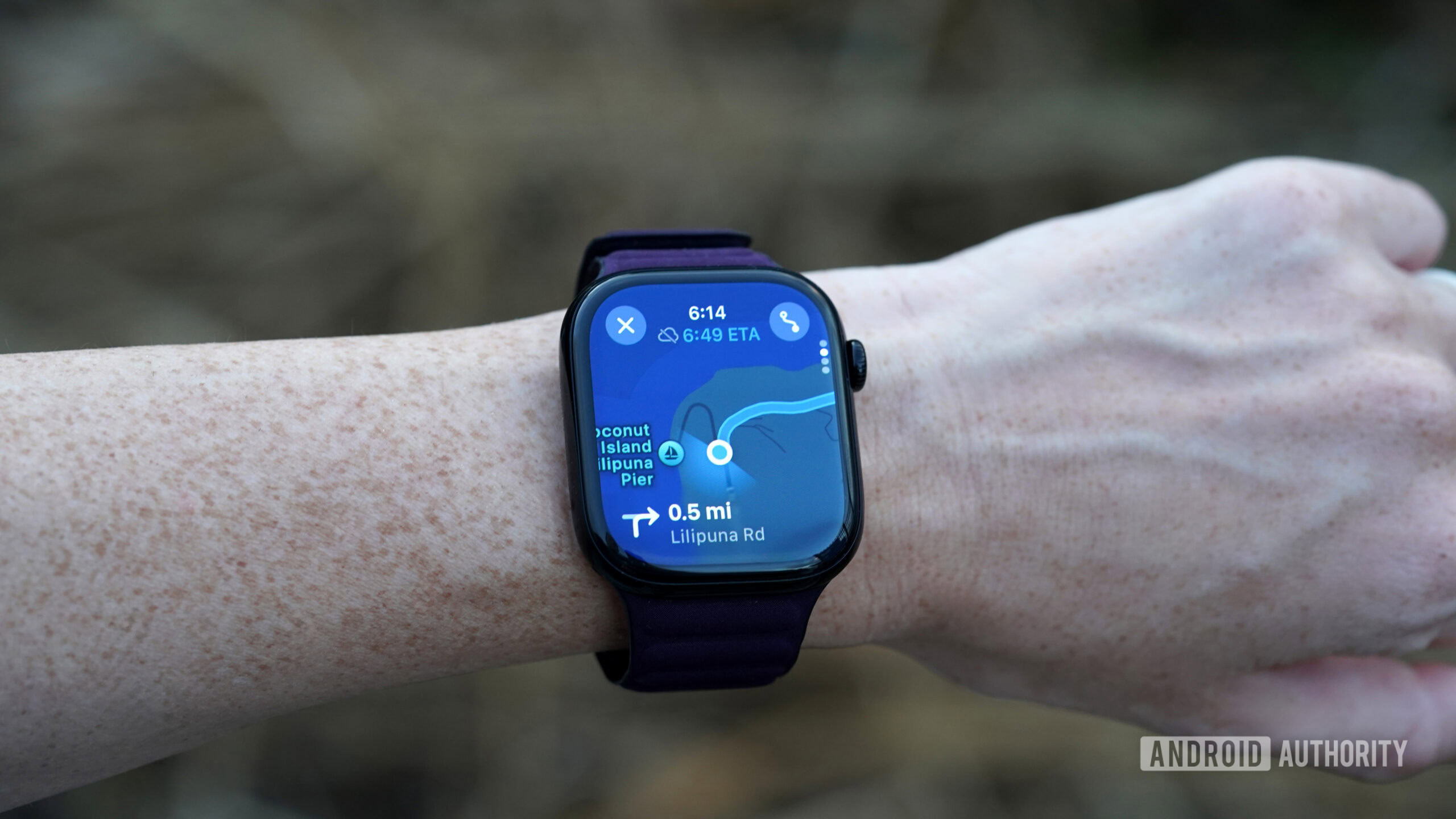
Apple Maps integrates with Apple Watch in a way that makes wrist-based navigation genuinely practical. Turn-by-turn directions appear directly on the watch face, and haptic taps let you know when to turn without having to glance at your wrist or listen for audio cues. For walking navigation in particular, this is a notably more seamless experience than what Google Maps offers on Wear OS, where the app can feel like an afterthought rather than a first-class feature.
Privacy Is Handled Differently
Apple has made privacy a central part of how Maps works. The app is designed to minimize the data it collects, with on-device processing used wherever possible. Apple doesn’t associate your search history or navigation data with your Apple ID, and the company has been transparent about this approach as a differentiator from Google.
Google Maps, by contrast, is deeply integrated with Google’s data ecosystem. Location history, search activity, and navigation patterns can all feed into the broader profile Google builds for advertising purposes — though users can limit this through account settings.
For users who care about where their location data goes, Apple Maps offers a meaningfully different posture.
The Bottom Line
Google Maps remains the more powerful app overall. Its local search is deeper, its business listings are more comprehensive, and its global coverage is hard to match. But Apple Maps has closed the gap considerably, and in specific areas — interface clarity, hiking tools, Watch integration, and privacy — it has pulled ahead. Google would do well to take notes.